


The authentication process to the AFLS web console will be executed according to the role defined by the organization to develop the different tasks of management, configuration and solution of work orders. The two instances of authentication are:
Login
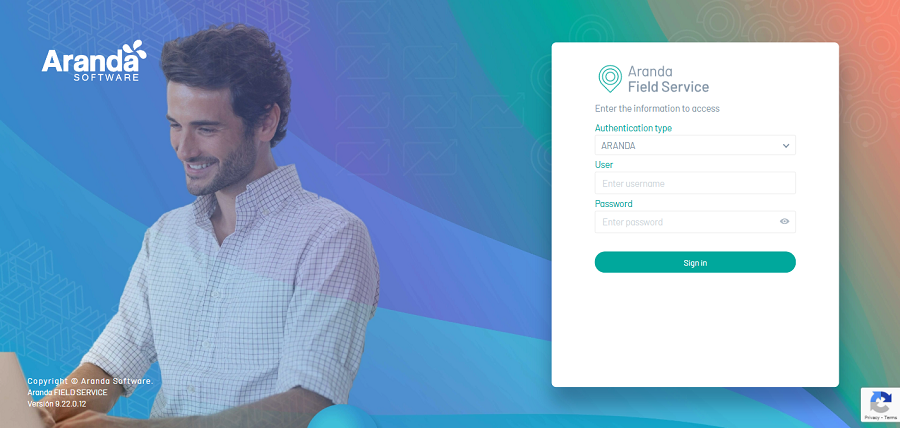
1. Enter the URL from the Aranda Field Service AFLS web console.
2. To log in to the AFLS app, enter the username and password assigned to you.
⚐ Note: For more information on the authentication process of Aranda products, access the following Aranda Common modules:
- Login
- Remember Password
- reCAPTCHA Security Configuration
- Authentication Providers
Logging Out
1. When a user is in an active session within the web console and requires to end the session and exit the application, in the console header menu, select the user icon and click log off.
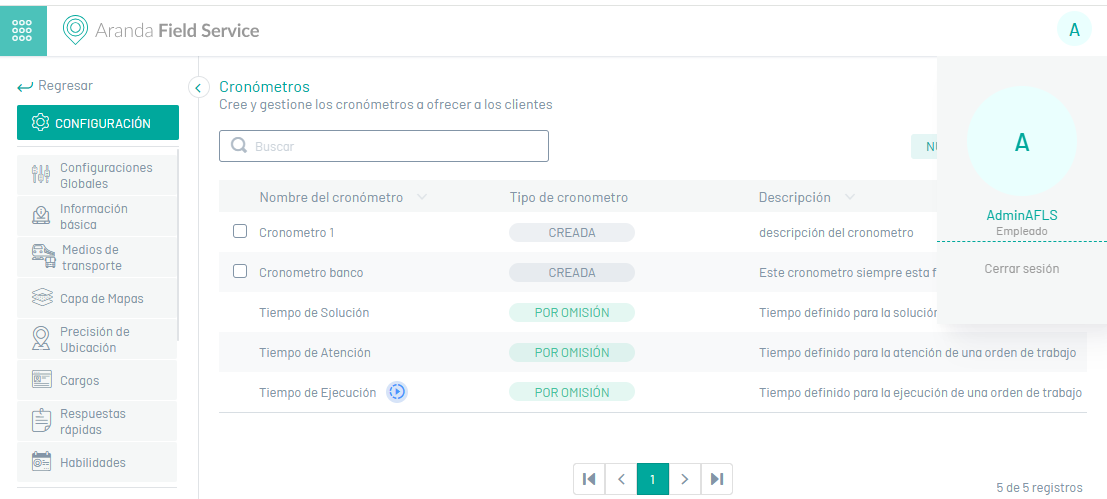
2. Once the session is closed, the user returns to the home screen and the user can enter the console again.