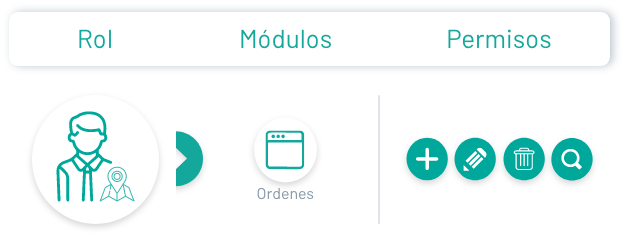
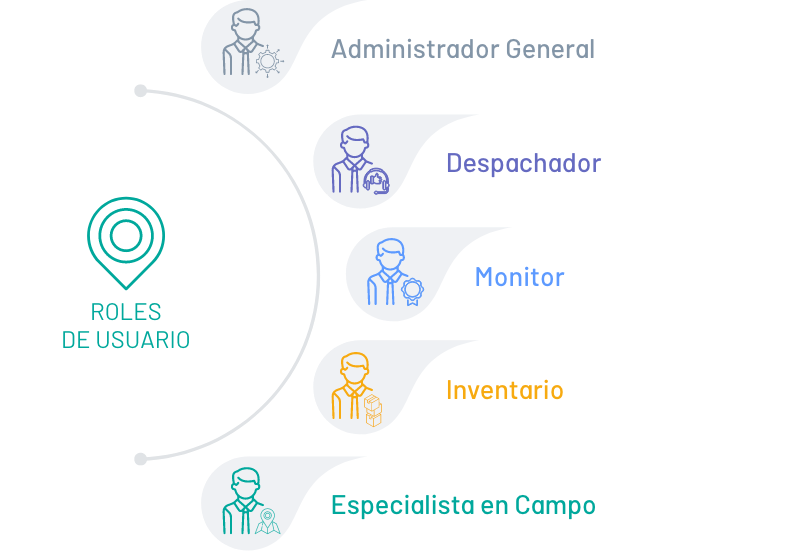
Aranda Field Service AFLS has designed specialized user roles to carry out different tasks for the management, attention and monitoring of work orders.
Administrator Role
The user with the administrator role is in charge of configuring the required components prior to the definition of a work order. It defines the users who will manage the work orders from their respective role (administrator, dispatcher or specialist), and establishes guidelines such as availability and skills of the user with the role of field specialist. It delimits the service agreements and response times that will shape the work order according to the business model and manages the supplies or spare parts necessary to fulfill a service.
In AFLS, the administrator is responsible for the following functionalities:
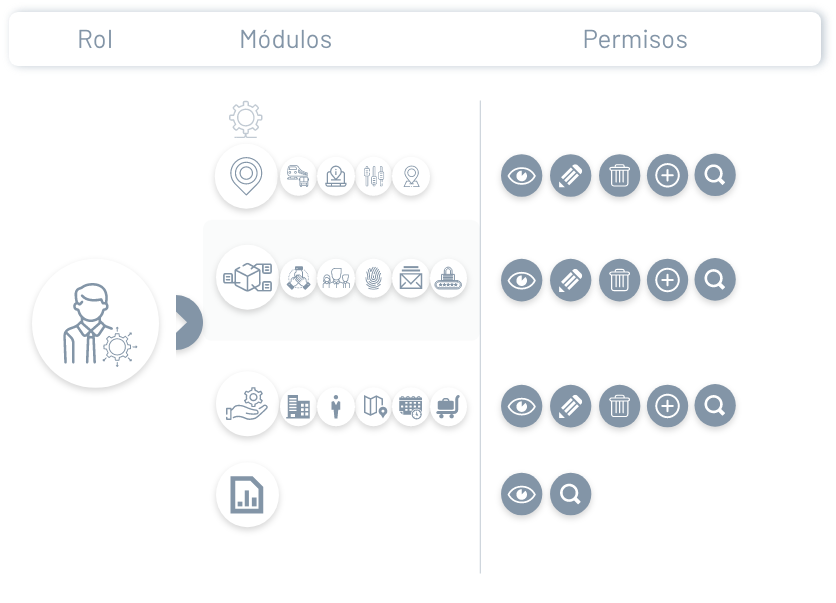
- View, create, update and delete items from the Settings section such as calendars, stopwatches, among others.
- View, create, update and delete items from the Administration section such as services, companies, customers, among others.
- Configure transversal modules in Aranda Common.
- Consult the map consumption report.
The general administrator is the role in charge of managing reports and defining configuration items. In AFLS, the general administrator is responsible for the following functionalities:
Dispatcher Role
The Aranda Field Service dispatcher is responsible for the management of a work order, from its creation, planning, scheduling and the assignment of the necessary resources (services, field specialists, order location, spare parts, times, availability) for the attention of a service in the required time and quality.
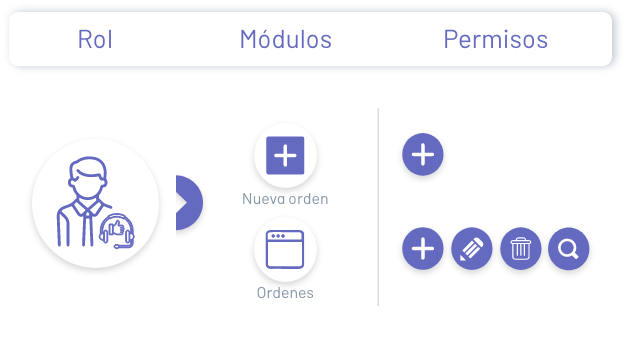
In AFLS, the dispatcher is responsible for the following functionalities:
- Create, filter, query, update, and assign work orders.
Monitor Role
The user with the role of monitor is in charge of the supervision, global control and evolution of the operation of the service, through the reading and monitoring of the information reported by the system, such as the location of the assigned specialist in real time, the detail of the work order, the status of execution of the work orders assigned by specialist, the proposed routes and the trips made by the field specialist for the service attention.
The monitor in AFLS has the power to reassign work orders due to the unforeseen absence of the responsible specialist and to evaluate a response action in the event of a connection problem of the specialist in charge.
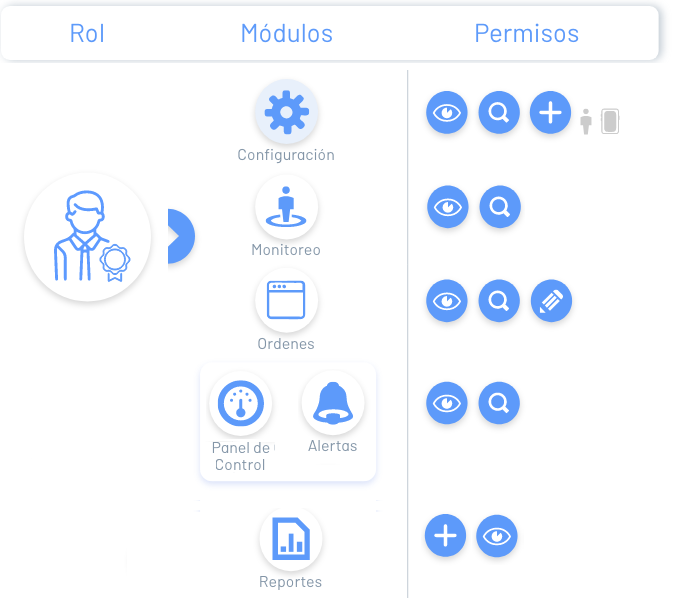
In AFLS, the monitor is responsible for the following functionalities:
- Create and view mobile users and groups in the Settings section.
- Filter, consult and have an overview of the service provision and the progress in the attention of the order by specialists or customers, from the Monitoring section.
- Filter, query, and reassign work orders that have been as such from the workflow.
- View the weekly behavior of specialists and the services provided from the dashboard.
- Filter and view vendor and general alerts used in work order management.
- Generate order, inventory, general and administration reports.
Inventory Manager Role
The user with the role of inventory manager is in charge of carrying out all the movements of physical and technological resources associated with a work order for the attention and solution of a field service. These movements include purchases of items, delivery of material to specialists, returns of material and departure of material from the company.
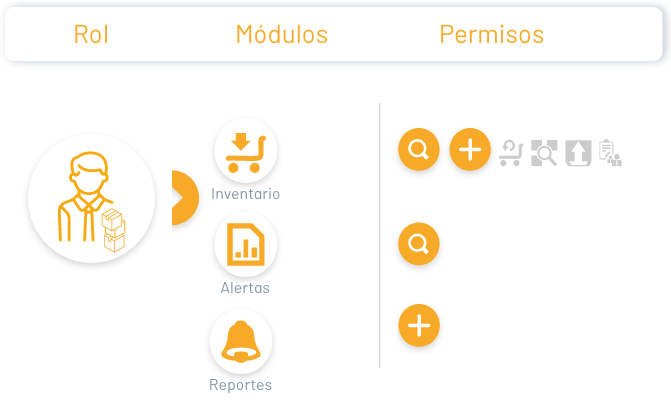
In AFLS, the Inventory Manager is responsible for the following functionalities:
- Filter, consult, manage movements (inflows and outflows), allocation and return of inventories.
- Filter and view vendor and general alerts used in work order management.
- Generate order, inventory, general and administration reports.
Field Specialist Role
As the person responsible for the attention of a service, the field specialist will be able to view and manage the assigned work orders, know the detail of the order to be executed, identify the location of the service, consult the assigned spare parts that can be used and update the order statuses in real time, in a simple way from their mobile device.
Additionally, you will be able to receive the signature of acceptance from the customer and define exactly the quantity of material and the serial numbers of each inventory item.
In AFLS, the Field Specialist is responsible for the following functionalities:
- Create and query work orders.
- Update and create customers.
- Check assigned inventory.
- Manage and synchronize map layers.
- Verify and synchronize system information and work orders.