Visualize Environment
1. After logging in, log in to the product’s web console with the role set (admin, specialist, users).
2. In the main menu of the Aranda product, from the CONFIGURATION/ADMINISTRATION/GENERAL CONFIGURATION, select a respective module (Global Configurations, Map Layer, Skills, Service, Companies, Zones, Suppliers, among others) and doing so enables the information view with the related data.
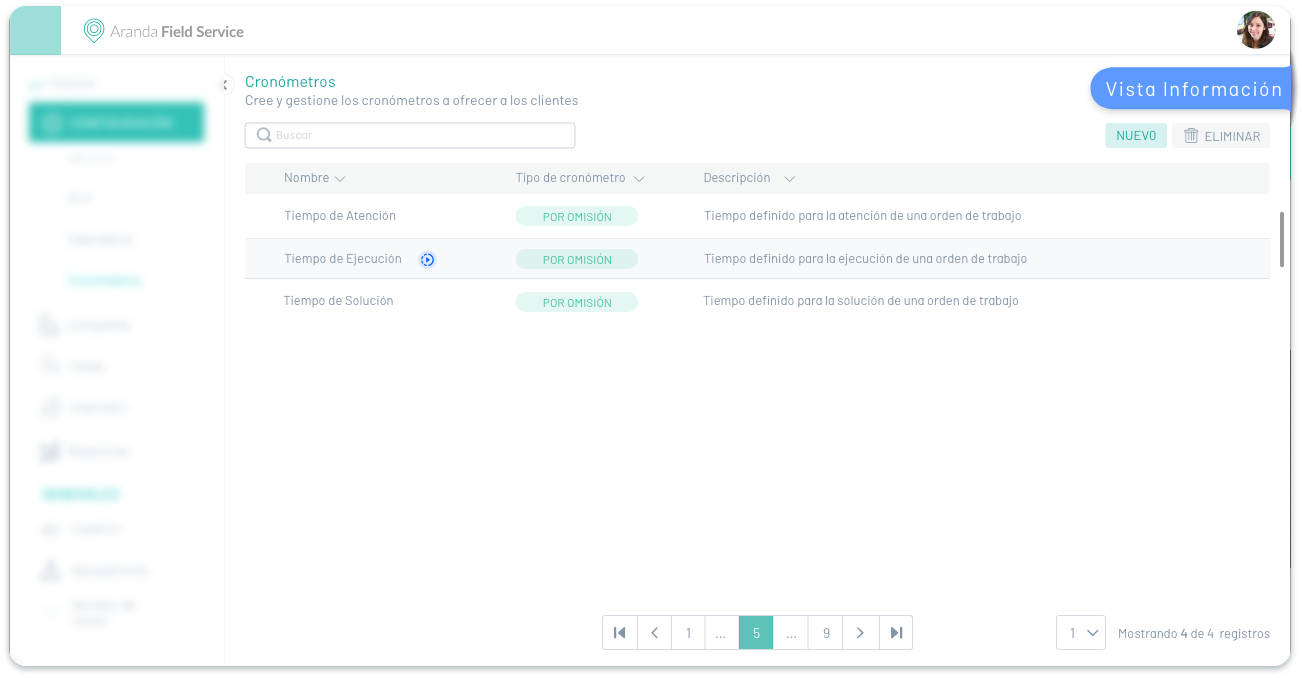
⚐ Example: In the following image you can see the configuration section of the Aranda Field Service AFLS product, with the option of stopwatches.
3. In the information view, the modules associated with the CONFIGURATION/ADMINISTRATION/GENERAL CONFIGURATION sections share transversal management tasks such as:
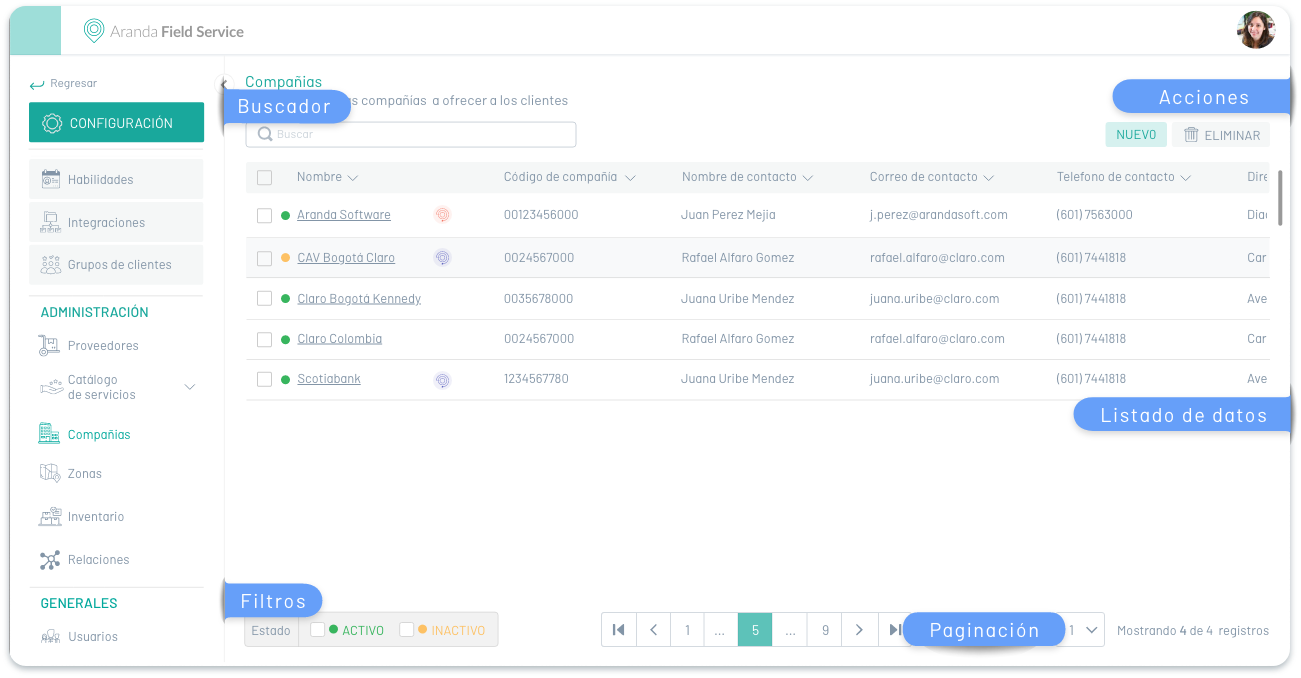
Information View/ CONFIGURATION Section
3. Below are the management tasks used by the AFLS CONFIGURATION modules:
| Management Tasks | Description | Modules by Section/AFLS |
|---|---|---|
| Search | It allows you to search for the records created according to the selected module or concept. You can search by the name of the defined fields of each associated concept.  |
 |
| Data Listing | This section groups the information from the found records by selected module or item. The information presented is grouped into columns with the data entered. By selecting the record from the available list, you will be able to view and edit the associated data, or delete the record. | |
| New | This button defines the action to create a record for each Aranda product management concept. Activating this action enables a window to fill in the related information. | |
| Eliminate | This button defines the action for deleting a record that has already been created in the management processes.  |
|
| Pagination | It allows you to navigate between the pages of the list of user records found.  |
|
| Filter by Status | Allows you to filter by the active or inactive status of users or authentication providers.  |
     |
Information View/ ADMINISTRATION Section
4. Below are the management tasks used by the AFLS ADMINISTRATION modules:
| Management Tasks | Description | Modules by Section/AFLS |
|---|---|---|
| Search | It allows you to search for the records created according to the selected module or concept. You can search by the name of the defined fields of each associated concept. |
 |
| Data Listing | This section groups the information from the found records by selected module or item. The information presented is grouped into columns with the data entered. By selecting the record from the available list, you will be able to view and edit the associated data, or delete the record. | |
| New | This button defines the action to create a record for each Aranda product management concept. Activating this action enables a window to fill in the related information.  |
|
| Eliminate | This button defines the action for deleting a record that has already been created in the management processes. |
|
| Pagination | It allows you to navigate between the pages of the list of user records found. |
|
| Filter by Status | Allows you to filter by the active or inactive status of users or authentication providers. |
|
| Import | This button defines the action to import a file type into the selected concept.  |
 |
| Update | This button defines the action to update a file type to the selected concept.  |
|
| Filter | Allows you to filter by the active or inactive status of users or authentication providers.  |
|
| Date Range | Allows you to filter by the active or inactive status of users or authentication providers. 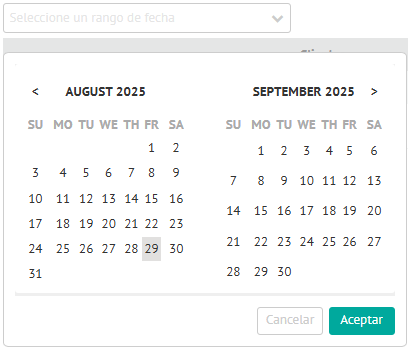 |
|
| Filter by status in Event Management | Allows you to filter the information in the bulk import historical table by taking into account the data in the Status field.  |
|
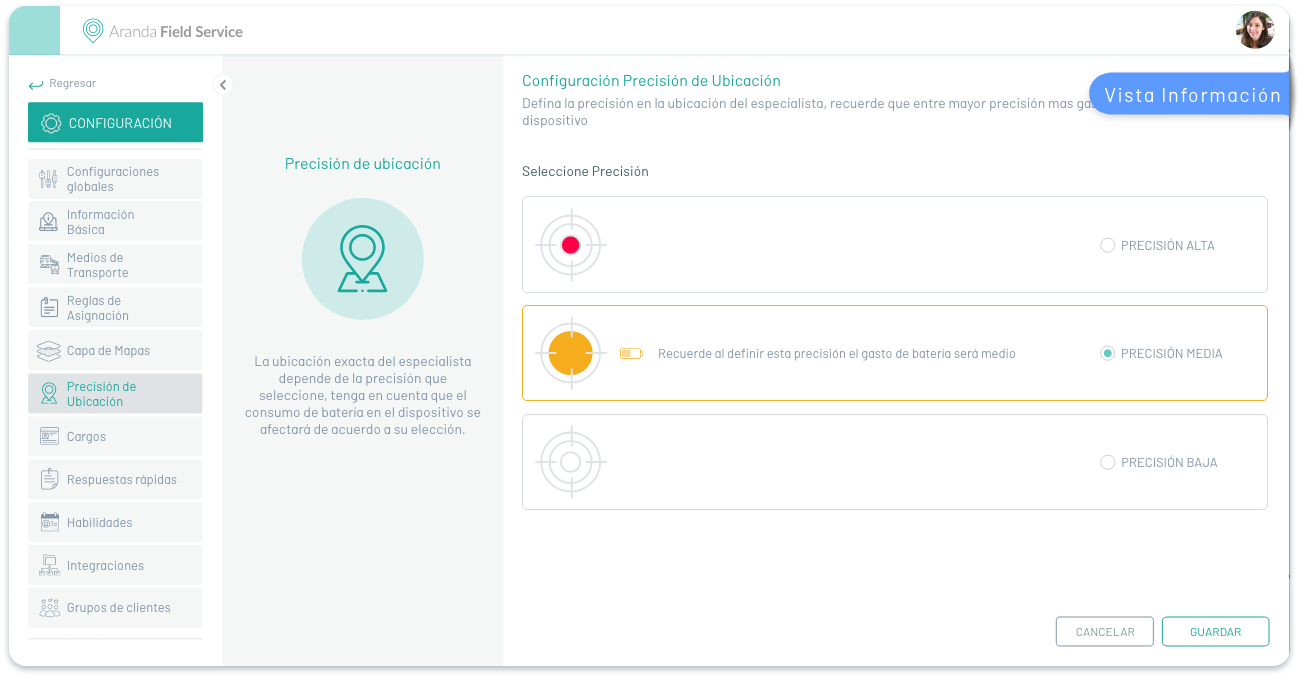
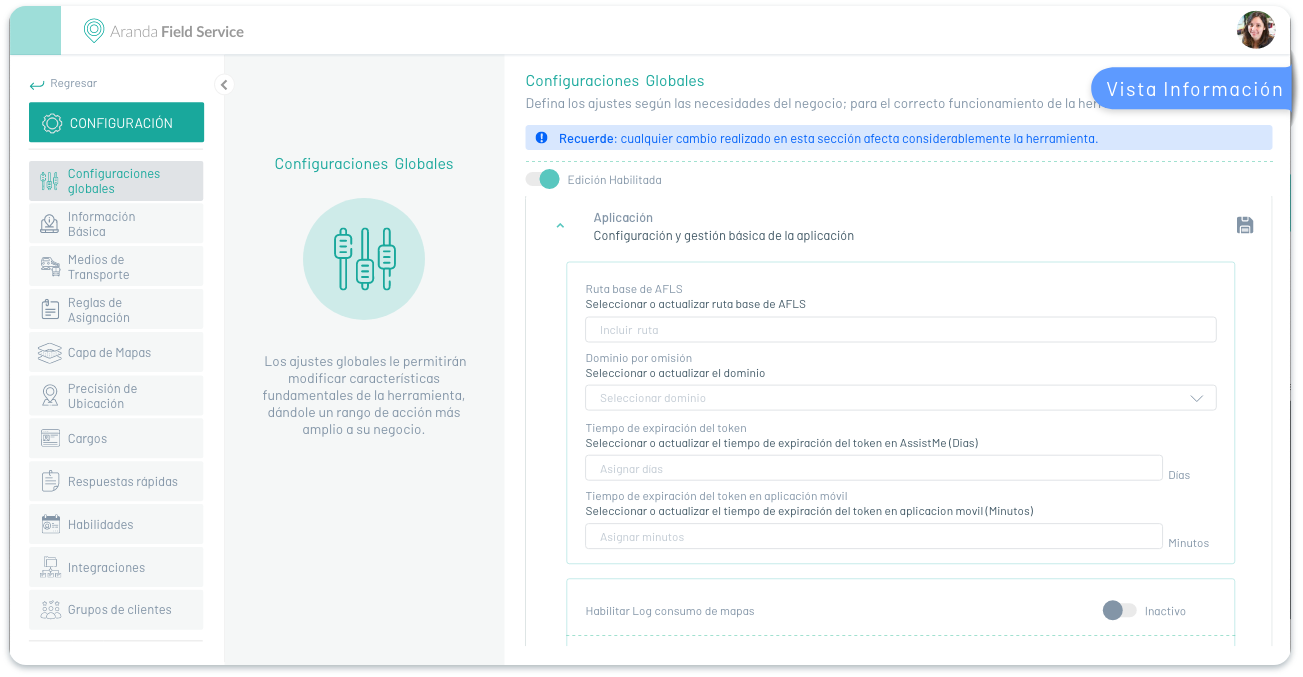
5. The information view of modules associated with the CONFIGURATION of the AFLS main menu present an alternative environment to management tasks.
⚐ Example: In the following images you can identify the information view of CONFIGURATION modules such as Location Accuracy and Global Settings:
Detail View
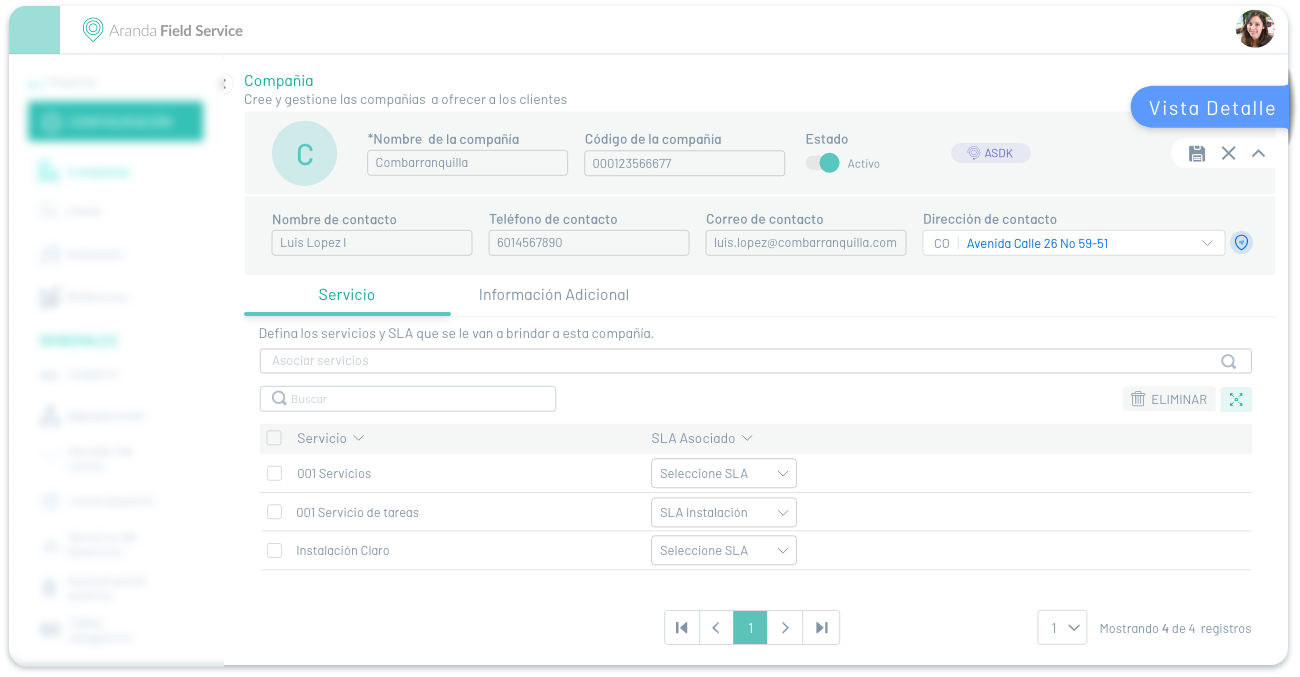
This view presents detailed information on AFLS companies. Example: Data and configuration details, among others.
⚐ Example: In the following image you can see the detail view of the companies module.
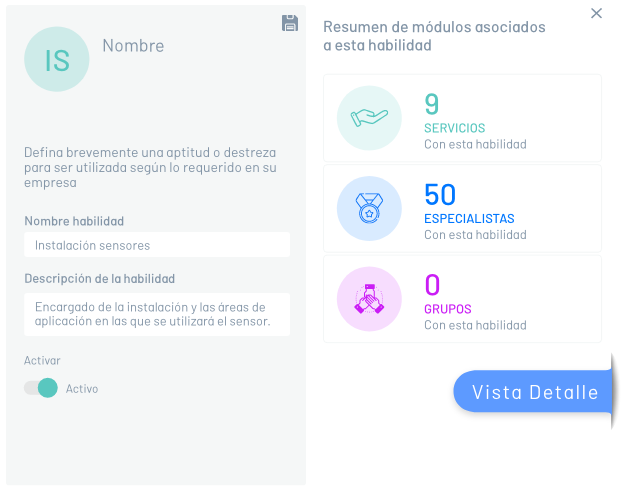
⚐ Example: In the following image you can see the detail view of the Skills module.