


1. After logging in, log in to the AFLS web console with the role set (administrator, specialist, users).
2. The main menu of AFLS will find sections such as: Configuration, General Configuration and Management, Work Orders, Inventory, Reports, Monitoring, Alerts. When you select a module from the main menu, the information view is enabled with the related management or query information.
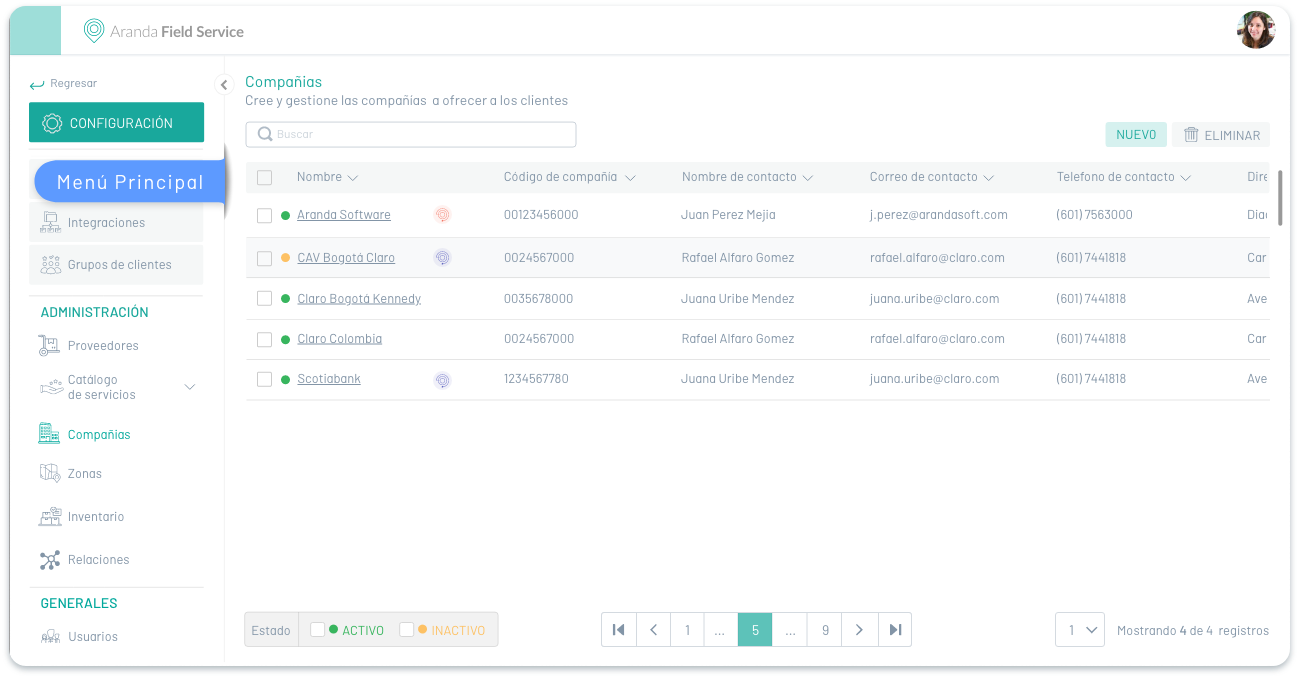
The main sections of the main menu are:
Main Menu/AFLS Settings
The CONFIGURATION of the main menu is composed of the following modules:
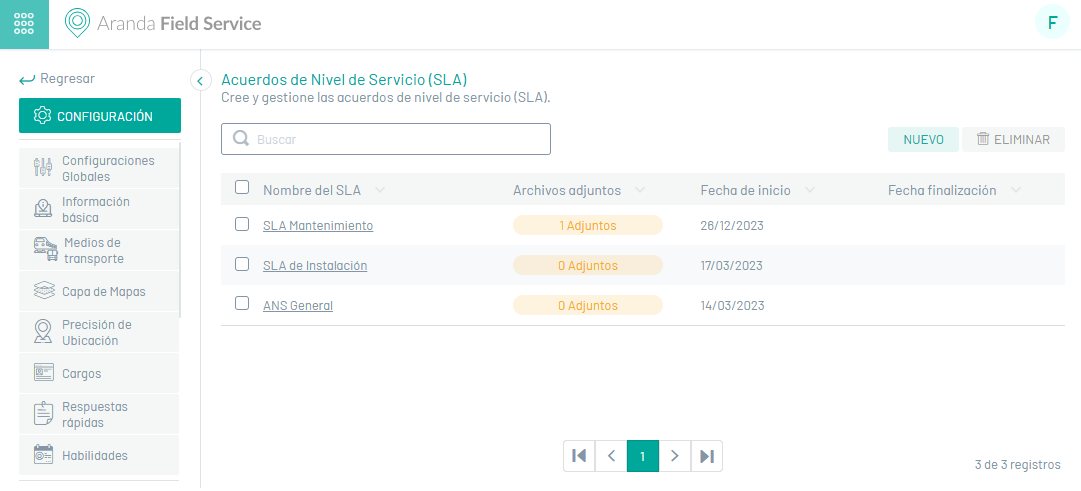
| Modules | Description | icon |
|---|---|---|
| Global Settings | In this configuration module, you can make fundamental business modifications, such as changing the map provider, importing GeoJSON data, or enabling or disabling features for field specialists. |  |
| Basic Info | In this configuration module, you can update the basic information of the organization. |  |
| Means of Transportation | In this configuration module, you can create and manage the means of transport for tracking. |  |
| Map Layer | In this configuration module, you can create and manage the layers for the maps. |  |
| Location Accuracy | In this configuration module, you can define the precision of the specialist’s location. |  |
| Charges | In this configuration module, you can manage the charges for tracking. |  |
| Quick Answers | In this configuration module, you can create quick replies for the specialist’s use. |  |
| Skills | In this configuration module, you can create the skills for later use in the Services, Specialists, and Specialist Groups modules. |  |
| Calendars | In this configuration module, you can define the availability of the provision of services. |  |
| Timers | In this configuration module, you can define the time concepts required by the organization. |  |
| Models | In this configuration module, you can define the various features common to the services such as: Workflows, Additional Fields, Satisfaction Survey, and Service Level Agreements. |  |
| Relations | In this configuration module, you can link or join 2 or more work orders. |  |
| Measurement | In this configuration module, you can manage units of measure. |  |
| Locations | In this configuration module, you can create locations such as locations, zones, and modes of transportation to distribute the inventory that will be used by specialists. |  |
| Additional Fields | In this configuration module, you can set additional fields for customers, mobile users, web users, companies, services, work orders, and location. |  |
| Non-working days | In this configuration module, you can define the days on which the specialists who are automatically assigned will not be available to attend to work orders. |  |
| Surveys | In this configuration module, you can define the surveys to measure user satisfaction and create survey templates. |  |
| Email Templates | In this configuration module, you can customize messages to categories such as surveys, SLA, OLA, UC, and AssistMe. |  |
| Assignment Rules | In this configuration module you will be able to customize and address work orders. |  |
| Location Accuracy | In this configuration module, you can define the precision of the specialist’s location. | |
| Canals | In this configuration module, you will be able to enable and manage the AssistMe service channel |  |
| Alert Management | In this configuration module, you can enable the notifications you want to see in the alert list. |  |
| Webhooks | In this configuration module, you can enable notifications in which an application or system sends real-time information on the concurrency of events. |  |
| Service Desk | In this configuration module, you will be able to activate and validate the integration with products that generate cases and work orders on the service desk such as ASDKs and ASMS. |  |
| Other Applications | In this configuration module, you can activate and validate the integration with external applications. |  |
Main Menu/Administration
The ADMINISTRATION of the main menu is composed of the following modules:
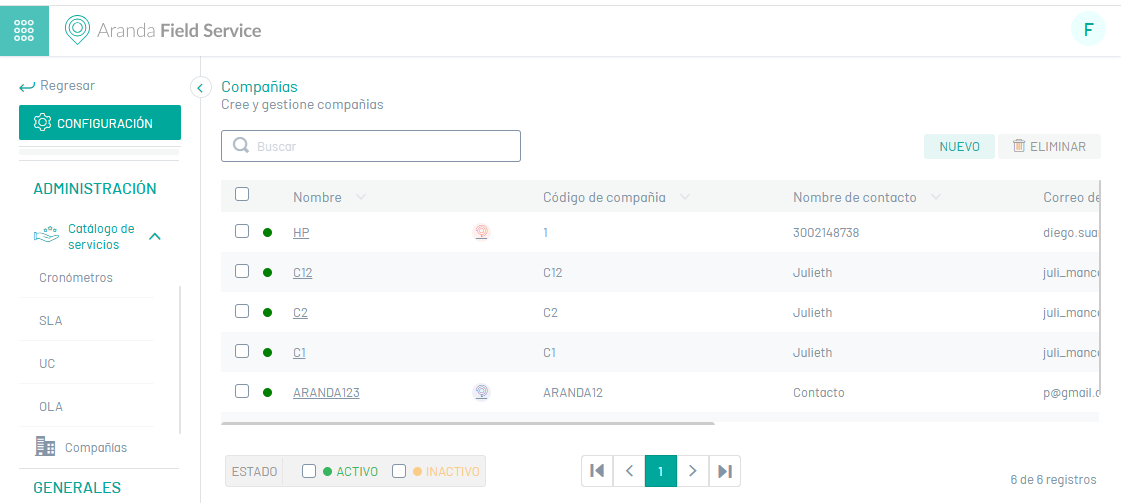
| Modules | Description | icon |
|---|---|---|
| Service Catalog | In this administration module, you can manage SLA, OLA, and UC service level agreements. |  |
| Services | In this administration module you can define the activities to be carried out in a work order management process |  |
| Companies | In this administration module you can manage the companies that will provide the configured services. |  |
| Clients | In this administration module you can create customers and associate information such as services, channels or inventories. |  |
| Suppliers | In this administration module you can create customers and associate information such as services, channels or inventories. |  |
| Users | In this administration pack, you can define users with specific roles to manage work orders. User management can be done for unclassified users, web users, and mobile users. |  |
| Areas | In this administration module, you can define the zones for the work assignment of specialists. |  |
| Event Management | In this administration module you will be able to perform event management for associated processes such as application, bulk uploads, work orders, service desk integration log, service desk integration synchronization and mobile device error log. |  |
| Inventory | In this management module, you can define the information of the product(s) that will be used in the operation of the business. |  |
Main Menu/Recurring Administration
The RECURRING ADMINISTRATION of the main menu is composed of the following modules:
| Modules | Description | icon |
|---|---|---|
| Orders | In this recurring administration module you will be able to manage the different processes of creation, search, cancellation and import of work orders. |  |
| Inventory | In this recurring administration module you will be able to manage the different processes such as movements, searches, assignment or return of products, for the subsequent use of the field specialist. |  |
| Monitoring | In this recurring administration module, you can search for and track field specialists, customers, and scheduled orders. |  |
| Panel de Control | In this recurring administration module you will be able to view the work orders scheduled for the day of the consultation and their status; You will also be able to view the weekly behavior of specialists and the services provided. |  |
| Reports | In this recurring management module you can generate four types of reports: order reports, inventory reports, general reports and administration reports. |  |
Main Menu/General Settings
The GENERAL SETTINGS of the main menu is composed of the following modules:
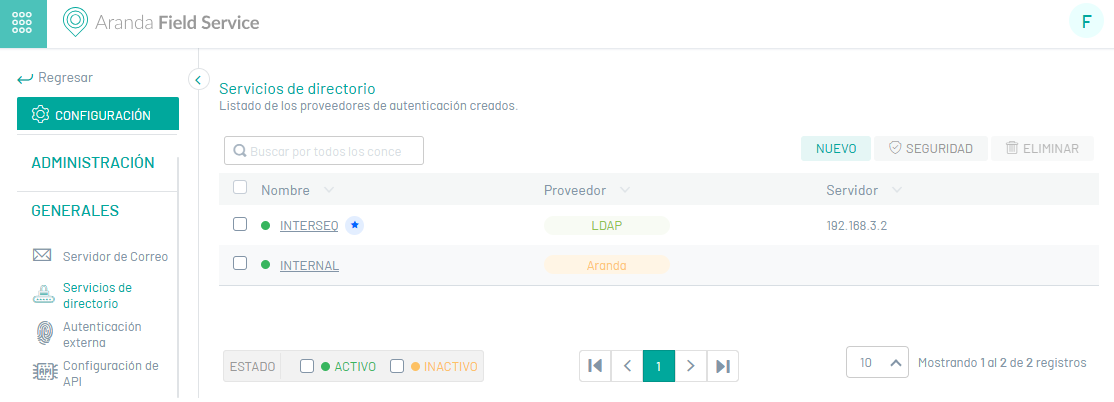
| Common Modules | Description | icon |
|---|---|---|
| Mail Server | In this Aranda Common configuration module, mail servers are managed. |  |
| Directory Services | This Aranda Common configuration module manages the directory services that can be used by AFLS. |  |
| External Authentication | This Aranda Common configuration module manages external authentication providers. |  |
| Integration Tokens | In this Aranda Common configuration module, you will be able to generate and revoke an integration token, which allows you to consume the AFLS APIs. |  |