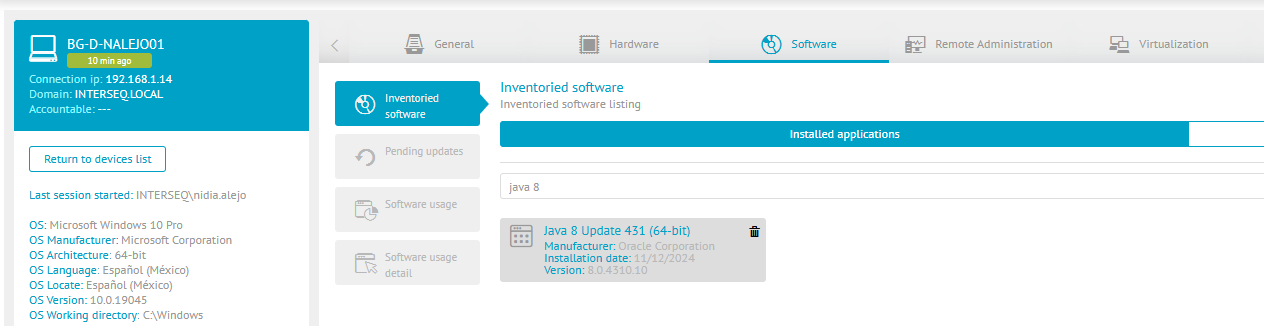
⚠ Warning: This procedure applies to ADM versions lower than 9.25.0.
1. Delete the java update download in case it is already downloaded.
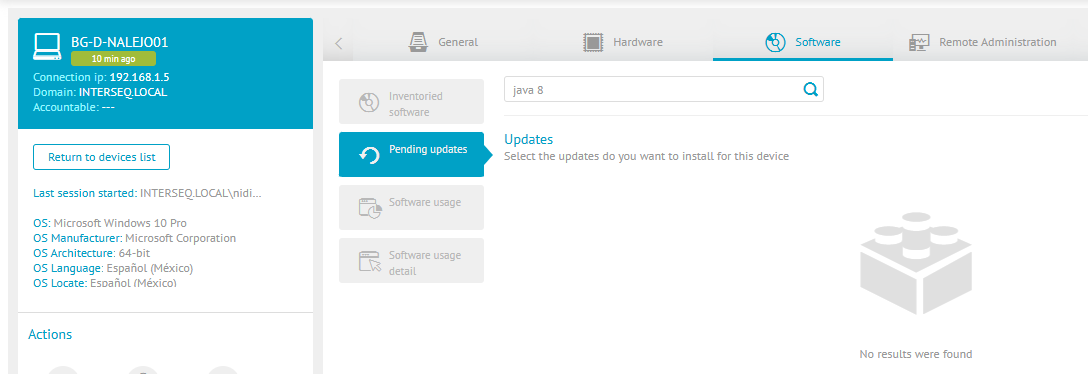
2. Check on the device which version of java you have pending update.
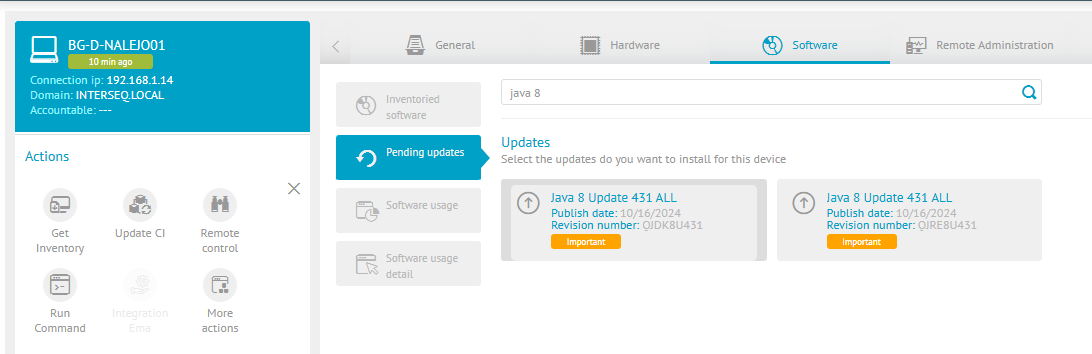
3. Load the executable as software. E.g.: jdk-8u431-windows-x64.exe or jre-8u431-windows-x64.exe.
⚐ Note: The executable can be downloaded from the official java website at the following link: https://www.oracle.com/java/technologies/downloads/#java8-windows, Here you can find the versions of the jdk and jre executables.
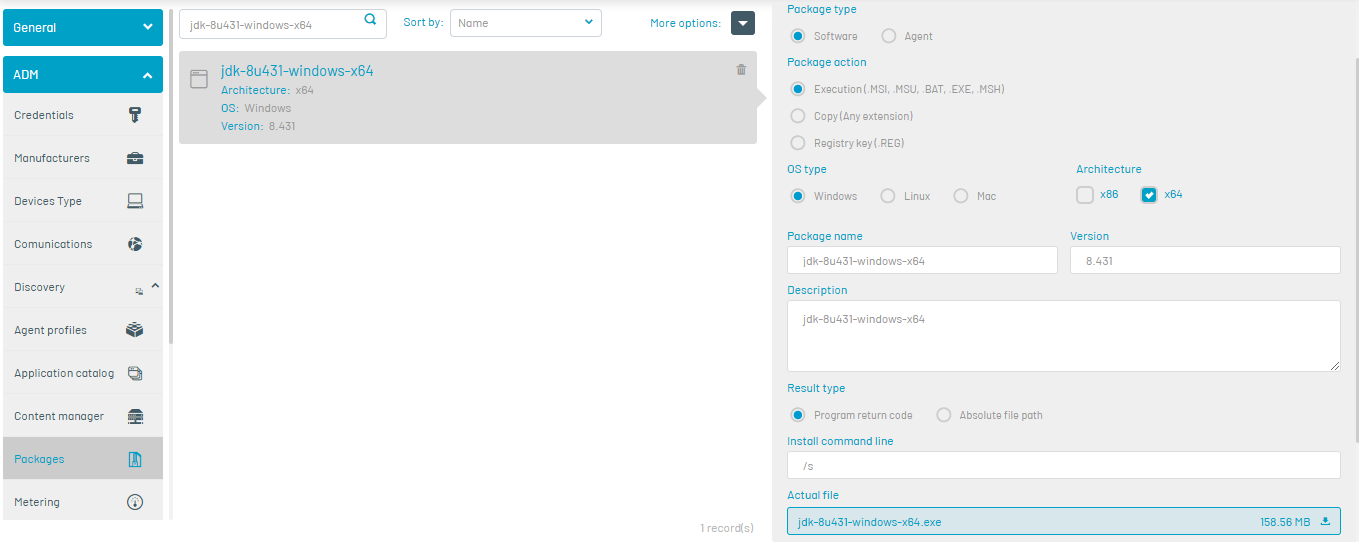
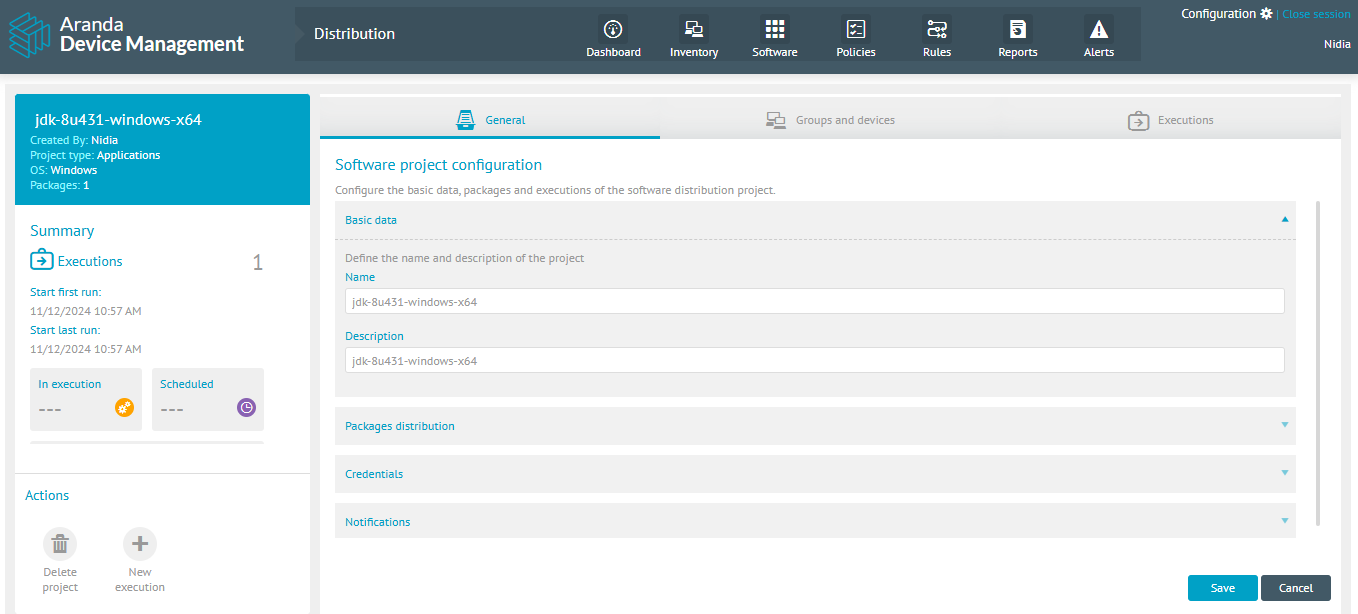
4. Create the distribution project.
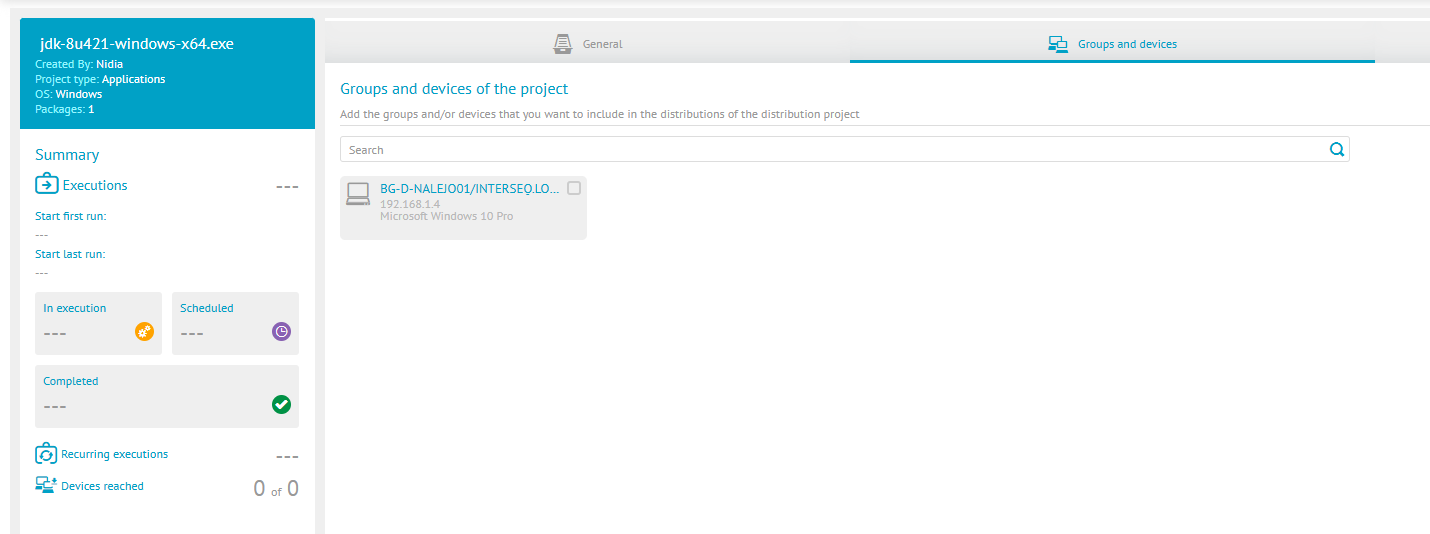
5. Asociar el o los dispositivos que requieren la actualización.
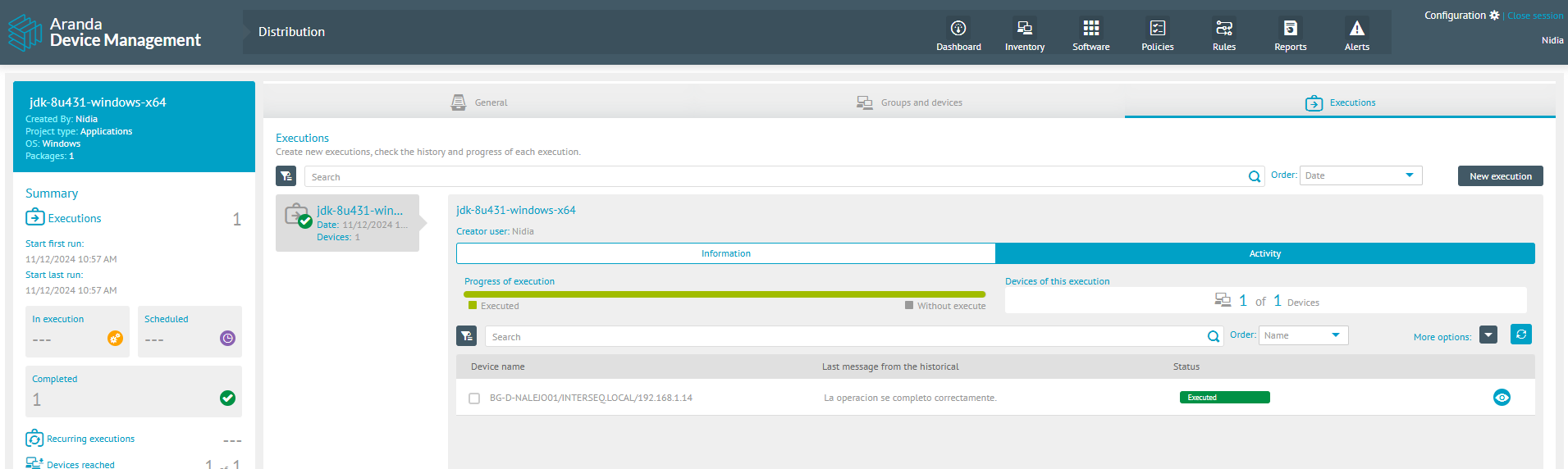
6. Crear y verificar la ejecución del proyecto de actualización de Java.
7. Verificar en el dispositivo que se instala la versión de java y ya no esta disponible la actualización.