⚠ Warning: This procedure applies to ADM versions lower than 9.25.0.
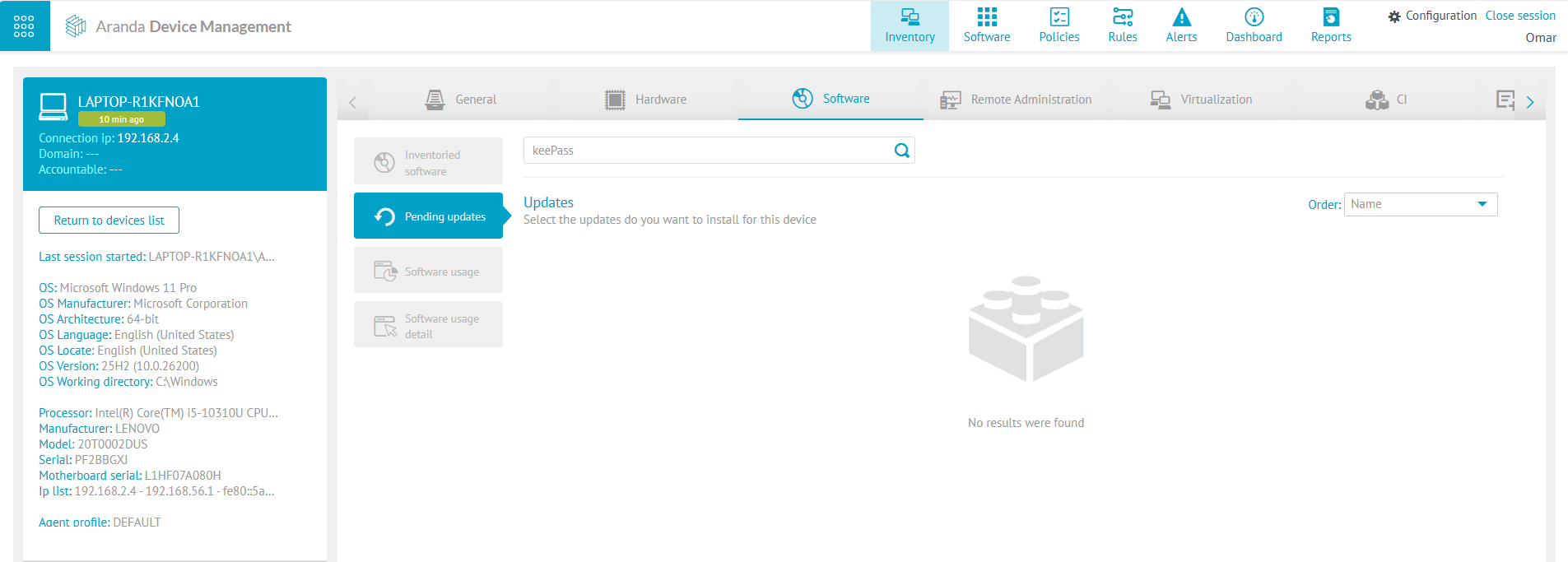
1. Clear the KeePass upgrade download in case it is already downloaded.
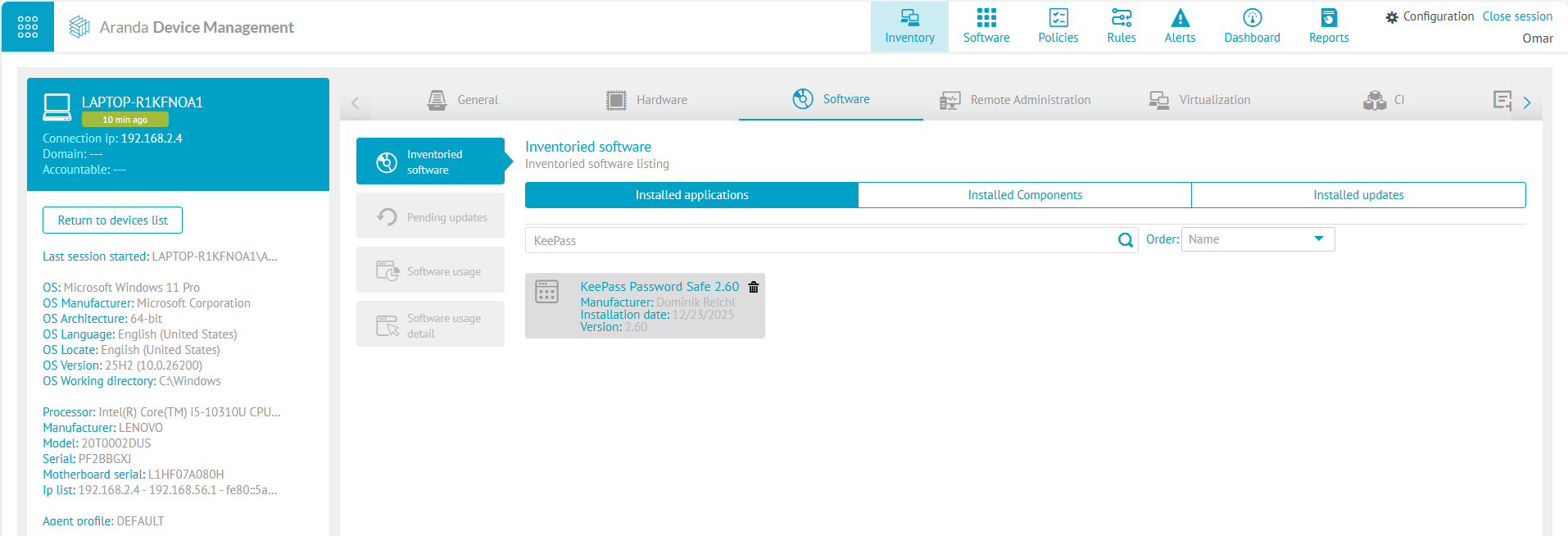
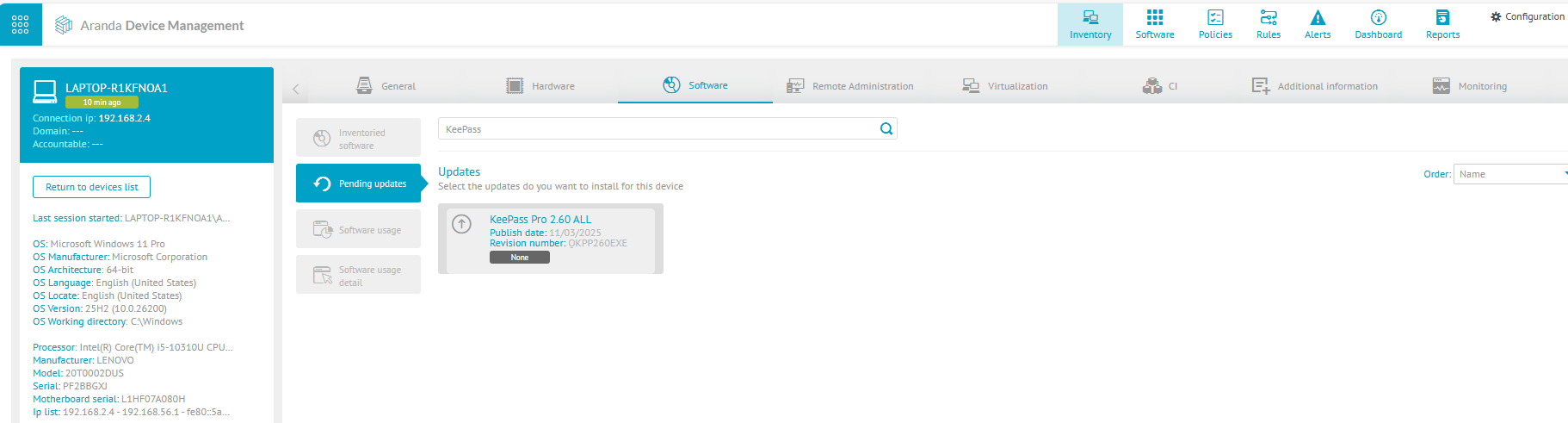
2. Check on your device for the version of KeePass that you have pending update.
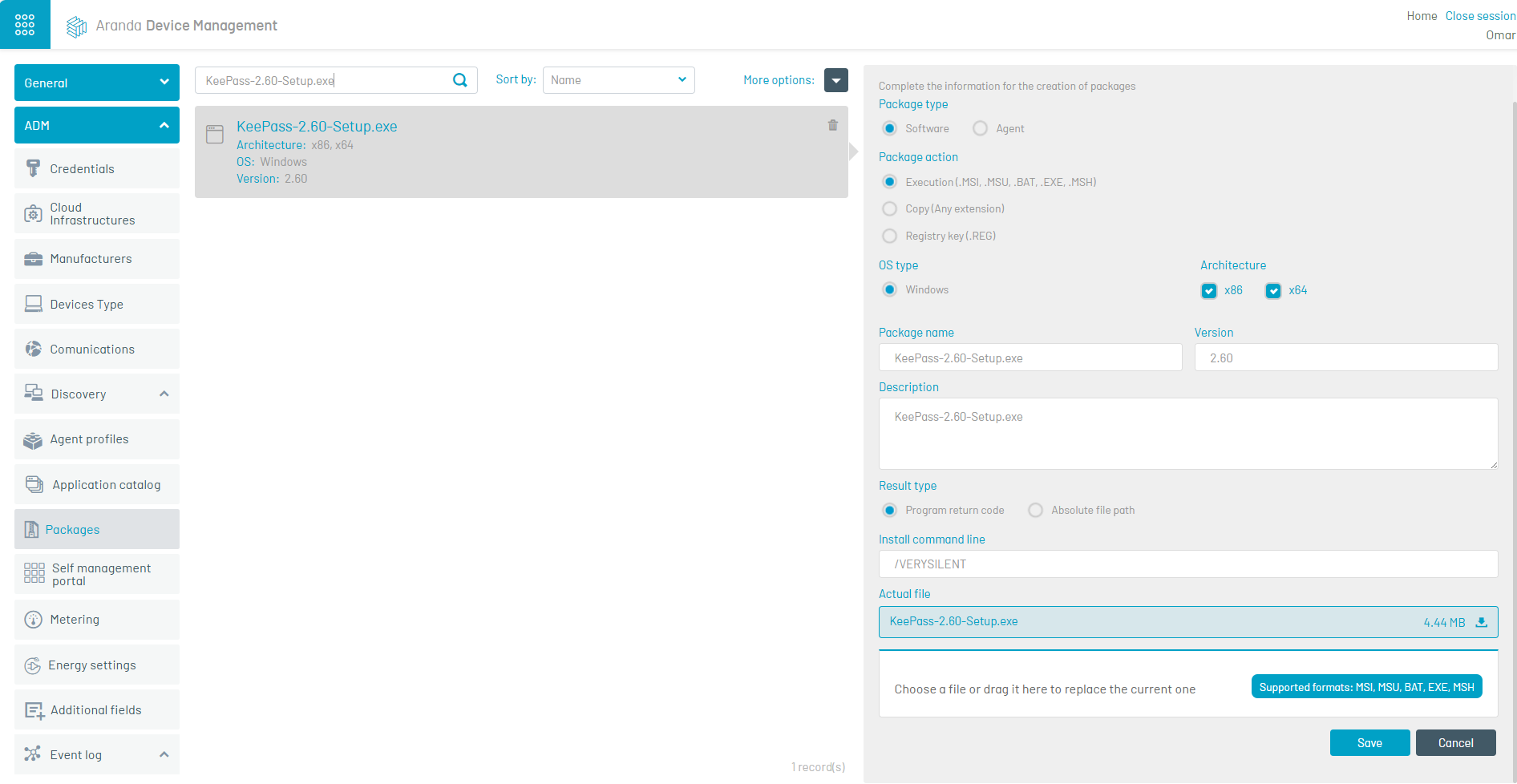
3. Load the executable as a software package, adding the installation command line /VERYSILENT.
⚐ Note: The executable can be downloaded at the following link: https://sourceforge.net/projects/keepass/files/, where you can find the different versions of the executables.
4. Create a distribution project.
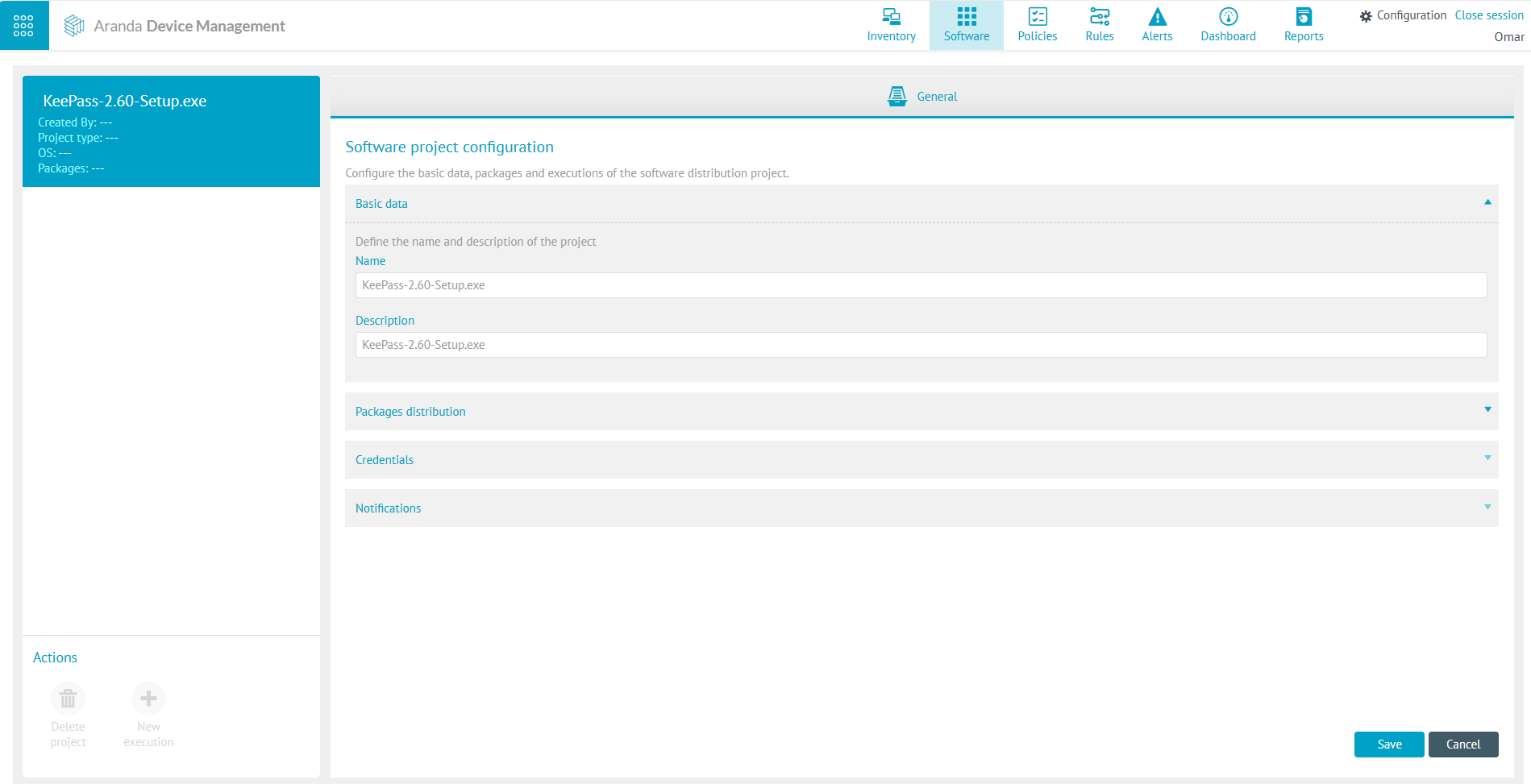
5. Associate the device(s) that require the update.
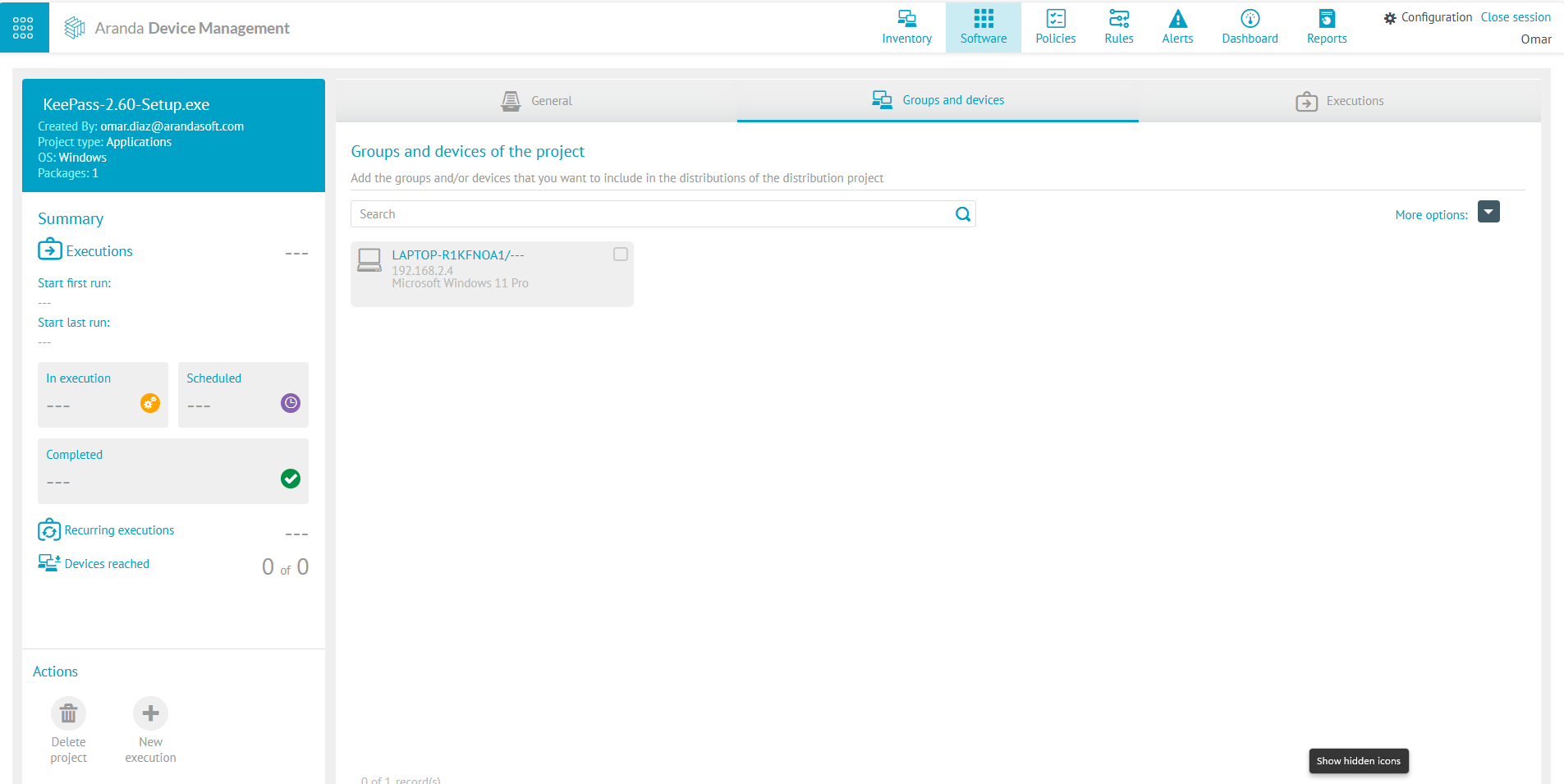
6. Create and verify the execution of the KeePass upgrade project.

7. Verify on the device that the KeePass version is installed and the update is no longer available.