


Default Views
In the CMDB console you will be able to view all the information associated with the generated CIs,
How to View IC Information
1. To view the cis information, log in to the CMDB console, in the CI From the main menu, select a category to filter the information:
- Open Cases
- Closed Cases
- All cis by selecting both Assets and Inactive
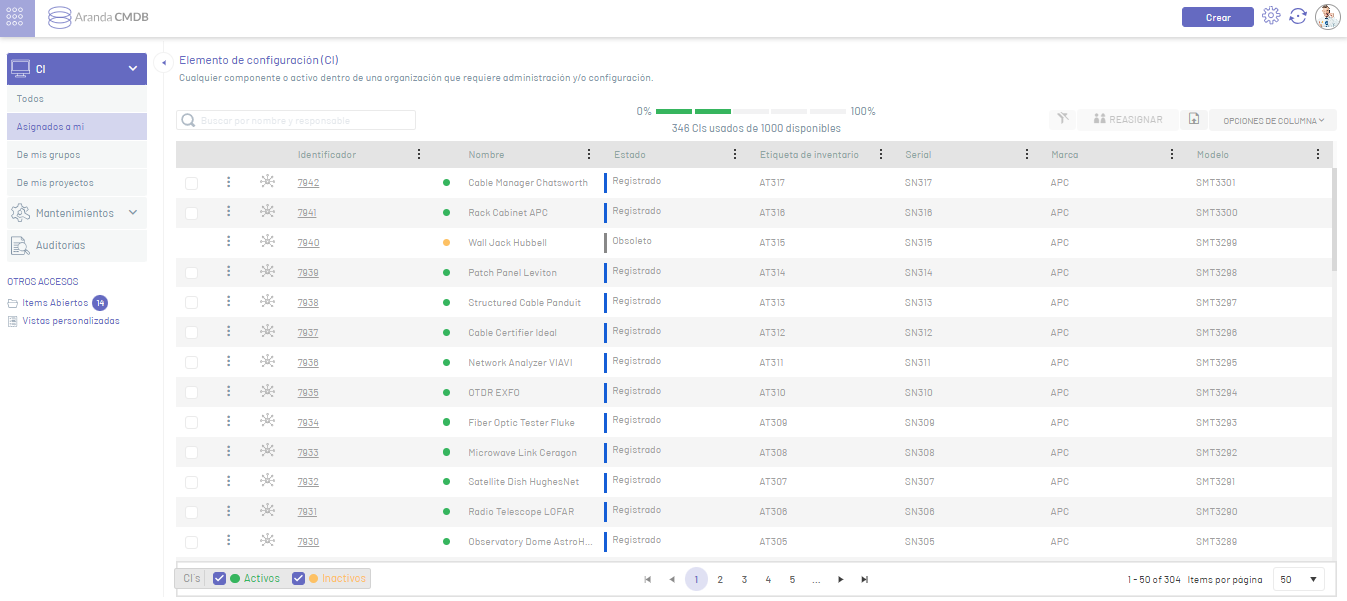
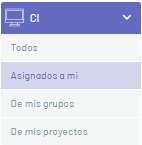
The categories per view to manage cis are:
| Categories | Description |
|---|---|
| Assigned to me | This option lists the CIs for which the user in session is responsible. |
| From my groups: | This option lists the CIs in which the user in session belongs to the group related to the CI. |
| From my projects: | This option lists the cis of the projects in which the user in session is related. |
⚐ Note: To access the visualization of CIs, you must have the permission CI Manager.