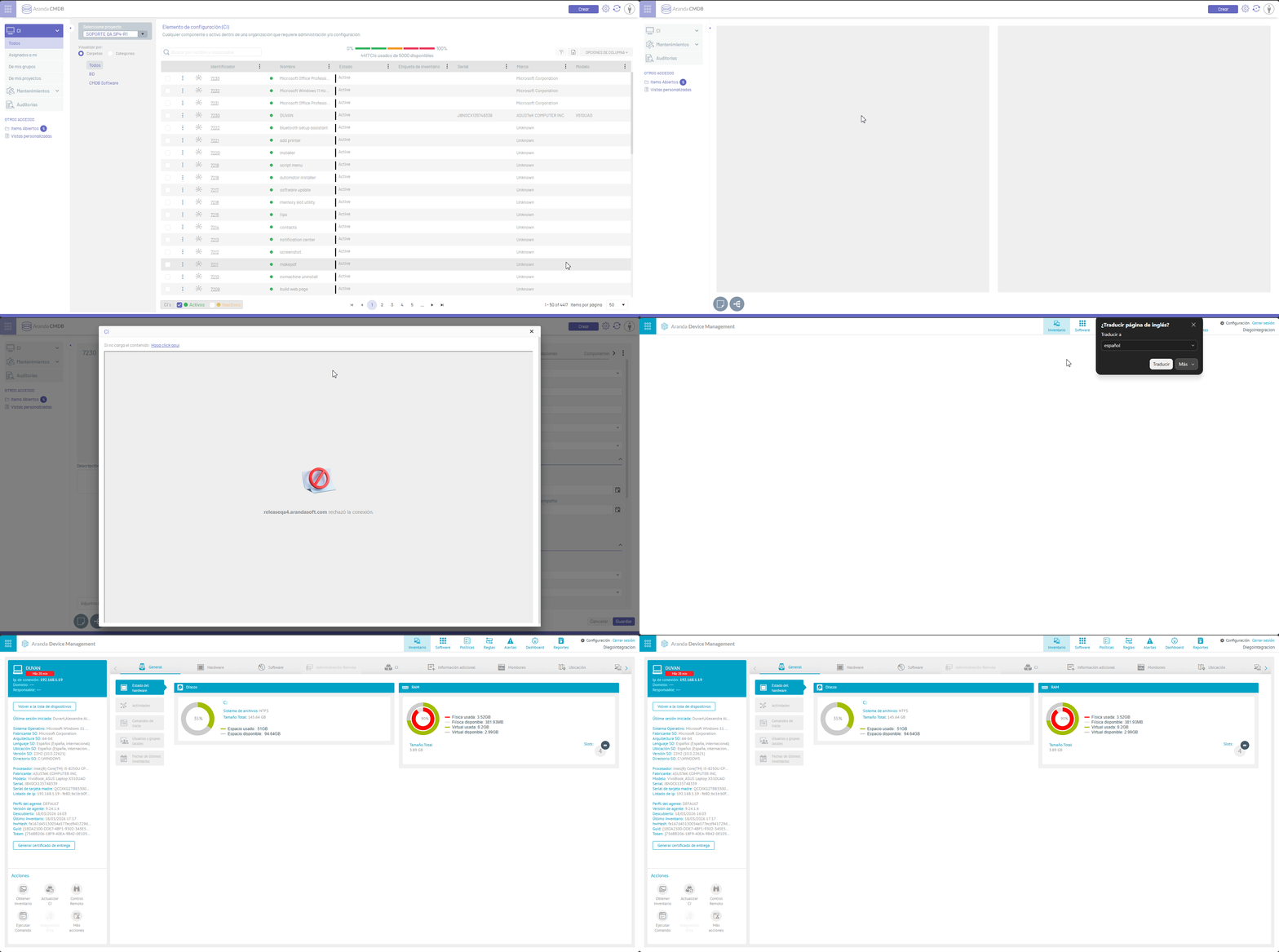
This option allows you to visualize the detail of an IC integrated with ADM directly from the CMDB, through quick access to the ADM.
The process for accessing the CI on the ADM from the CMDB:
Preconditions
1. There must be a pre-configured integration between the consoles ASMSAdministrator and ADM.
For more information, see the ASMS Configuration and the configuration in ADM.
⚐ Note:
1. The integration will only work if Both consoles (ASMS and ADM) are correctly configured and can communicate with each other.
2. The integration user must be configured in an equivalent way in both databases.
Viewing CI Detail from CMDB
1. On the console CMDB, locate the CI which is integrated.
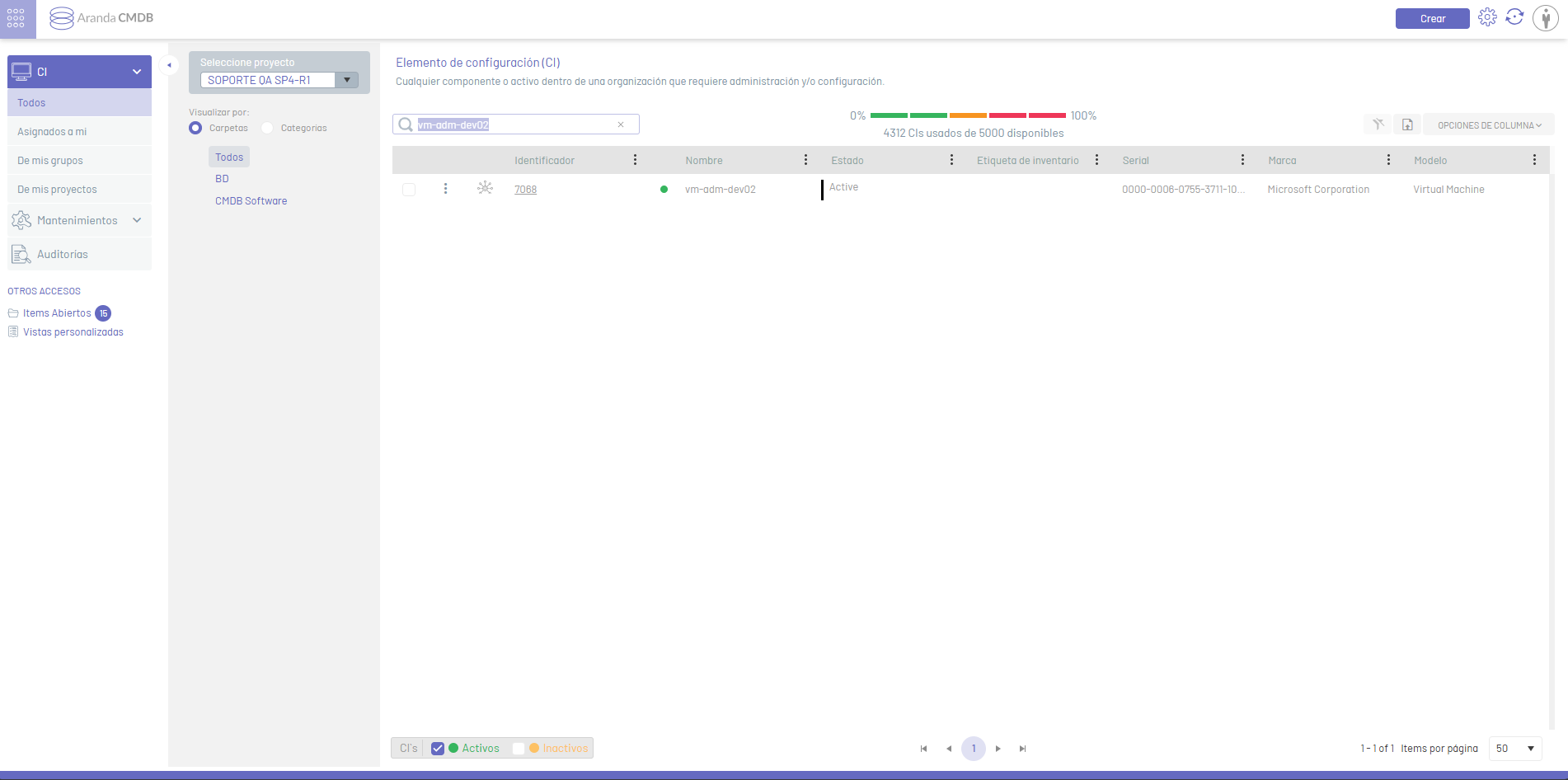
2. When selecting the CI, in the device name field of the detail view I selected the respective icon.
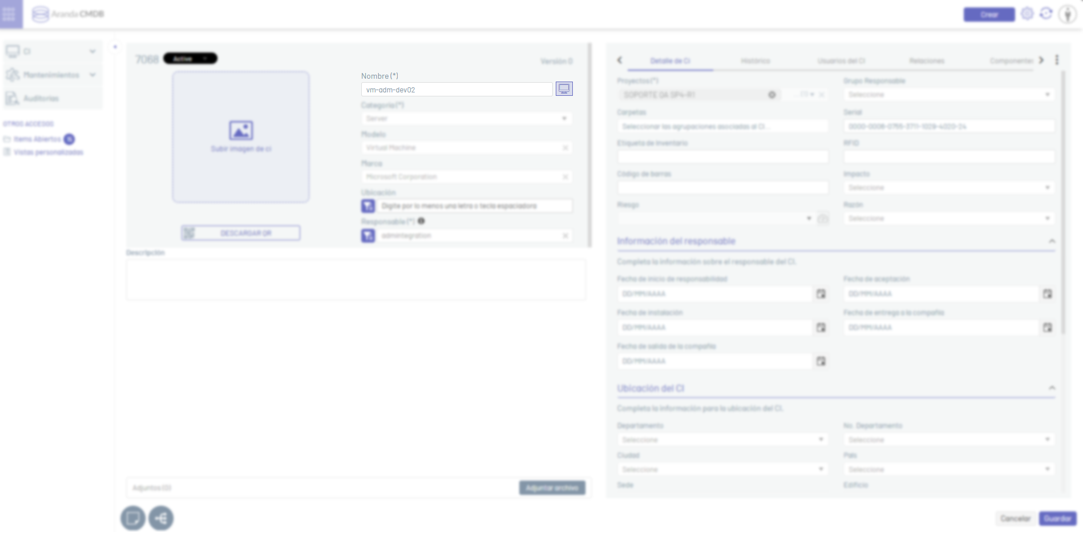
3. By clicking on the  The Ci window is enabled where you can view the ADM portal.
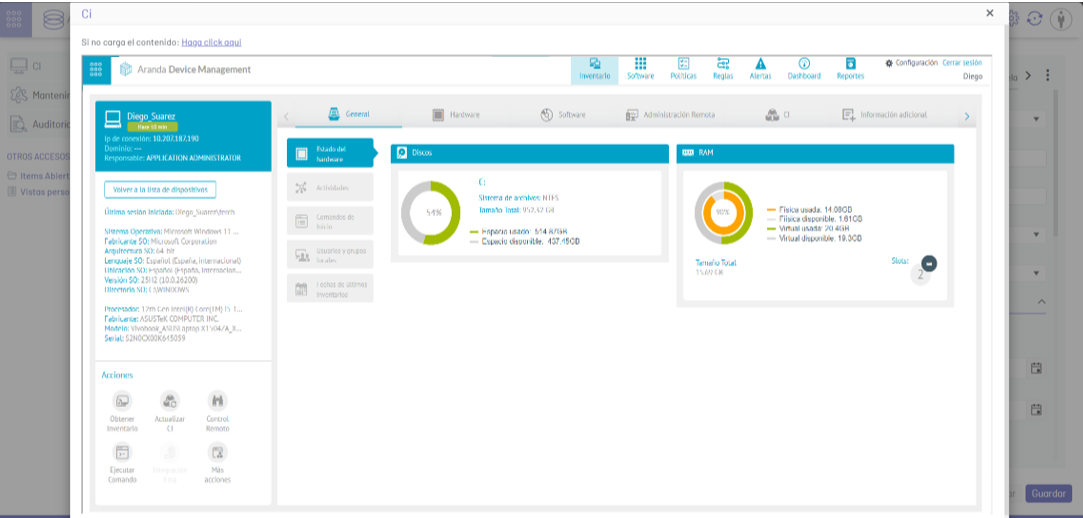
4. In the ADM web console, the user will be able to consult the CI detail or take control of the device. For more information, see the ADM documentation.
⚐ Note: If the ADM portal preview does not load correctly in the window, choose the Click Here to open the portal in a new tab.