


Preconditions
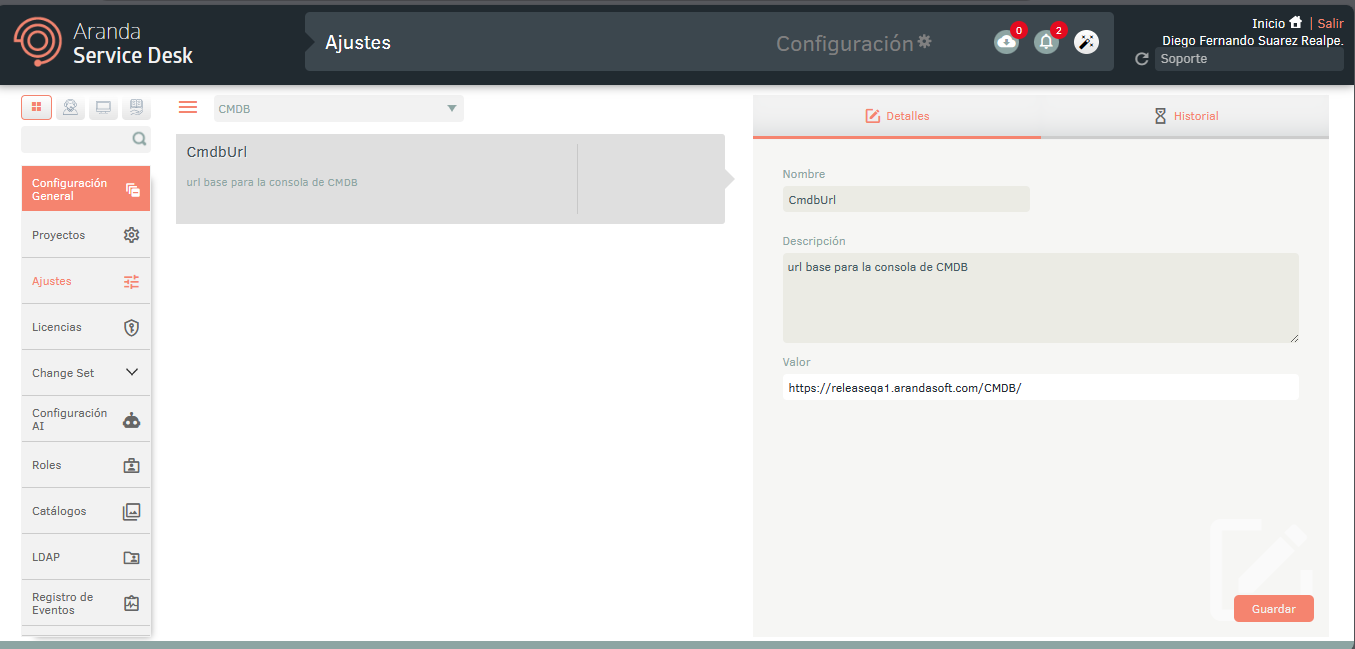
- The URL for consumption of CMDB services is automatically generated based on how the CMDB site loads, so you don’t need to specify it manually. However, if the CMDB site is located on a different domain, you need to configure the value of the CMDBUrl option, as shown in the following image:
Login
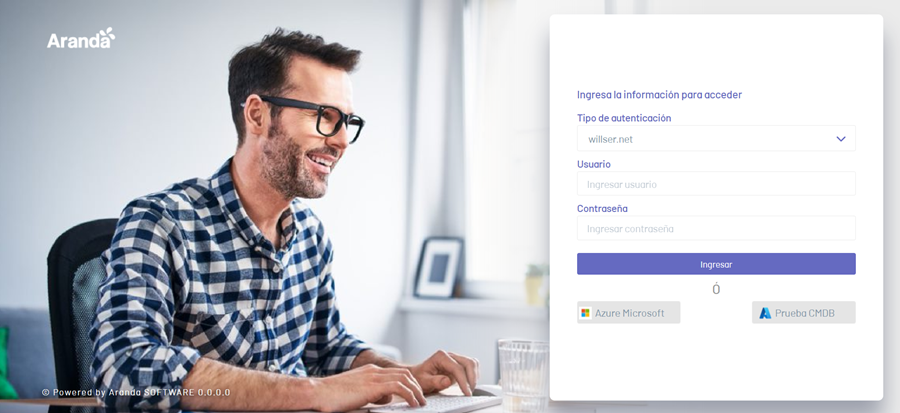
1. Enter the url of the Aranda CMDB web console: http(s)://name_servidor:port/cmdb/
2. To log in to the CMDB console, select an authentication type, enter your username and password, and click the Enter.
The required roles that must be associated with the user to log in to the CMDB console are as follows:
- Specialist role (Specialist role),
- CI management role (CI Manager)
and/or Maintenance Management Role (Maintenances Manager)
and/or Audit Management Role (Audits Administrator).
⚐ Note: The CMDB and Specialist sites share the same session. If a user is authenticated to one of the sites and authenticates to the other, the site where they were initially authenticated will be logged out.