


⚠ Important: The address IP or the name DNS server where the ConServer it must remain fixed.
If the IP or the DNS change after installation, agents they will lose connectivity, being necessary Reinstall or reconfigure them to re-establish communication.
Before installing or updating the conserver it is important to review the requirements:
Installing the Conserver
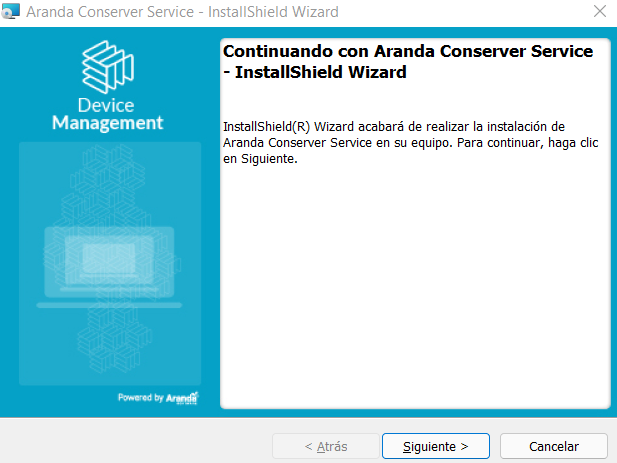
1. Click on the installer Aranda Conserver Service to launch the Wizard.
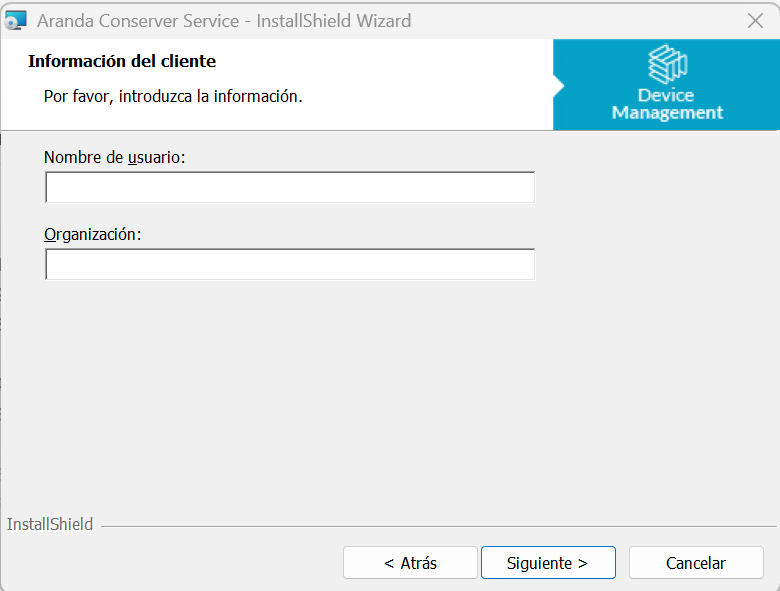
2. On the screen Customer Information, fill in the fields:
- Username
- Organization
Click Following to continue with the process.
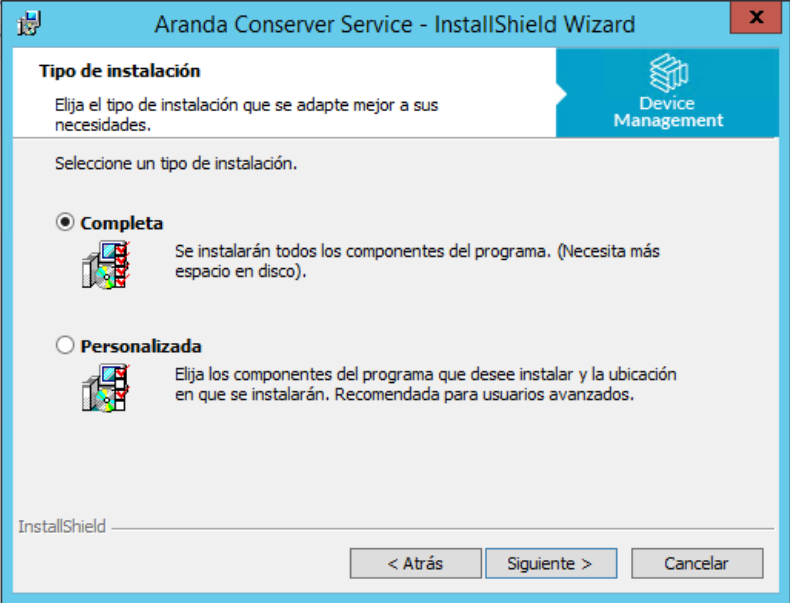
3. Select the installation path:
- You can use the default path suggested by the wizard.
- If desired, you can change the installation location by selecting a different path.
Click Following.
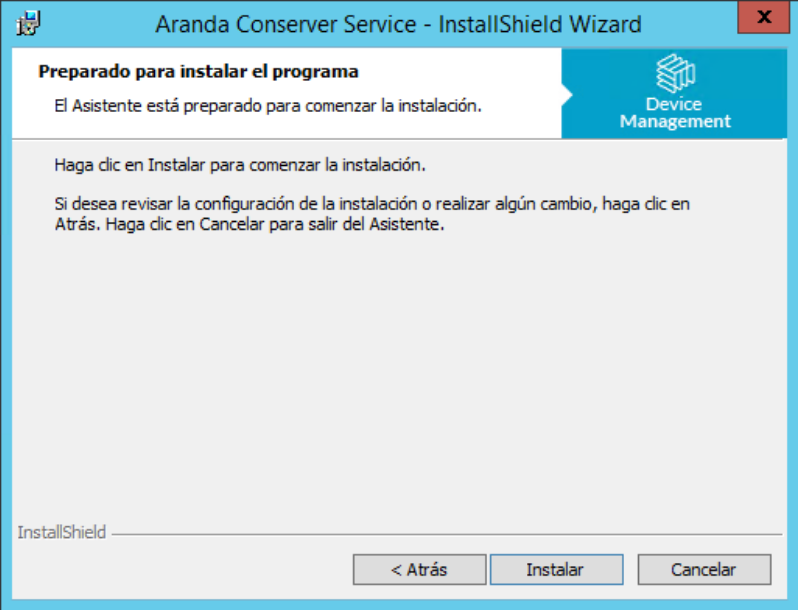
4. Click Install to start the installation of the service.
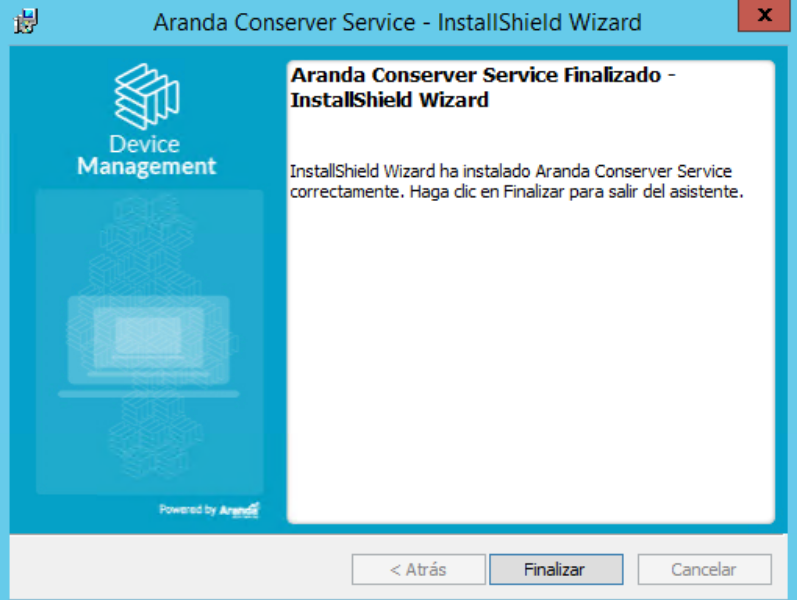
5. When the installation process is complete, click End.
—