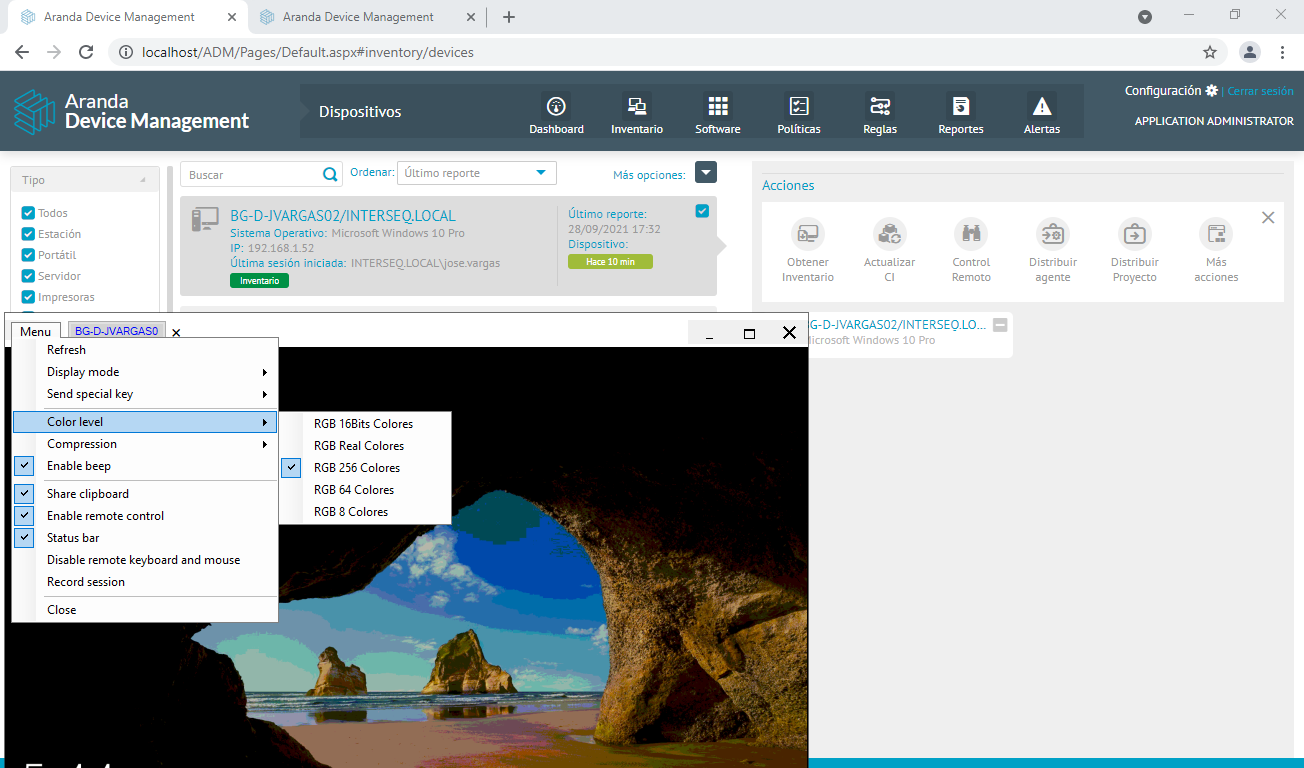
1. To configure the Gateway you must go to the C:\Program Files (x86)\Aranda\AVS Gateway V9 and open the Aranda.AVS.Gateway.V9.exe.config.
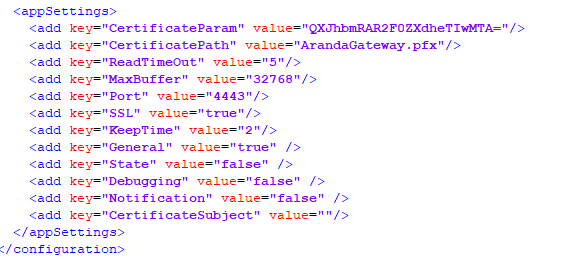
⚐ Note: If you need to configure the gateway to use SSL, configure the parameters SSL in true and CertificateSubject with the domain that has the secure protocol as follows: *.dominio.com.co.
2. The port can be chosen at liberty. Set the firewall rules of the machine and the cloud provider in case of being deployed in the cloud.
3. The port must be enabled on the destination machine to make Remote control.
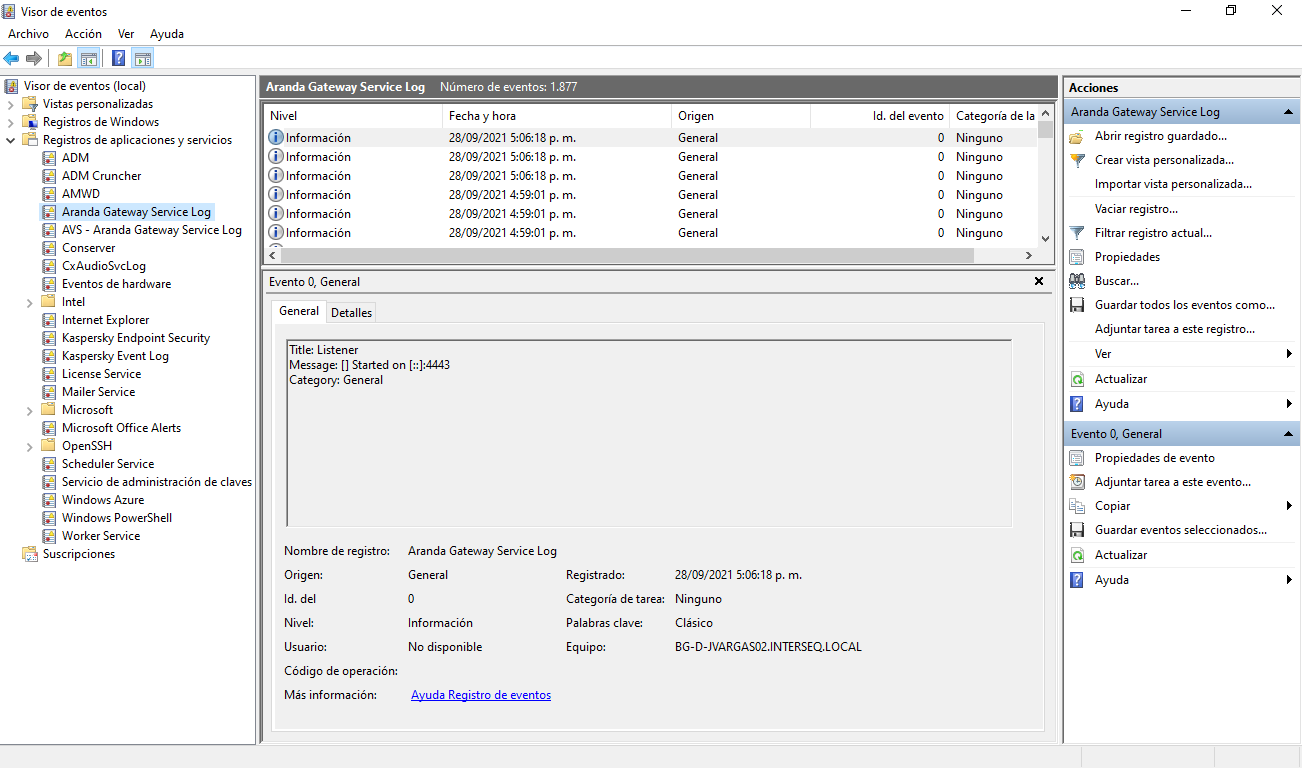
4. The logs can be viewed in the Windows Event Viewer under Application and Service Log, searching for the Aranda Gateway Service Log.
⚐ Note: To increase the level of logs, change the parameter to true Debugging (optionally also in Notification and State) of the archive Aranda.AVS.Gateway.V9.exe.config.
5. When the setup is complete, you must restart the following service:

—-
Gateway download by the Agent
The agent downloads the gateway through the conserver or repserver. To do this, the agent uses the following paths depending on the node it is pointing to:
https://midominio.com.co/Conserver/CommunicationNodeV2/Gateway/{ID-GATEWAY}
https://midominio.com.co/Repserver/CommunicationNodeV2/Gateway/{ID-GATEWAY}
⚐ Note: The ID value can be obtained from the ADM_CONFIGURATION_GATEWAY, as more than one gateway can be configured, however, only the gateway that is configured with the Default.
The agent downloads the Gateway on startup and updates it every hour. If any modifications are made to the previously created Gateway, the agent should be expected to download it under the above scenarios.
Gateway download by the Viewer
The viewer downloads the gateway when it boots on REST request. So you always receive the latest configuration from the ADM console.
Requirements for Remote Control Outbound Connection via Gateway
In order for a remote control to occur between the viewfinder and the remote equipment, the following conditions must be met
- Have a Gateway de Aranda V9 previously installed and with a valid configuration.
- Have the Gateway configured in the ADM console and have given sufficient time for the agent on the remote computer to download the configuration.
- Make sure the agent is online.
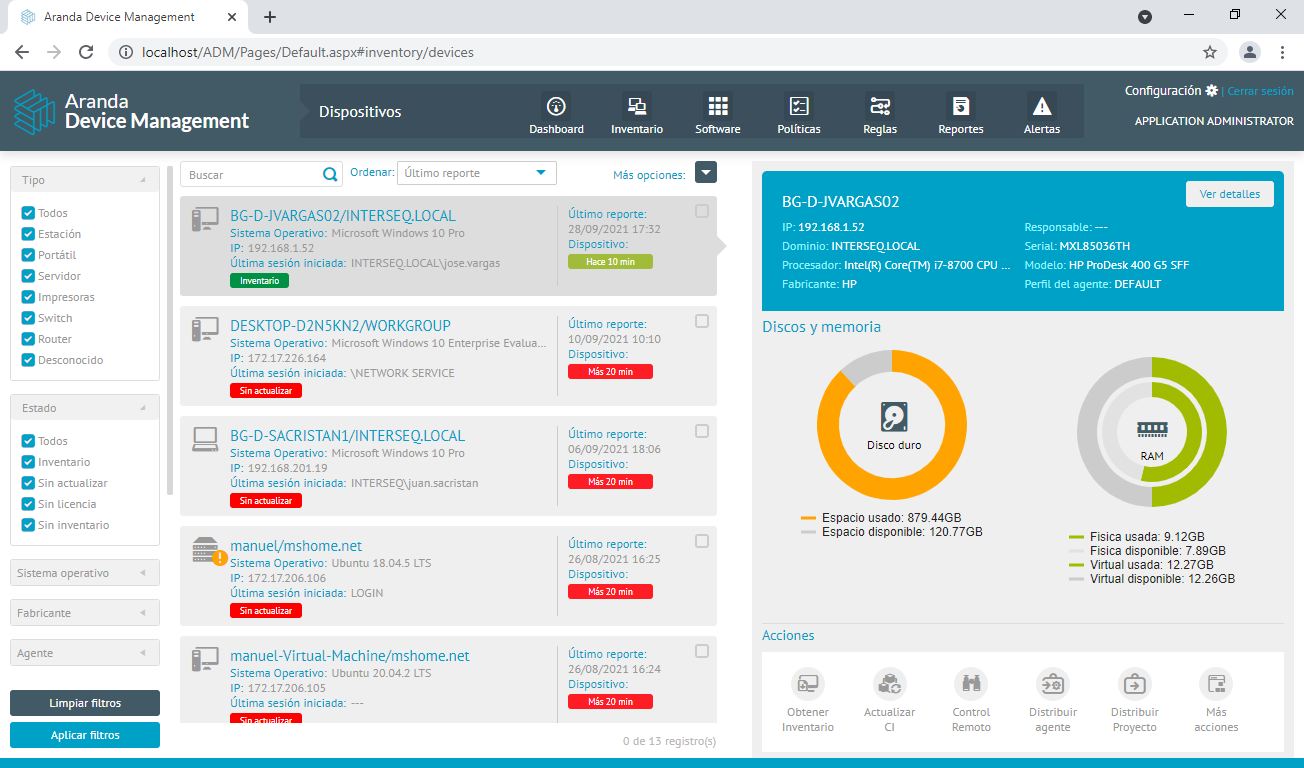
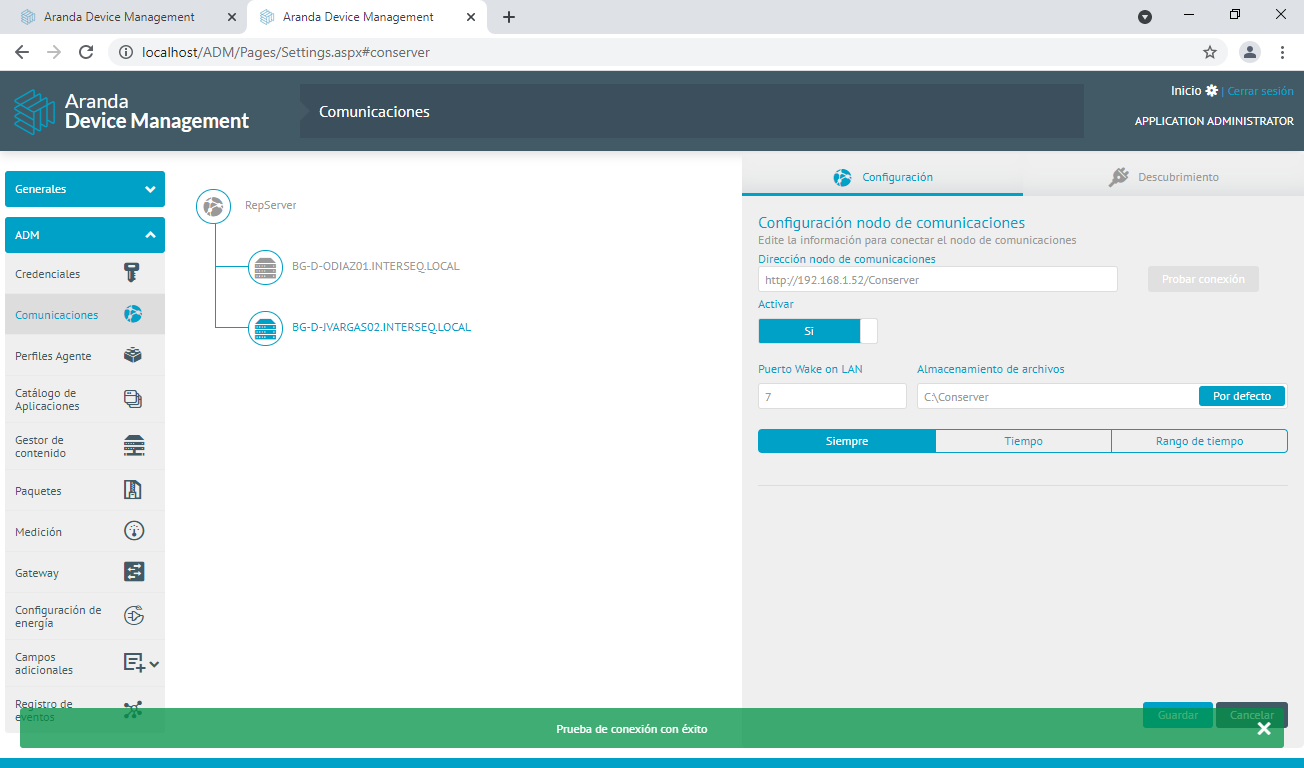
- Ensure that the node (Repserver/Conserver) that the agent is pointing to can receive tasks and communicate them to the agent. One way to test this is to perform the connection test from the console.
- Ensure that the gateway can be reached from the agent’s computer and the computer where the ADM viewer will be launched.
As long as these conditions are met, remote control can be taken in different scenarios. For example:
- Cloud or team gateway with public IP.
- LAN Network gateway reachable from both ends.
- Store on LAN Network.
- Cloud console.
- LAN network console.
- Viewer via VPN.
The conserver can go in the cloud, but from there the agent must be reachable, which would possibly require public IP
Outbound Connection Security
Both the agent and the viewer support SSL-encrypted communication in the case of an outbound connection. For this to be the case, SSL must be enabled on the gateway (both in the Aranda.AVS.Gateway.V9.exe.config as in the ADM console). The agent does not make an outbound connection until ordered by the ADM console.
Direct Connect Support
If you do not configure Gateway in the ADM console, the viewer will automatically choose to make a direct connection to the agent. In this case, the equipment must be reachable from the viewfinder in order to take remote control. The connection will not be encrypted via SSL.
Remote Control Socket
Even when an outbound connection is made by the gateway, the functions of the ADM viewer remain the same. There is no change in this aspect.