


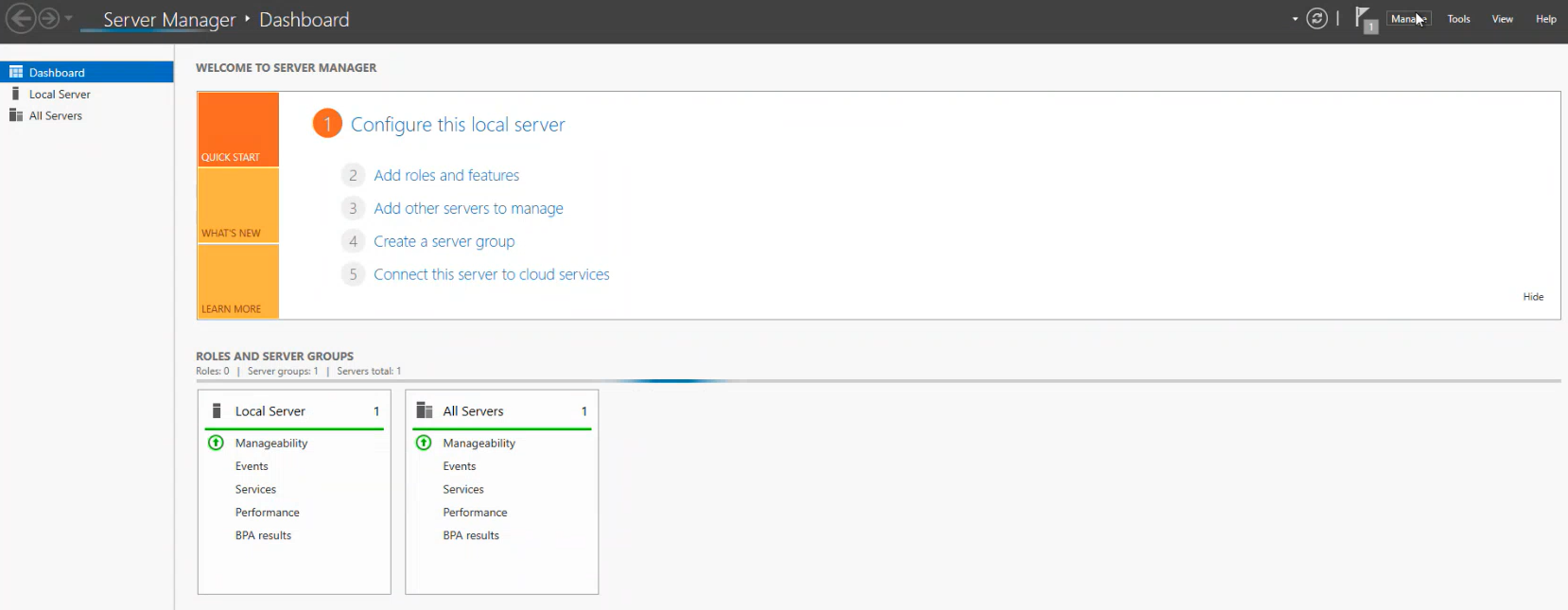
1. In the Server Administration Dashboard option, go to Manager.
2. Click following until you reach the Server Roles.
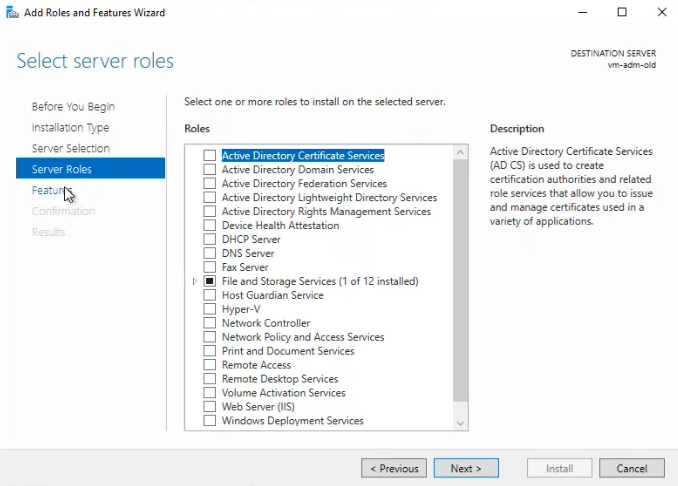
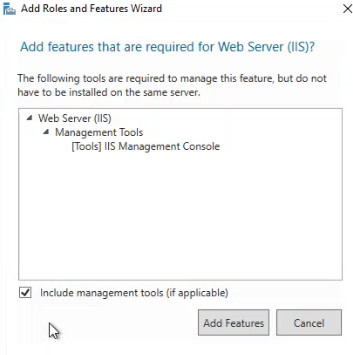
3. Enable the Web Server and click Following.
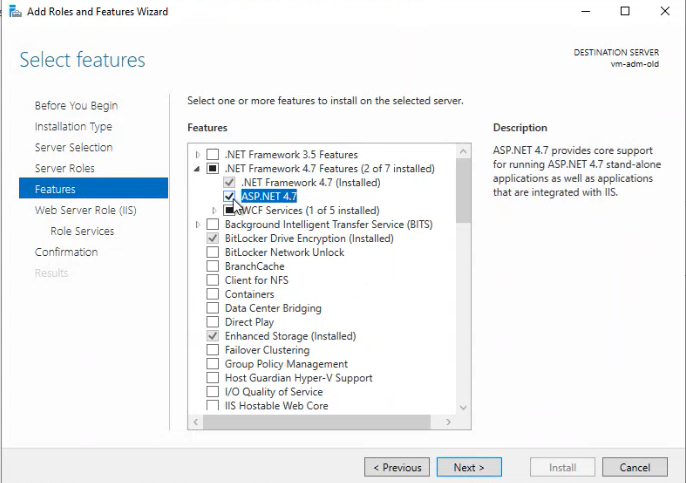
4. In the Features section, you’ll find the .NET Framework 4.8 Features options; Select and enable ASP.NET 4.8.
5. In the Web Server Role (IIS) - Roles Services section, enable specific roles:
| Security/Roles | |
| -Windows authentication. - URL authentication. - Basic Authentication. |
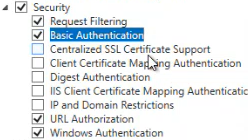 |
| Application developmentRoles | |
| - .NET Extensibility 4.8
- ASP.NET 4.8
- ISAPI Extensions
- ISAPI Filters
- Server Side Includes
- WebSocket Protocol
|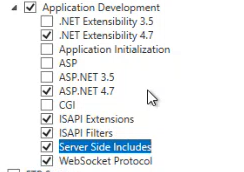 |
|
6. To finish by clicking following and install.
7.- If the server has the minimum supported version installed for the installation of ADM on Windows Server 2019, manually install the .NET Framework version 4.8 Installing the .NET Framework Version 4.8
8. Install URL Rewrite, this is a component required in the IIS prior to ADM installation or upgrade. Download URL Rewrite