Create Gateway
1. To configure the gateway, go to the ADM Management Console, in the ADM Configuration from the main menu, select the Gateway. In the information view, select More options and New Gateway.
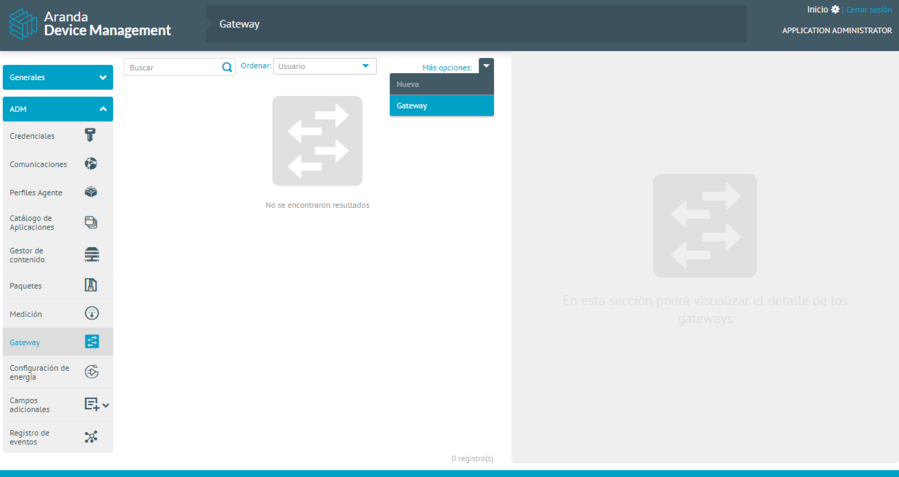
⚐ Note: If you do not see the Gateway in the list of options, turn off the ARC remote. Enter the ADM management console, in the Settings section of the main menu, select the option Global Settings. In the information view, display the item Configuration for Aranda Remote Control administration, select Edit, turn off the remote, and save your changes.
2. In the Gateway detail view, enter the host values (it can be an IP address or a domain, without any schema, i.e. without http://, https://, etc.). The port. It must be the same as the one that was set on the Gateway. SSL should be the same value that was set on the gateway.
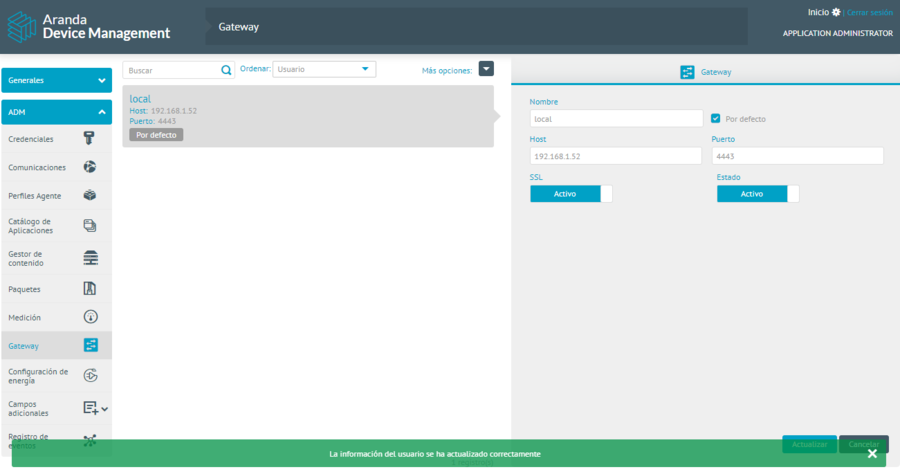
⚐ Note: It is possible to create more than one Gateway. The Gateway that is Active and is marked as Default.
Edit Gateway
1. To edit a gateway, in the information view of the ADM web console, select a record from the existing gateway listing, in the detail view modify the required information (fields).
2. When you finish editing the Gateway, click Update to confirm the changes made.
Remove Gateway
1. To delete a gateway, in the information view select one of the existing listing records, in the detail view, uncheck the option Default and click the Update.
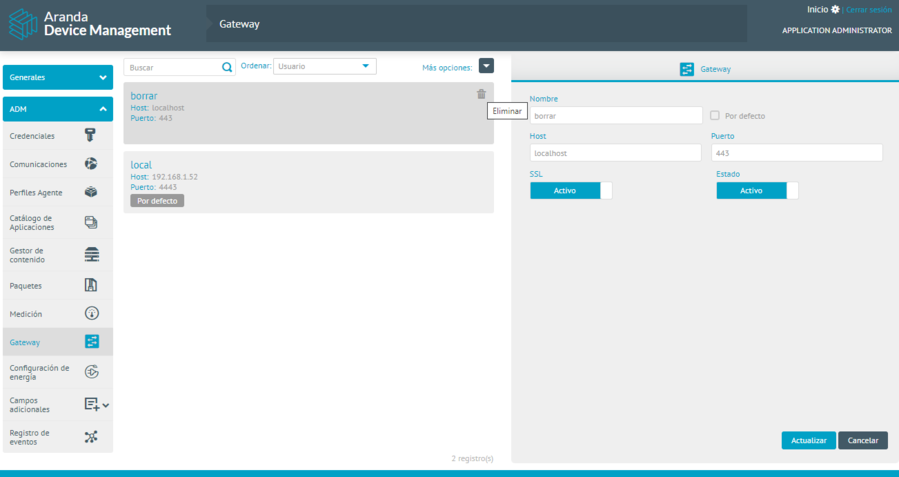
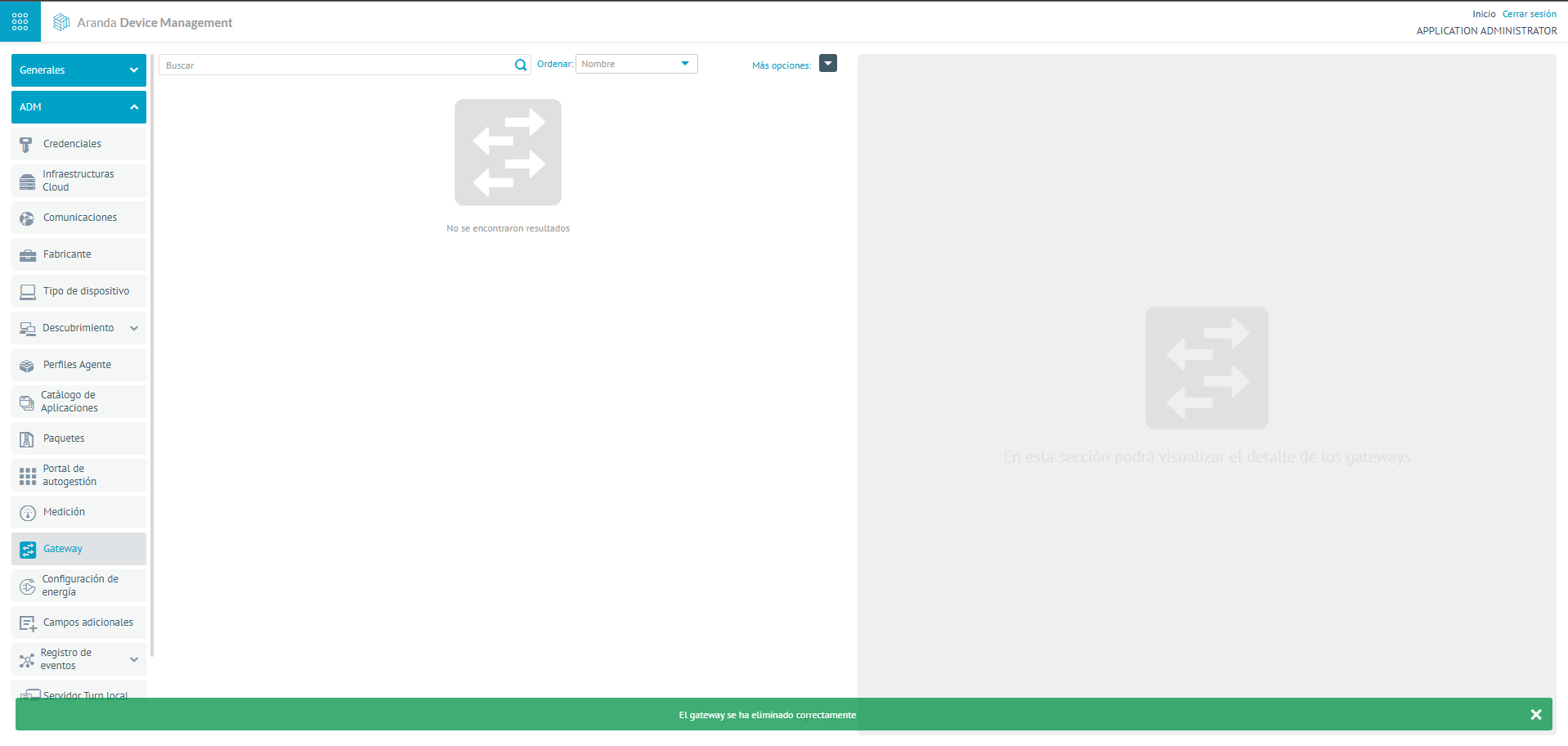
2. In the updated gateway information view, select the Eliminate to clear the associated information. The alert message is enabled Are you sure to remove this gateway?, clicking OK will delete the information successfully.