


Access to the Aranda ASDK Mobile app comprises two stages: installing the app on the iOS device and setting up the connection to the Aranda Service Desk API (ASDKAPI). The procedure for completing both stages is described below.
Get the app:
1. Install the app on your device Aranda ASDK from the iOS App Store. If you have an older version of the application, it is recommended that you uninstall it to remove cached data that may conflict with the new version.
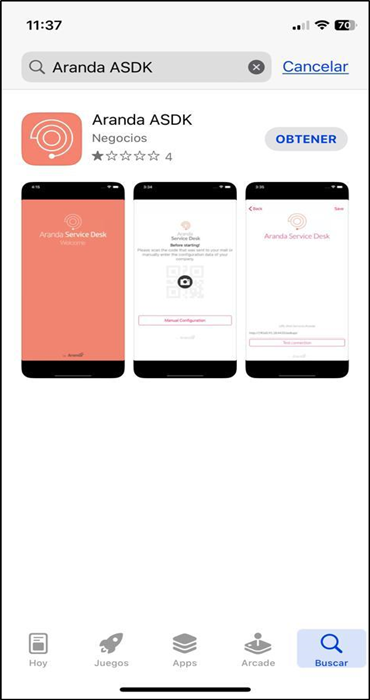
2. When opening the Aranda ASDK app, confirm notification permissions by selecting the option Allow.
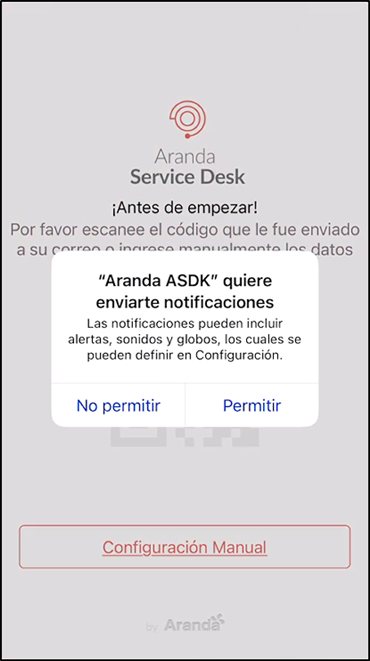
Configure API
3. To make use of the Aranda ASDK application, configure the Aranda Service Desk API (ASDKAPI), which is installed with Aranda.ASDK.WebV8.Installer.exe. The app offers two options for setting it up: