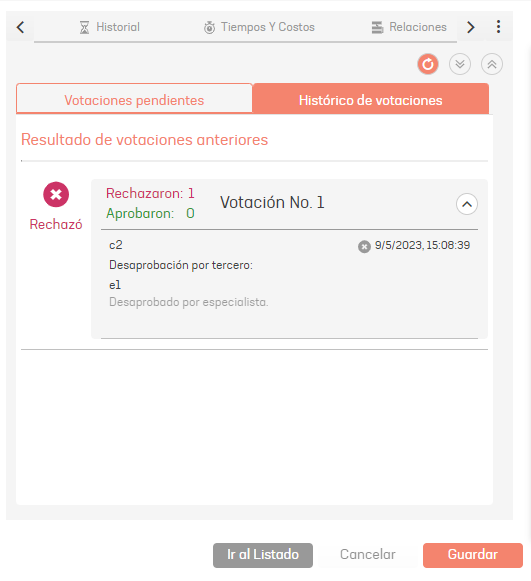
- Approvals
The tab Approvals allows the specialist to vote to approve or reject status changes in Service Requirements, Changes, and Releases cases. In the pending approvals tab, it is possible to vote or view the list of voters associated with the voting process.
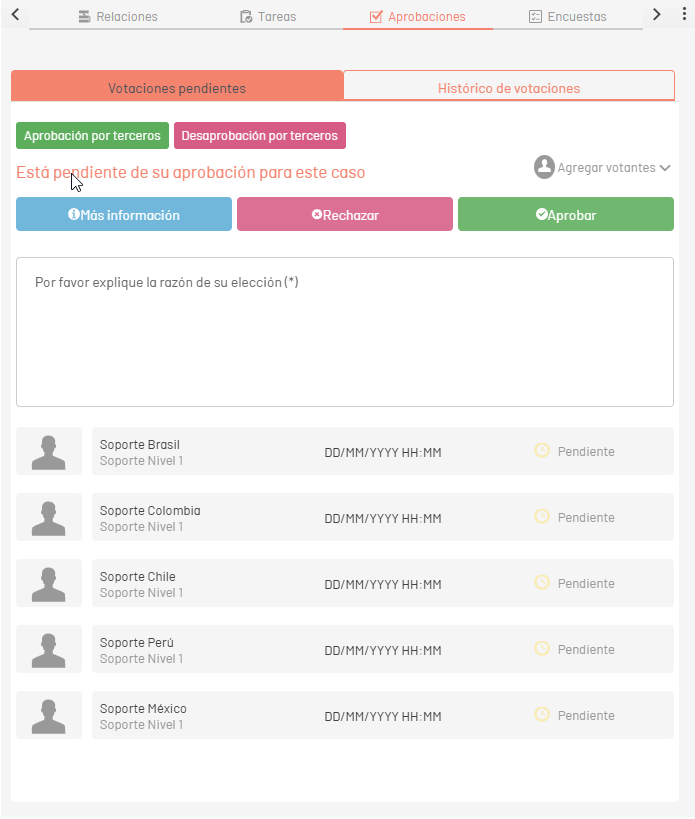
After voting, you can check the result of the vote in the tab Voting history or from the tag VotingResult which is available in the mail tag options in the case, or from the previous configuration in the console ASMSAdministrator, in the Service Management > Mail Templates and/or Rules.
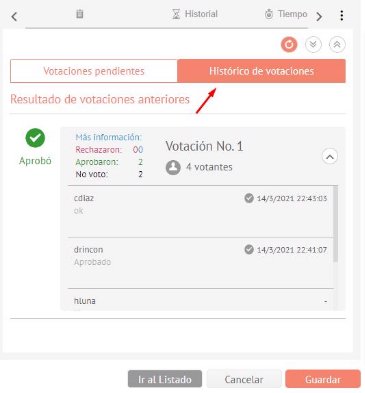
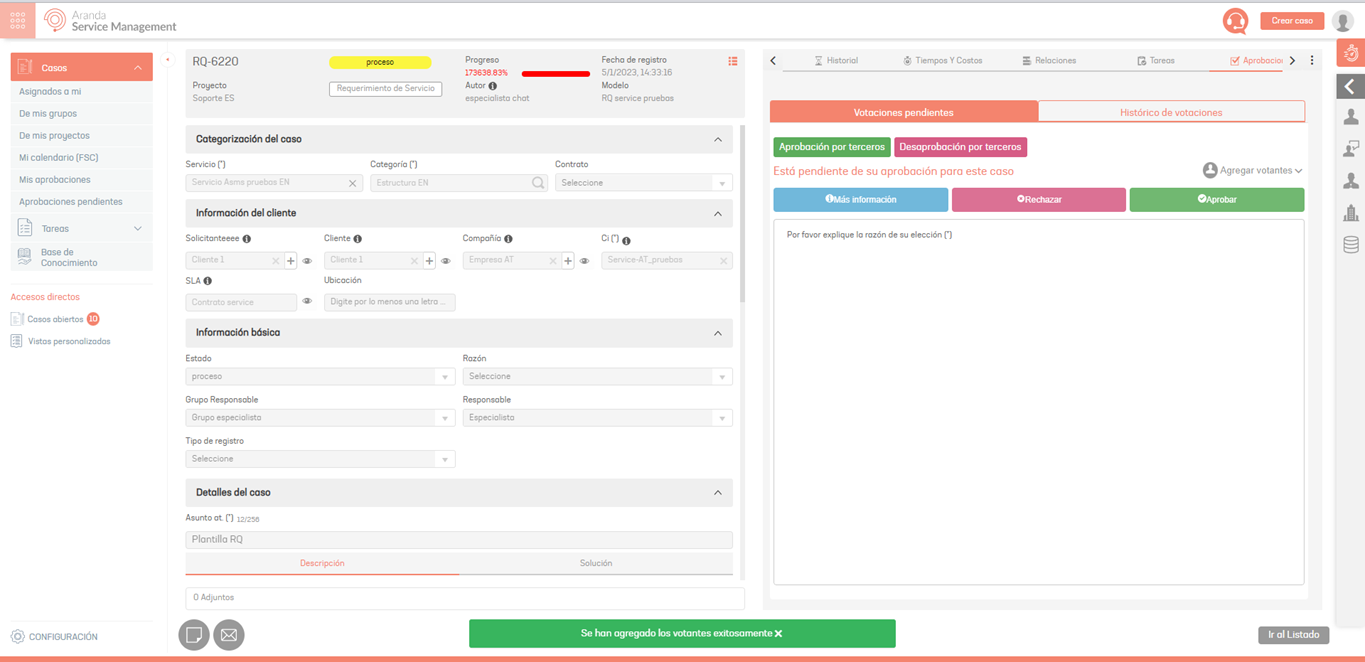
During the voting process, it is possible to add specialists manually to participate in the voting. To do this, in the search box, type in the name of the specialist, fill in the justification (which will be registered as an annotation to the case) and click on Add.

If you check the CI Managers, when doing the search, only the specialists responsible for the ICs that are associated with or related to the case will be displayed.
A confirmation message will be displayed at the bottom of the console.
Third-party approvals
A specialist who is not from the voting group will be able to approve or disapprove a case if they have been assigned the role ThirdPartyApproval from the Admin console.
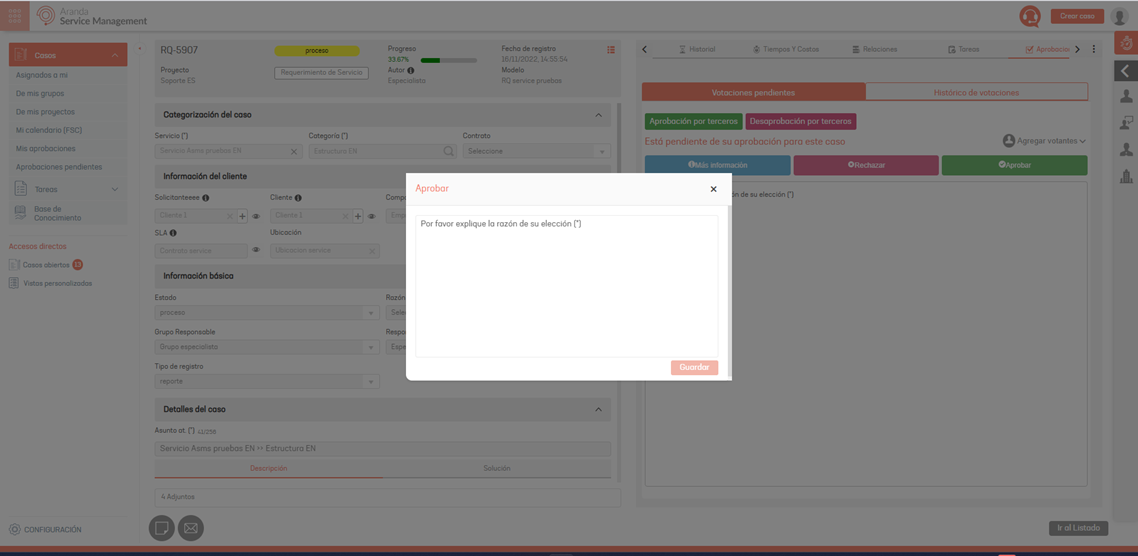
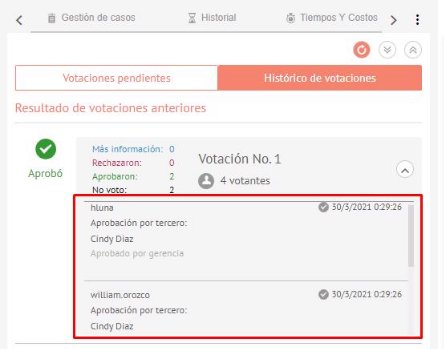
⚐ Note: When executing the vote, the case will be automatically approved/rejected regardless of the number and/or percentage of voters that are configured in the approval process. Once the vote has been applied, you will be able to view the user, the name of the third party and the justification of each of the specialists that were needed to approve or reject the case.
Third-party customer approval
When a case is in approval status by the customer and the customer has not yet responded to the survey, or approval required, the specialist with the role Customer Third Party Approval You will be able to vote on behalf of the customer from the corresponding console.
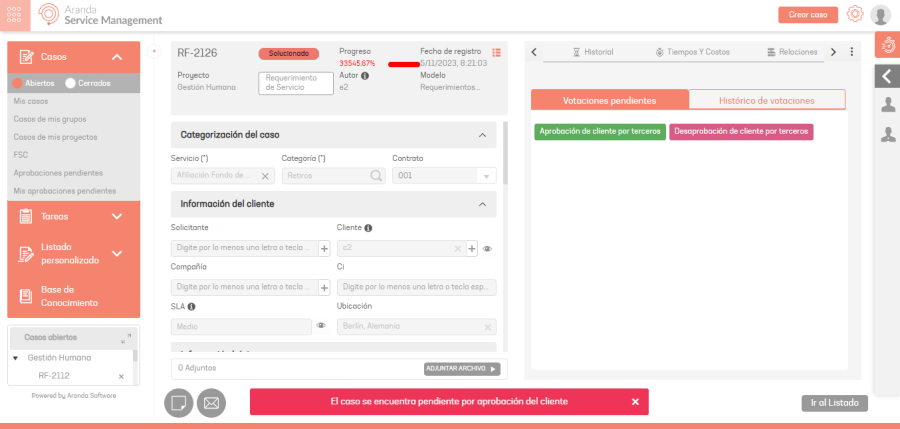
When executing the vote, the case will be automatically approved or rejected. Once the vote has been applied, the The user will be able to see in the voting history the name of the third party and the corresponding justification.