


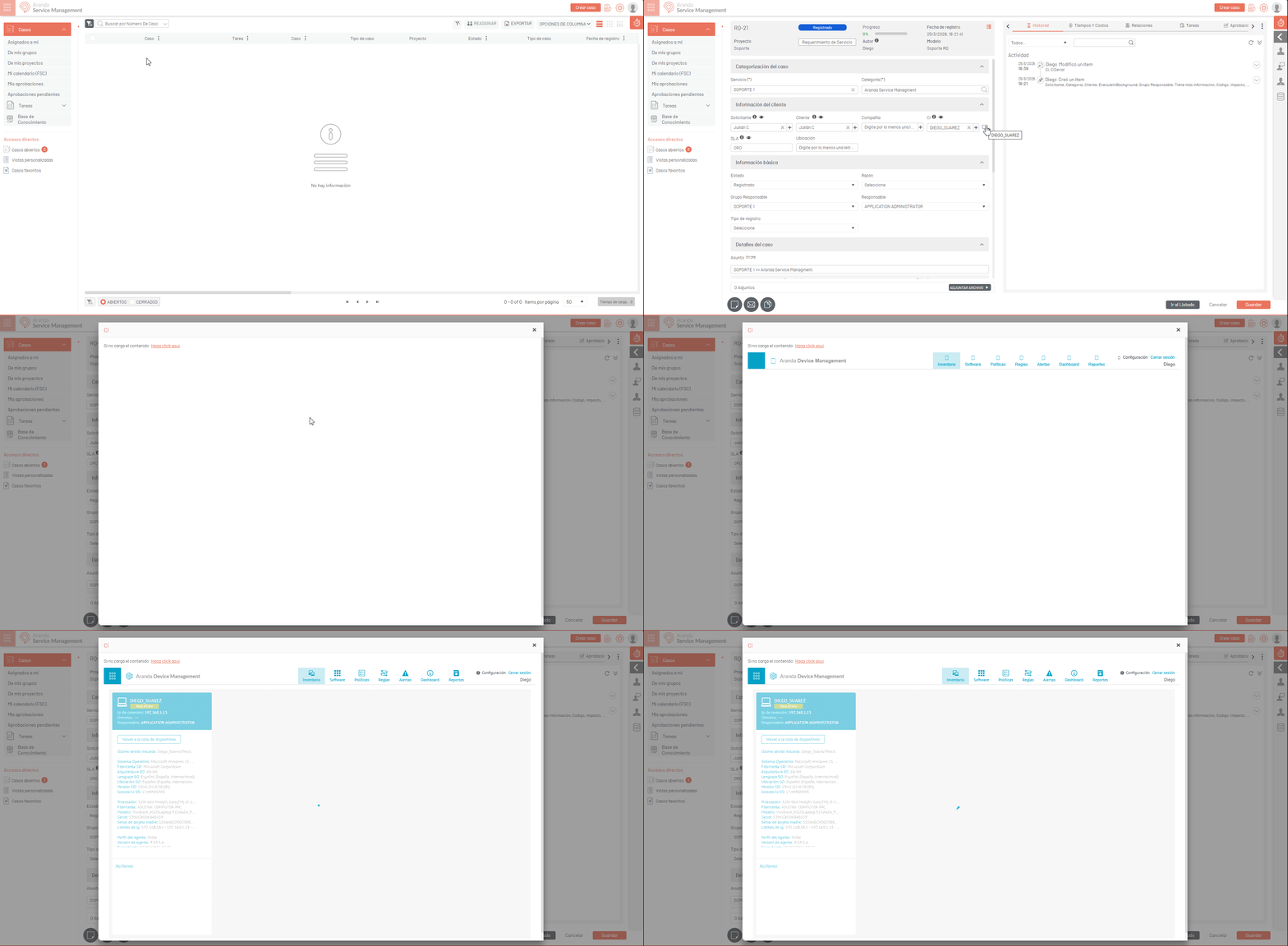
On the console ASMS Specialist, when a case has an associated CI that has integration with ADM, a computer icon will be displayed next to the IC’s name.
⚐ Note:
For the icon View Device allows correct access to the IQ detail in the ADM portal, the user must have the Integrations.GetObject assigned to their profile within the ASMS Admin console. If the user does not have this permission, clicking on the icon does not enable the modal window and the service will fail with the 403 access denied error.
Clicking on this icon will open a modal window that allows you to view the IQ detail in the ADM portal.
For more information on how this integration works, see the Accessing the ADM Portal from CMDB.