


The WhatsApp Bot can be used from the mobile application and from the web version of WhatsApp; users can invoke the Bot by typing any text and the Bot will respond with a presentation message and the list of available options (1.Create Case – 2.Consult Case – 3.List Case - 4.List Solved Cases - 5.List Approvals - 6.Consult Article - 7.List Items - 8.Add Comments - 9.Change Domain Key).
⚐ Note:
1 If the number interacting with the Bot is not associated with an active user, the Bot will re-enlarge with the message Please contact the Aranda administrator to set up your username and mobile number. To use this application you must have an active Aranda Service Management subscription.|
2 The Windows version of WhatsApp that is installed with the archivo.exe, can be used to interact with the Bot in the same way as it is done with the Web version.
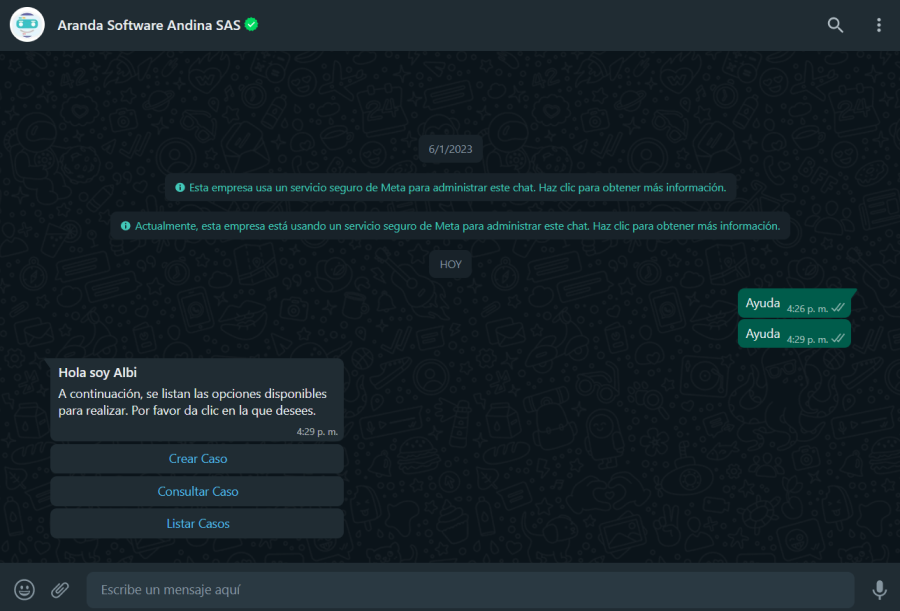
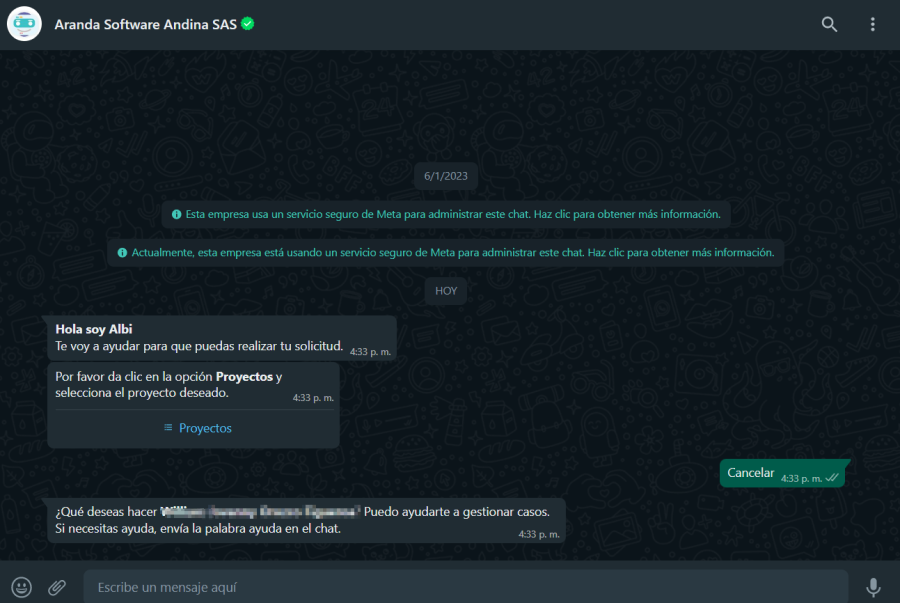
If during the interaction with the Bot a wrong option is selected or you do not want to continue with the interaction, send the word cancel, so that the Bot interprets its decision and desists from the interaction that is taking place (1.Create Case – 2.Consult Case). The Bot will respond with a greeting message and the Help, which allows you to revisit the available options:
The WhatsApp Bot supports the same languages as Aranda Service Management (Spanish, English and Portuguese), the language of the messages will be displayed according to the culture configuration that each user has associated with.
⚐ Note: Currently, the Windows version of WhatsApp that is installed from the Microsoft Store is not fully compatible with the Bot.
Automatic session termination due to inactivity
If you don’t interact with the bot for 10 minutes, you’re automatically logged out.
Functional scope
This functionality applies to the following flows:
Prior Warning of Inactivity
When it reaches 5 minutes of inactivity, the bot sends a warning card.
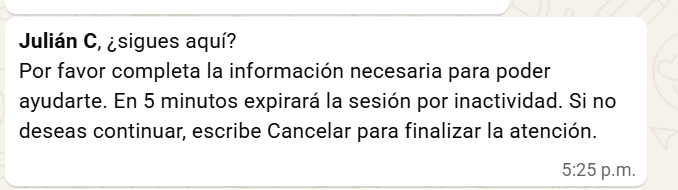
Behavior during the warning:
- When you respond, the idle timer resets and the flow continues.
- If you do not respond, the session is automatically closed when the maximum time is reached.
- When Sending “Cancel”, the bot cancels the current flow and displays the greeting card with the Help, which allows you to start a new interaction.
Automatic closing
When 10 minutes of inactivity is reached, the bot sends an inactivity logout information card.

Bot reactivation
If the session is logged out due to inactivity, the bot can be invoked again by typing any text.