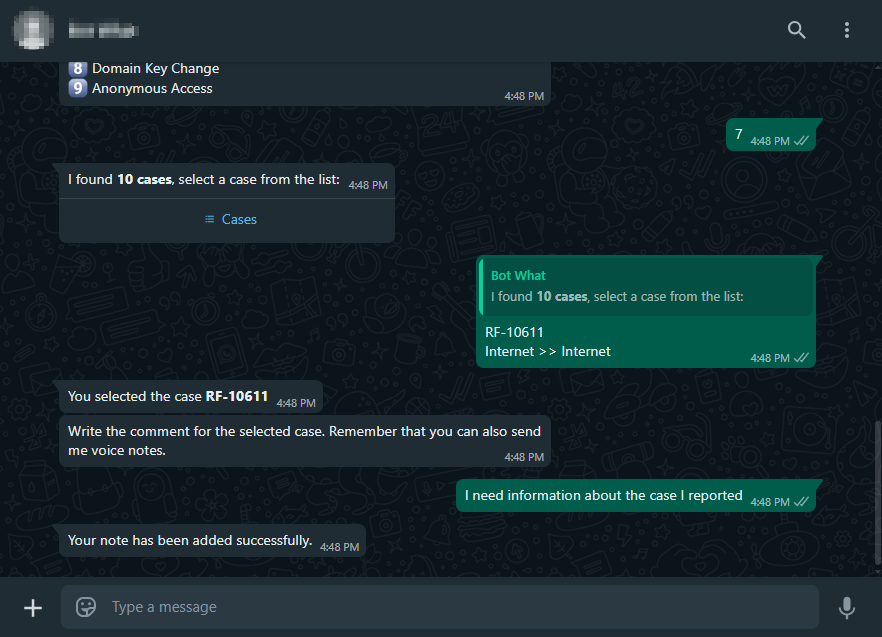
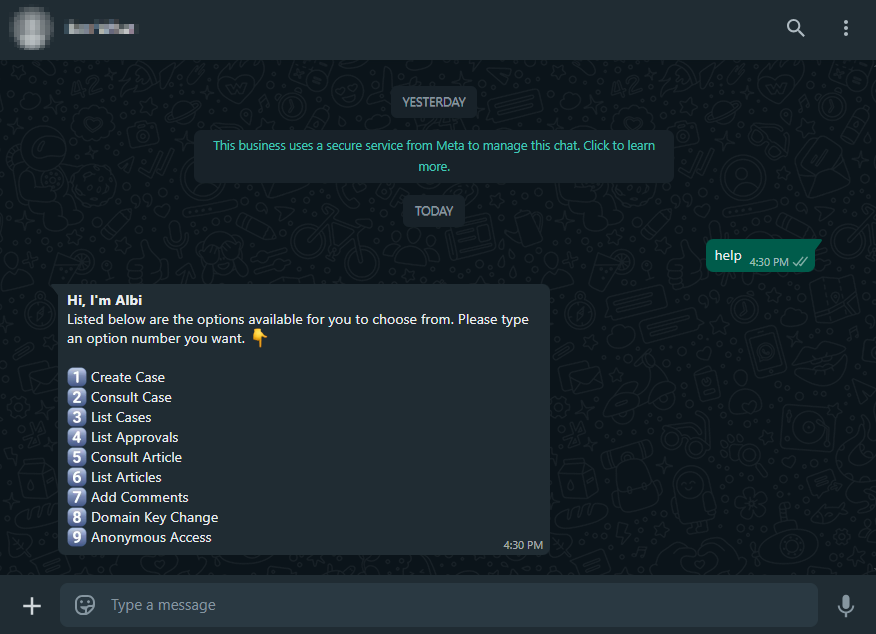
1. To invoke the Bot, start a chat with the contact number via the WhatsApp web or mobile app. Then, type in any text and the Bot will respond with a greeting message and the available options. Select the option “Add Comments” Writing the corresponding number as an answer.
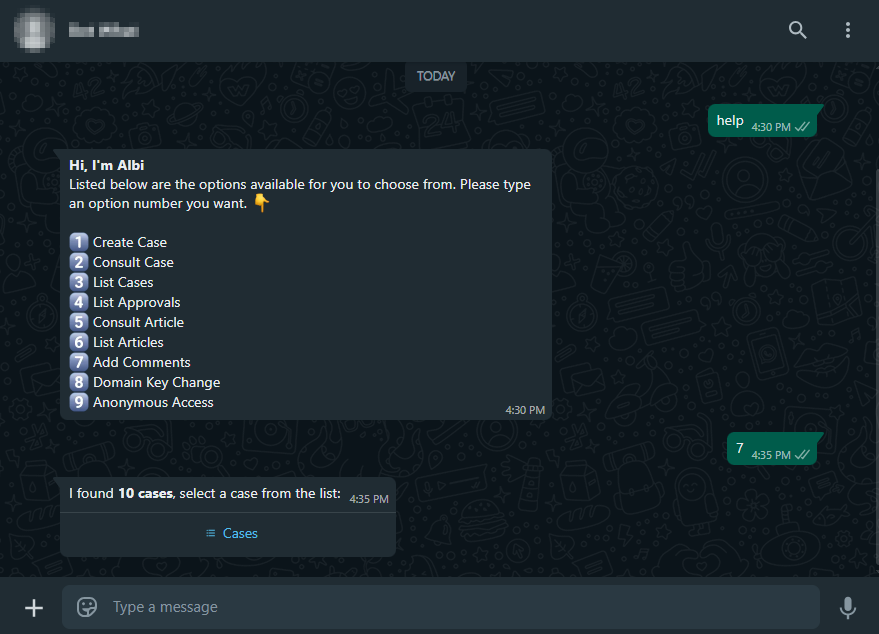
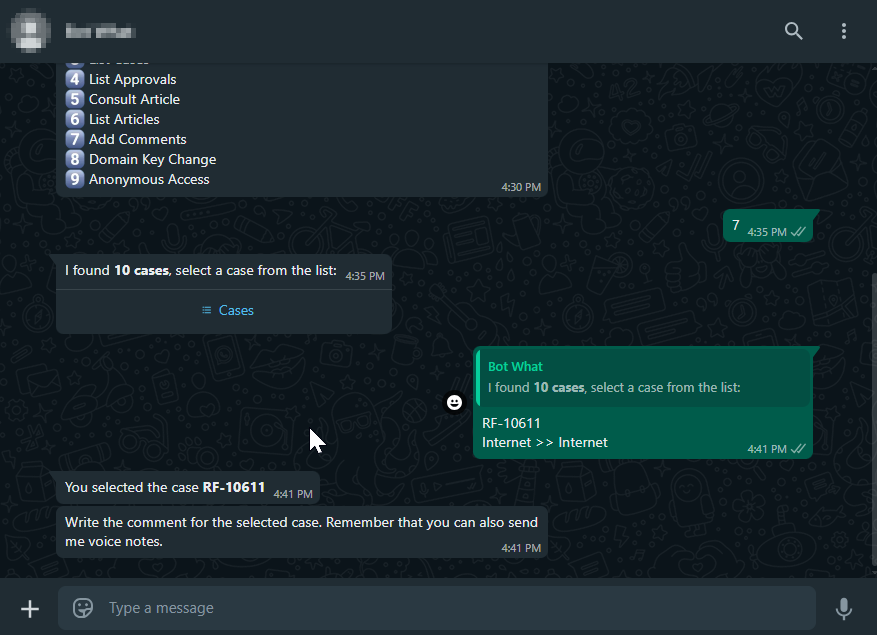
2. If the user has one or more associated cases, the Bot will report how many cases were found, with a maximum of 10. The Cases.
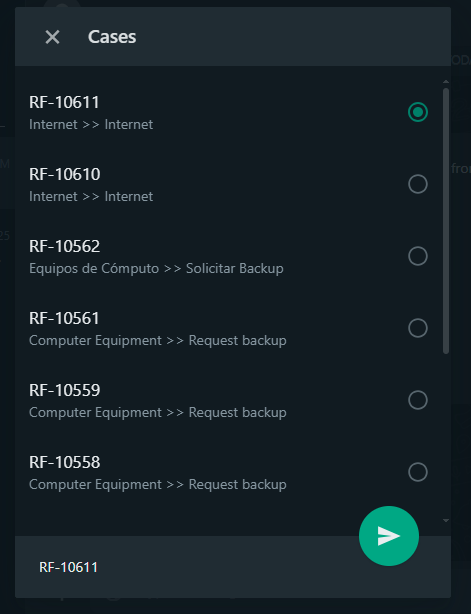
3. By clicking Cases, a list of available cases will be displayed. Select the case you want to add a comment to and click Submit.
⚐ Note: Viewing cases to add comments is subject to configuration “Not allowing the client to include notes to the case” on the ASMS administration site. See Restrict Notes from the User Portal
4. The selected case will be confirmed in the conversation. The Bot will notify the case number and request to enter the comment by text or voice note.
⚐ Important: Sending voice memos is only available if the “Transcription of voice memos to text” action is enabled on the admin site. View AI Settings
5. Once the comment (text or voice note) has been sent, the Bot will confirm that the note was correctly added to the case.