


In the constant search for the evolution of the platform, Aranda Security Compliance (ASEC) presents an interface redesign that offers a modern, simple and easy-to-use visual experience. This change goes beyond aesthetics: it seeks a closer and more efficient interaction for the user.
Below, learn about the most important changes of this update.
1. Change Display Mode
From the profile panel, located in the upper right corner, the user will be able to consult their information, access quick actions, toggle between dark mode and light mode, and log out.
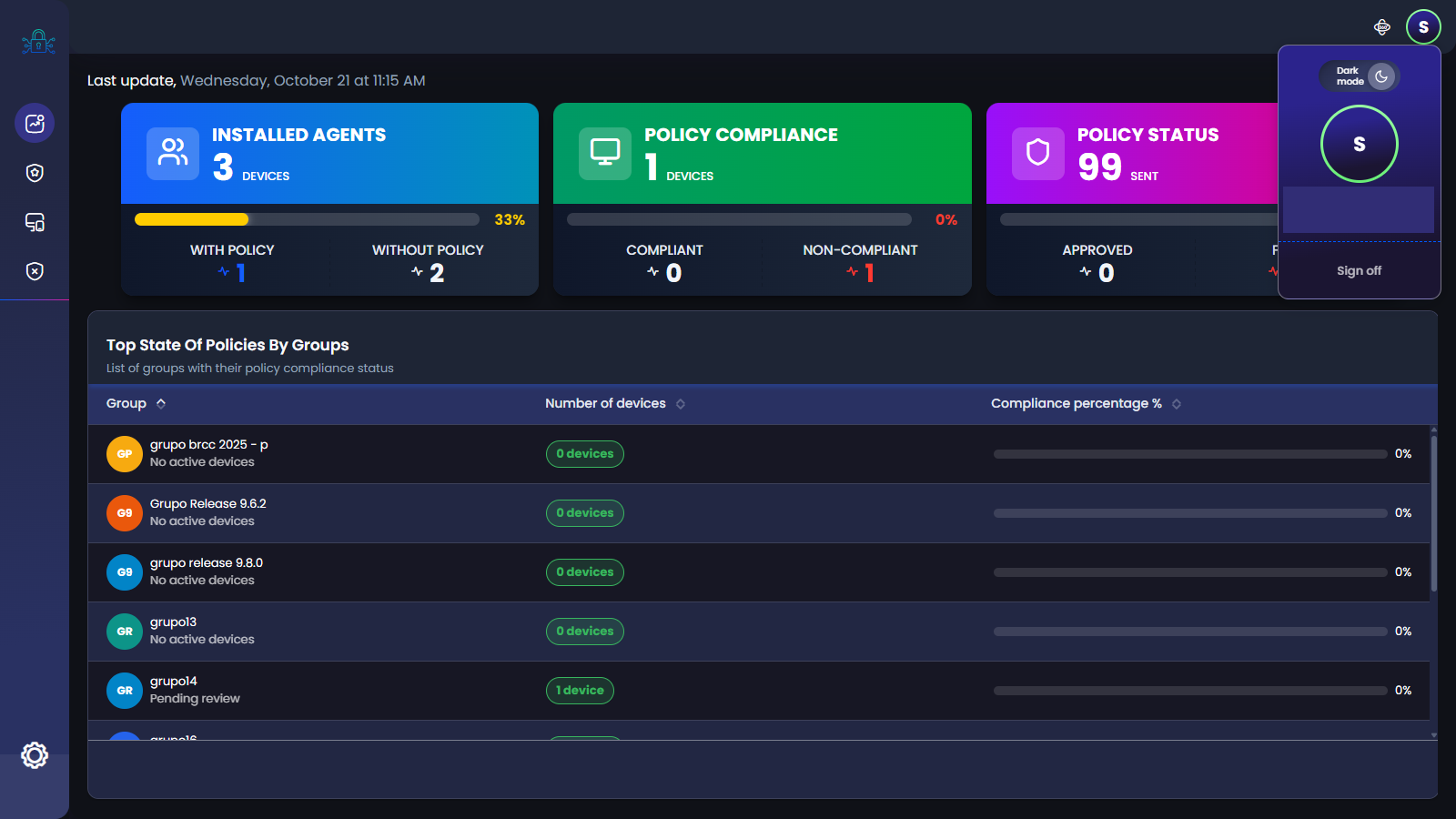
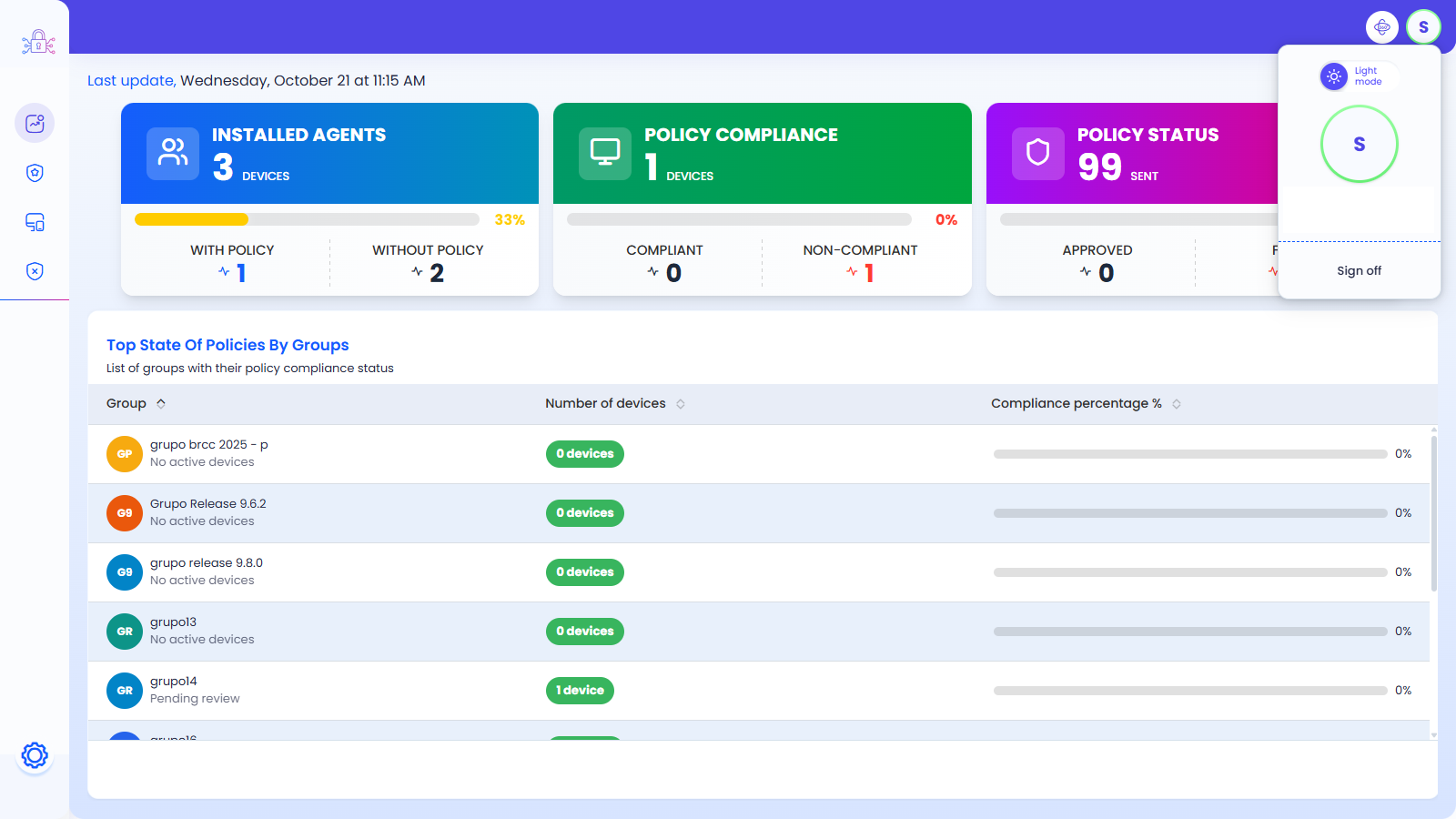
⚐ Note: The selected display mode is retained for the duration of the user’s session.
2. Navigation Menu
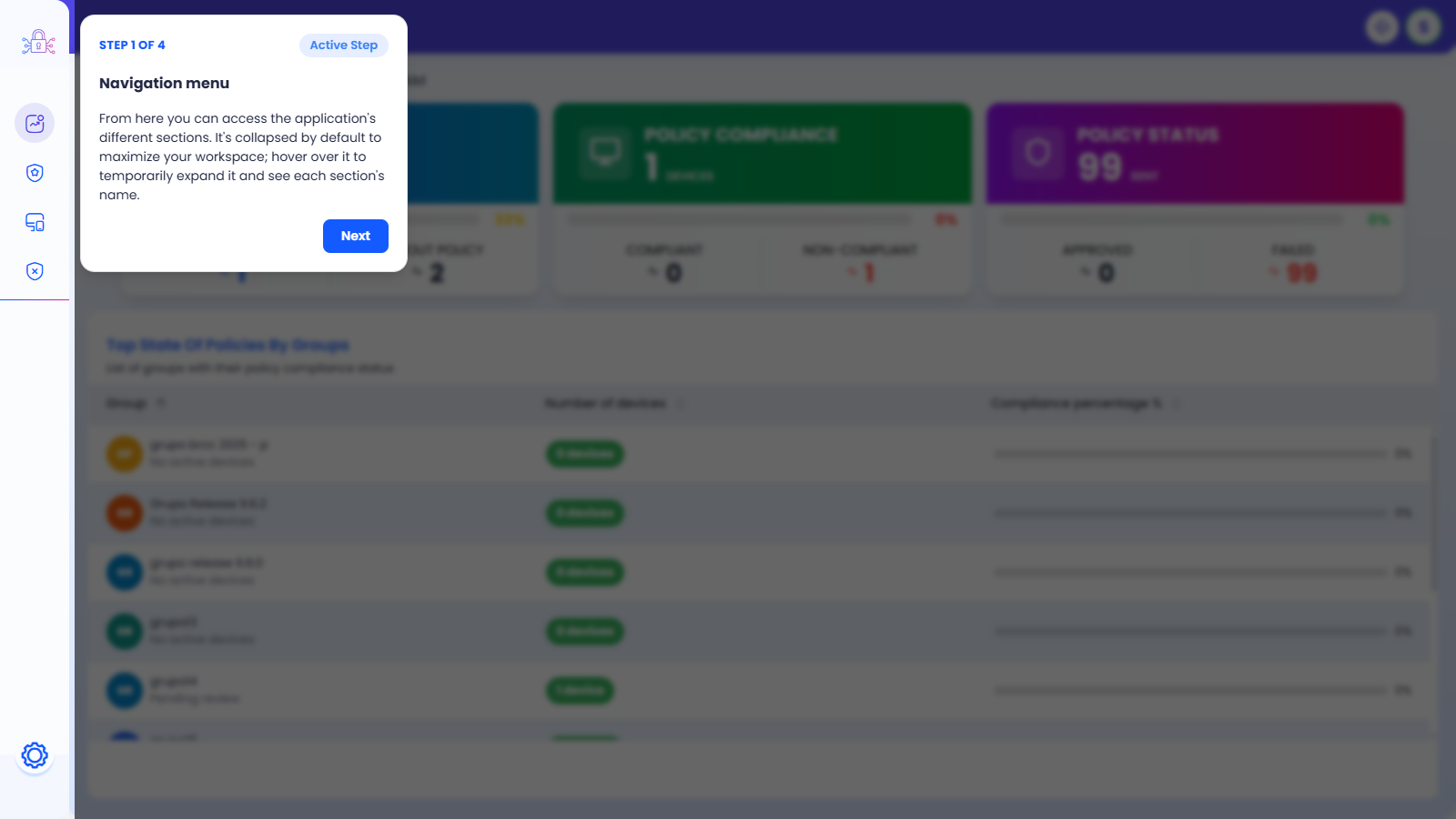
The main menu remains collapsed by default to maximize the workspace. Hovering over it temporarily expands to display the name of each section.
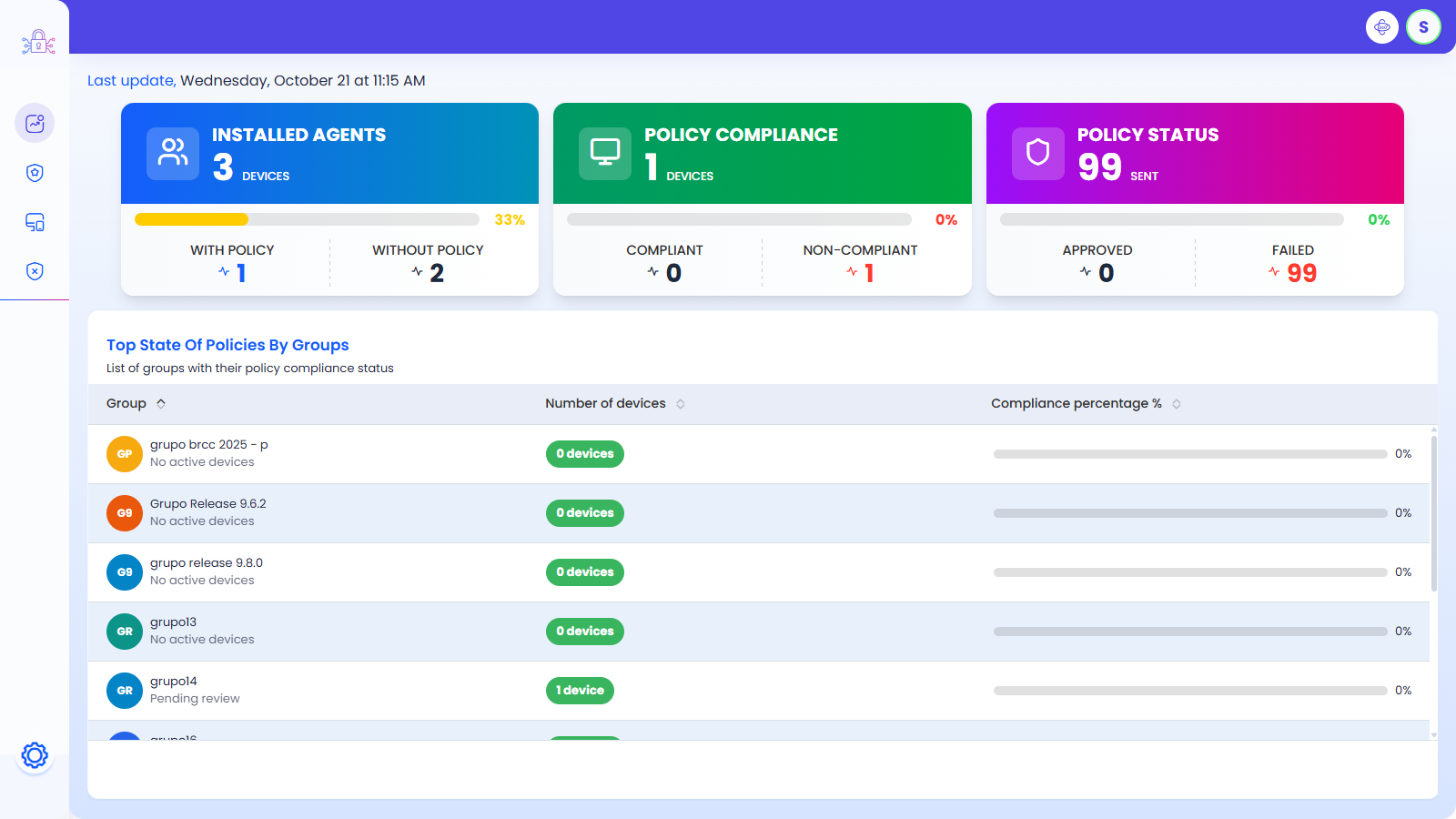
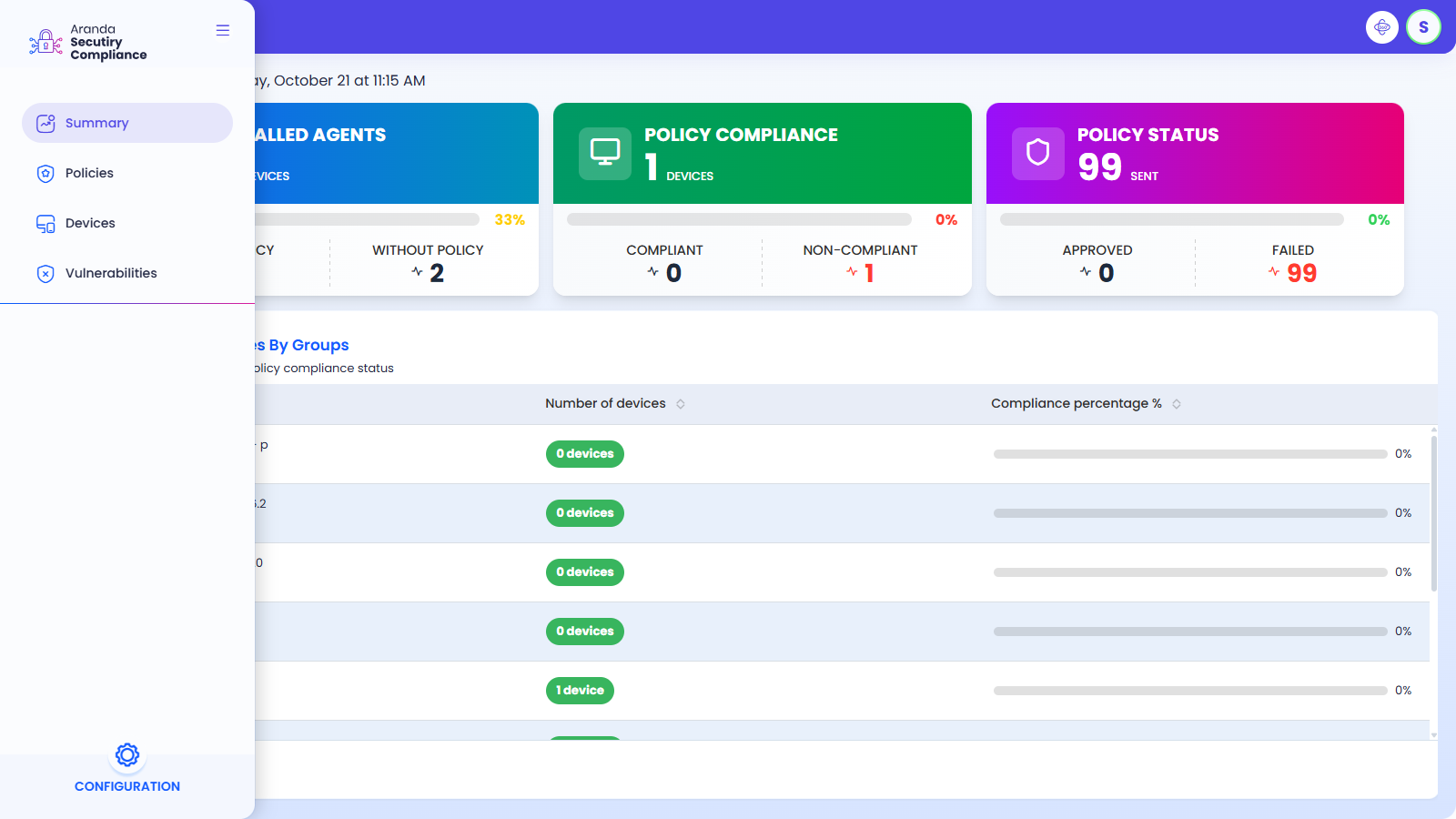
⚐ Note: The menu groups the sections Summary, Policies, Devices and Vulnerabilities at the top, and the Configuration at the bottom.
3. Welcome Guide
Upon login, the system presents a four-step guided tour for the user to learn about the main components of the web environment: the navigation menu, the header, the profile panel, and the icon to restart the guide at any time.
⚐ Note: Click the icon next to the profile dashboard to revisit this guide when you need to.