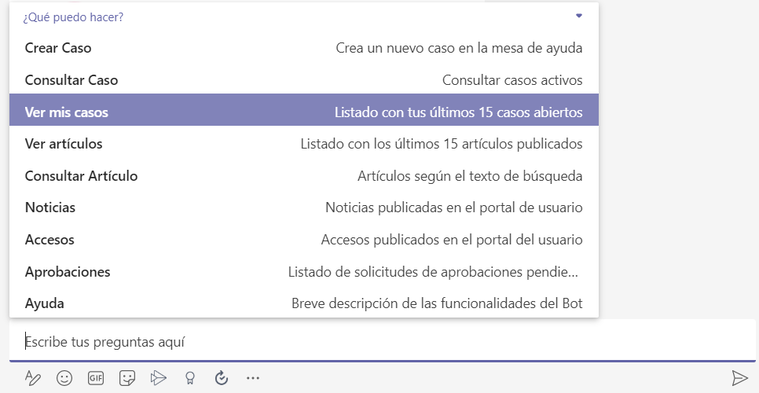
1. From the channel authorized for this use, invoke the bot by typing “@Aranda Virtual Agent”. A drop-down menu will appear where you can select the option View My Cases.
2. A list will be displayed with the last 15 cases in which the user is a customer.
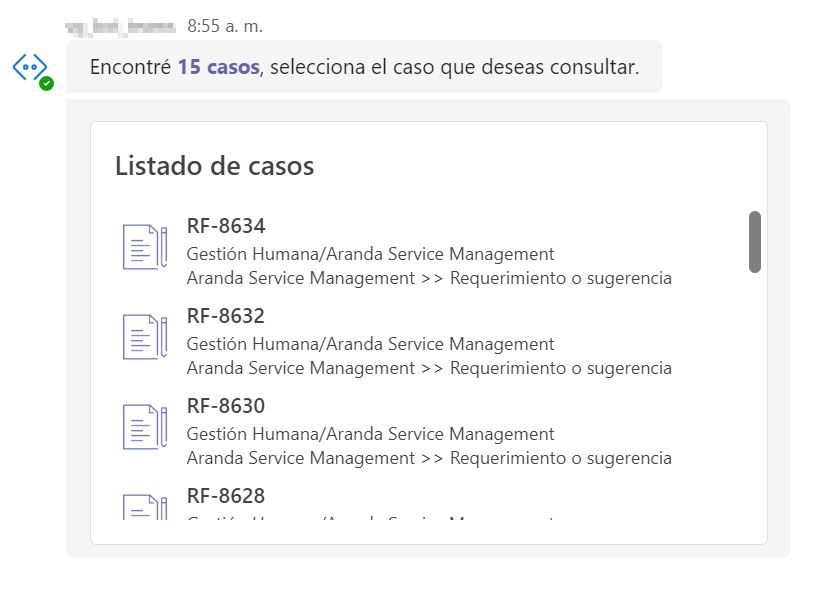
3. Select the case you want to consult.
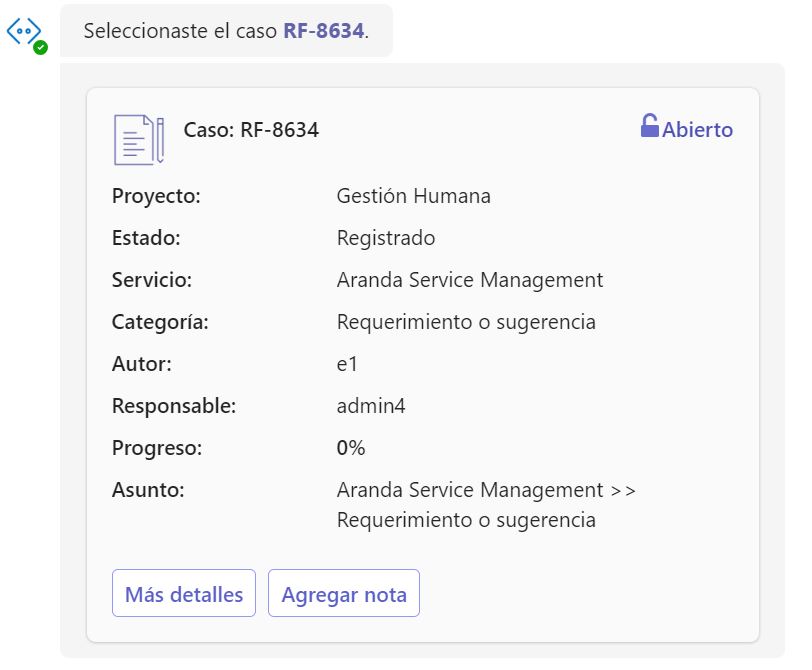
4. The summary of the case will be displayed. If the case is open, an option to add a note will be displayed. Click the Add Note and complete the note.
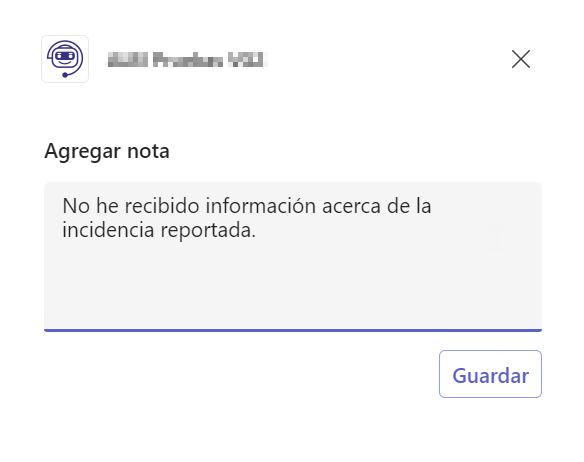
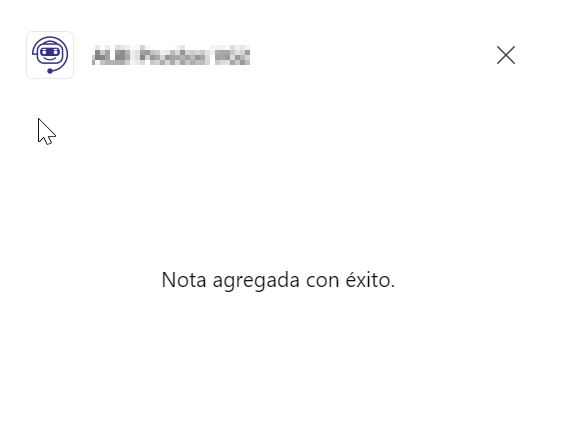
5. By clicking Save, a message will appear informing you that the note was successfully added.
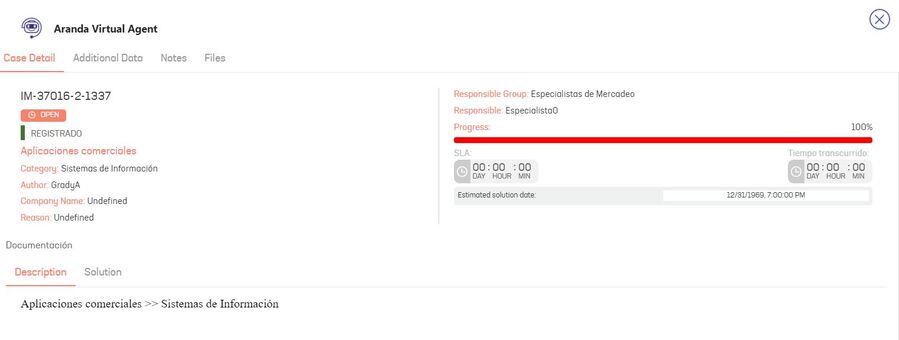
6. For detailed case information, click the More details. The case will be shown with all its information.