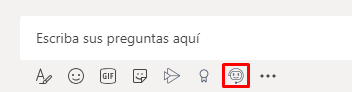
1. From the authorized channel, you can search for public items by clicking the Aranda Virtual Agent icon at the bottom of the Microsoft Teams window.
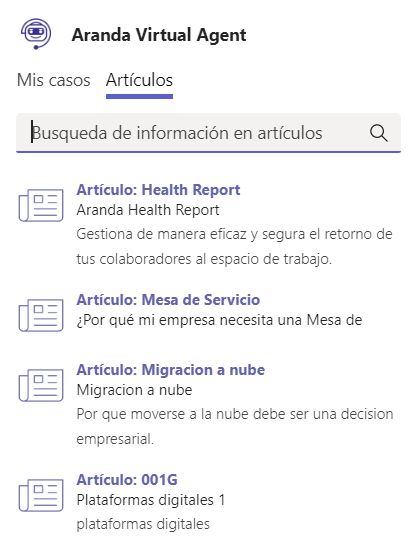
2. The Articles tab will display the 15 most recent articles. You can also search for matches by title, description, or content.
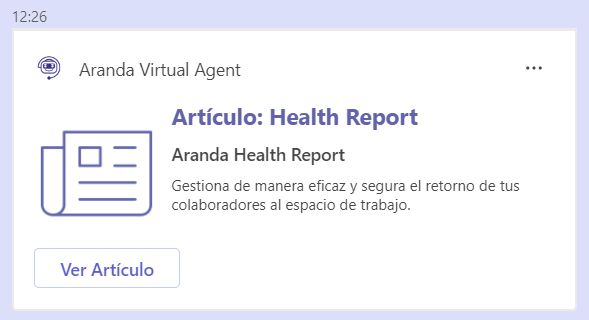
3. Click on the article and you will be able to see a card ready to send. Press the Enter key or click Send.
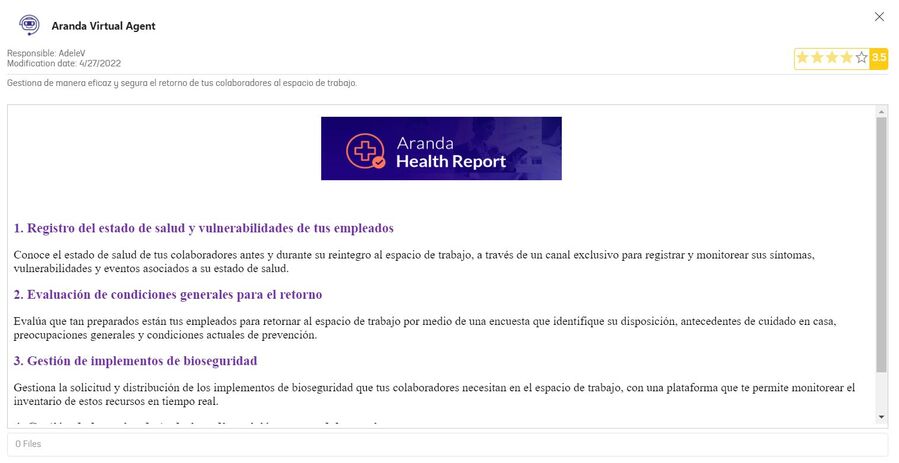
4. Click View Article to display the article information (Title, Description, Keywords, Content, Attachments).