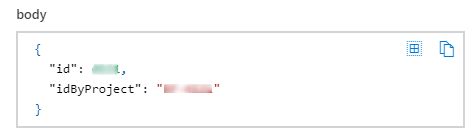
In case creation version two (V2), additional fields are dynamically generated by completing the fields for the project, case type, service, and category.
To create cases using the connector Aranda Service Management Consider the following steps:
1. Select the function Create case (V2)
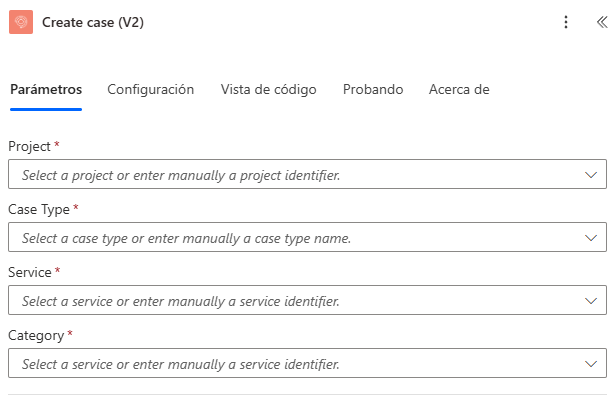
2. Type or select a value for the properties “Project”, “Case Type”, “Service”, “Category”. The properties associated with the case are generated as shown in the following image:
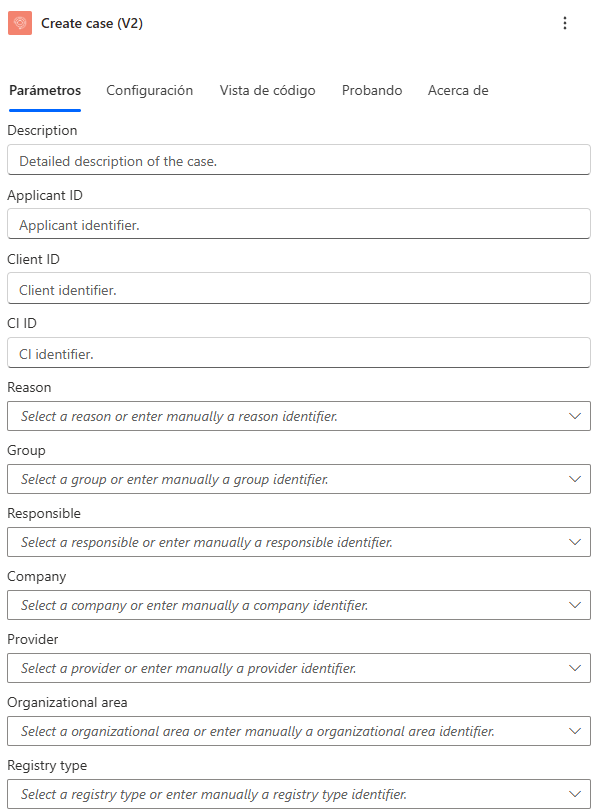
3. Select, type, or relate a field for the case properties:
| Case Properties | Advanced properties |
|---|---|
| Reason |
|
| Applicant ID | |
| Client ID | |
| Group |
|
| CI ID | |
| Responsible |
|
| Company |
|
| Provider |
|
| Organizational area | |
| Registry type | |
| Urgency | |
| Impact | |
| Additional fields |
Additional fields
The values for the additional fields are added as shown in the next section: Additional fields.
Note:
- The properties that are added by selecting from a drop-down list depend on each other; For example, the property
Servicedepends on the propertyProject, because the services are associated with an ASMS project. - The properties
Applicant ID,Client IDandCI ID, do not have a drop-down list.
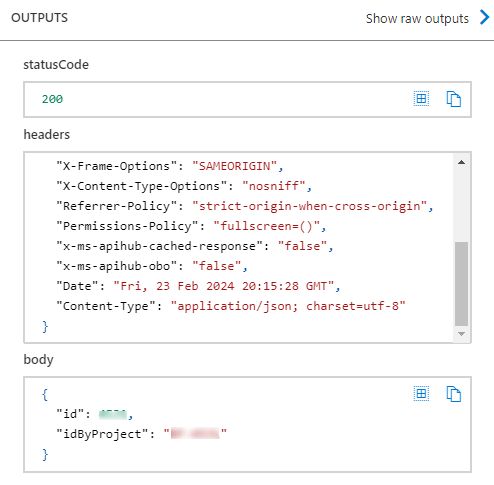
4. Run the connector and verify the response:
5. Verify the case creation by logging into your environment:
El conector responderá con un estado “200”.