


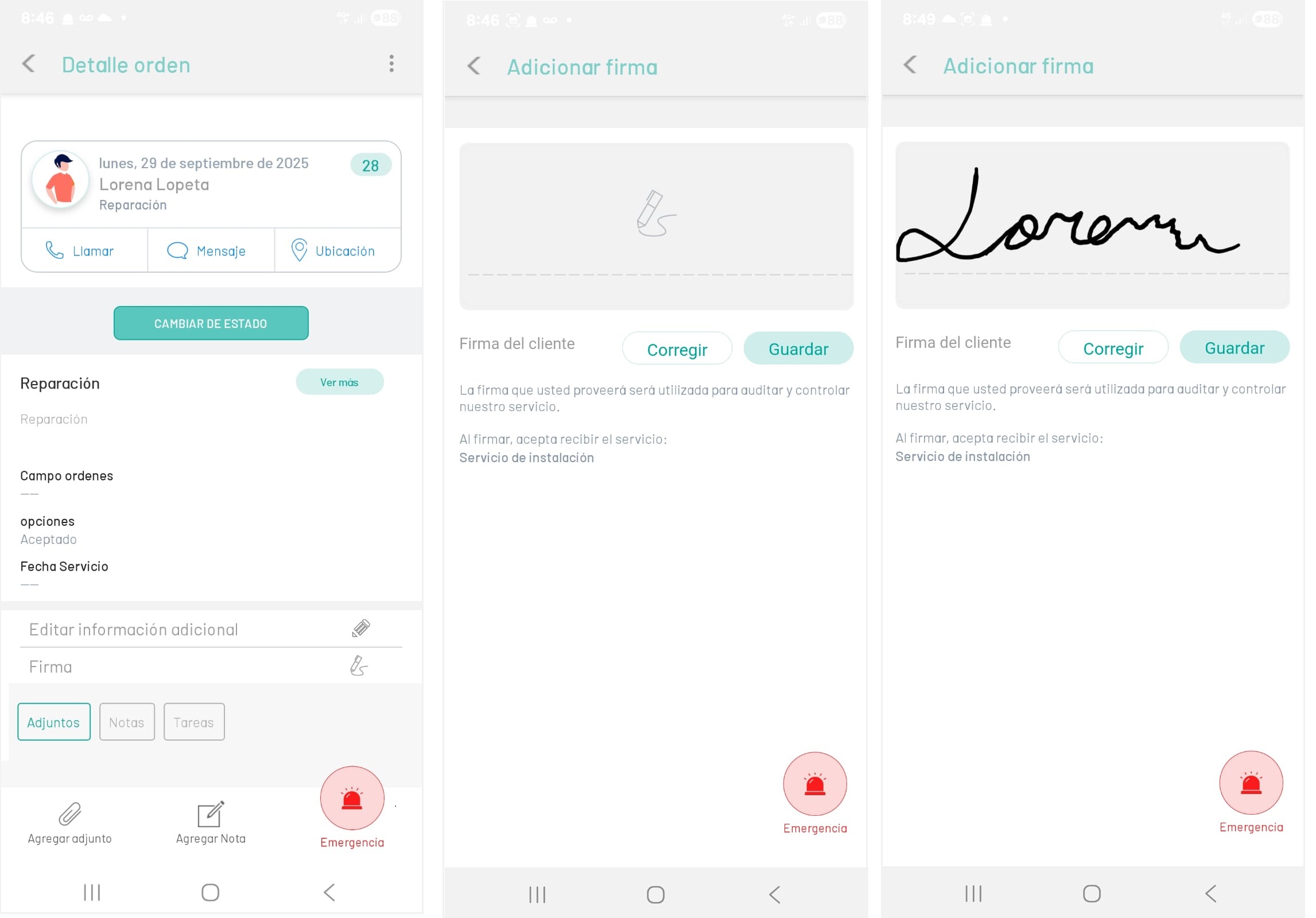
1. Selecting a work order record enables the Order Detail where the specialist will be able to add the client’s signature, after the work order has been attended.
2. When selecting the Signature  The field is enabled to include the required signature. The client will be able to correct the signature attempt if necessary. When finished, click on the Save.
The signature is compared with the one that has been previously configured for that client in AFLS, and in this way it is possible to corroborate the client’s satisfaction and also audit and control the attention of the services.
⚐ Note: The Signature action will be enabled on the mobile console for the specialist, when the order is being closed; It is not mandatory and can only be stored once per order.