System Verification
1. In the AFLS Mobile Console, in the Home workspace, select the Configuration on the Taskbar.
2. In the window that is enabled in the VERIFICATION & SYNC section, select the System Verification, the specialist allows you to verify the connection and synchronize the application with AFLS web.
This validation is useful in case the mobile console has an error that does not allow you to log out, or if the specialist wants to do a manual synchronization. When synchronizing, the following system data is validated:
- Internet connection.
- Server devices.
- Validating points.
- Collecting order information.
- Sending information.
- Full synchronization
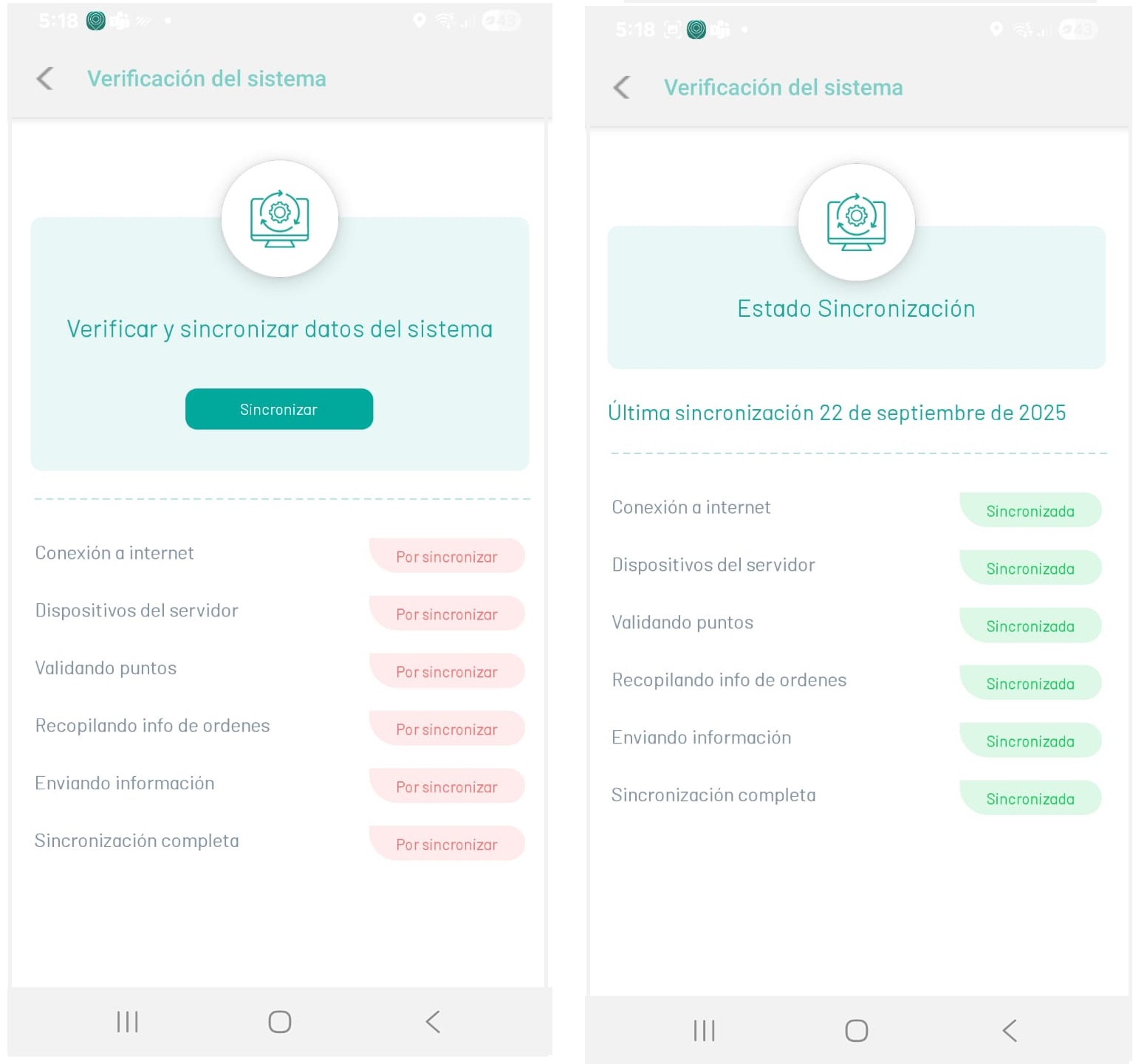
2. To perform the system check, click the Synchronize.
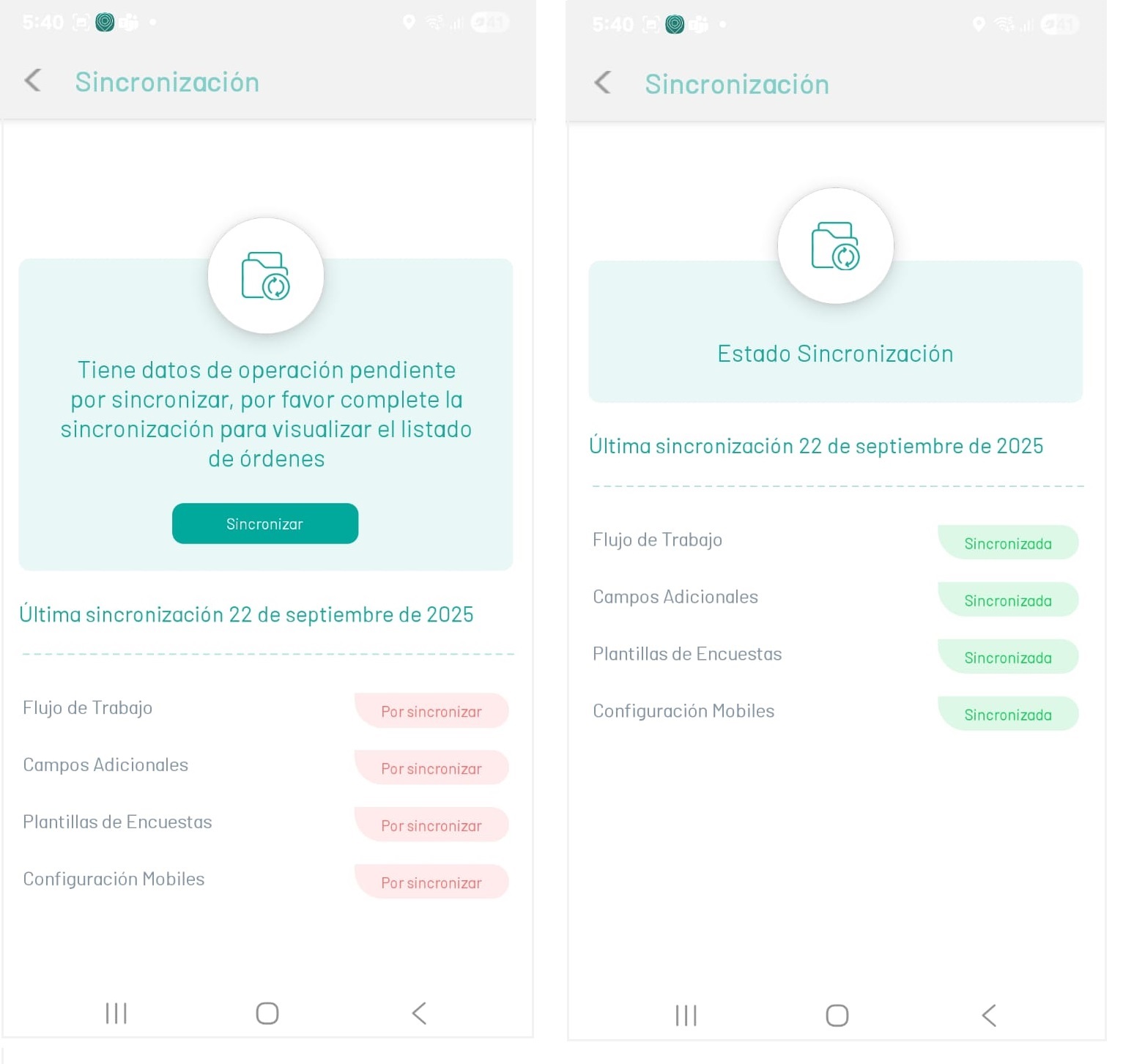
Synchronization
1. In the AFLS Mobile Console, under In the Home workspace, select the Configuration on the Taskbar.
2. In the window that is enabled in the VERIFICATION & SYNC section, select the Synchronization, the specialist can manually sync when one or more of these syncs were not done automatically during mobile console login. The operation data that can be synchronized are:
- Workflows.
- Additional Fields.
- Survey Templates.
- Mobile Configurations