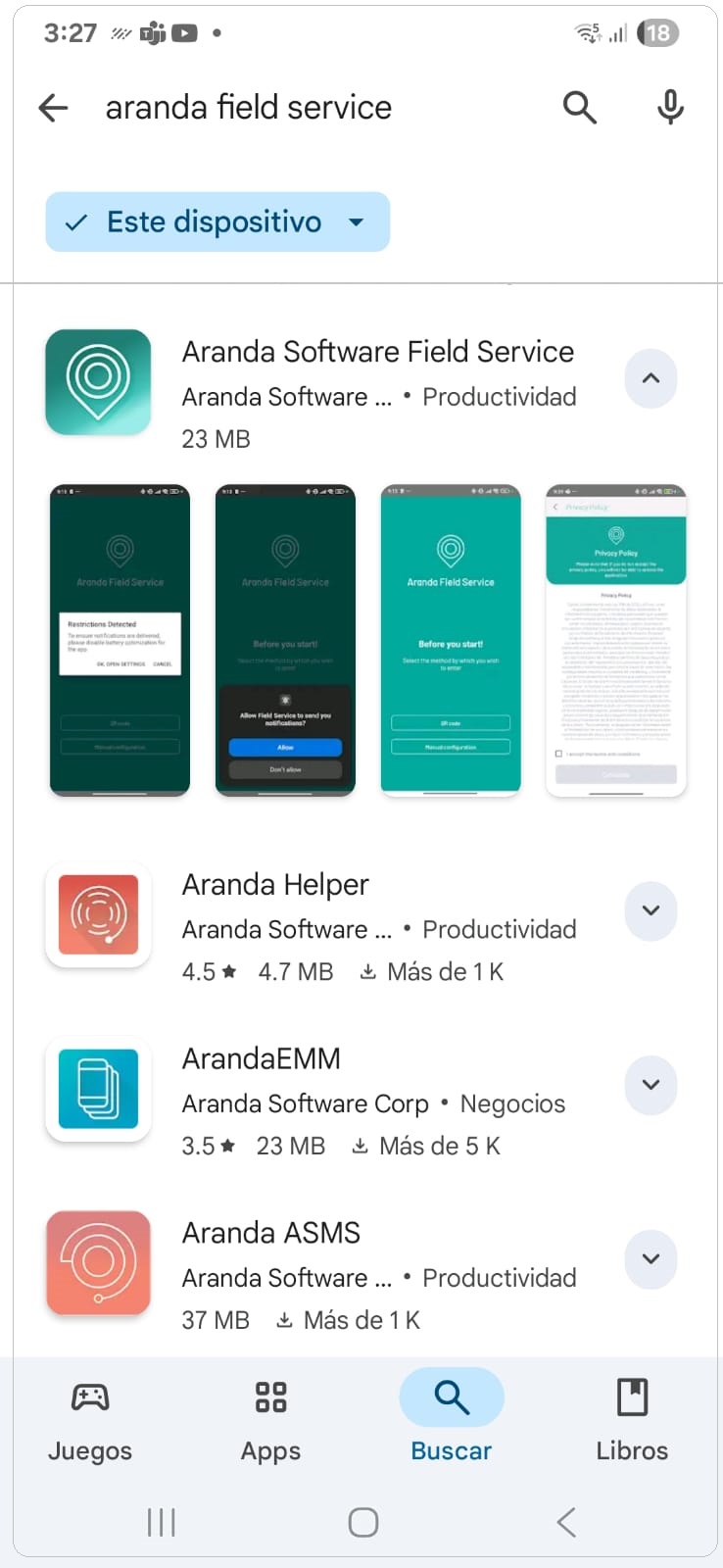
1. In the app store search engine, type Aranda Field Service. In the list of available applications, select the Aranda Software Field Service option.
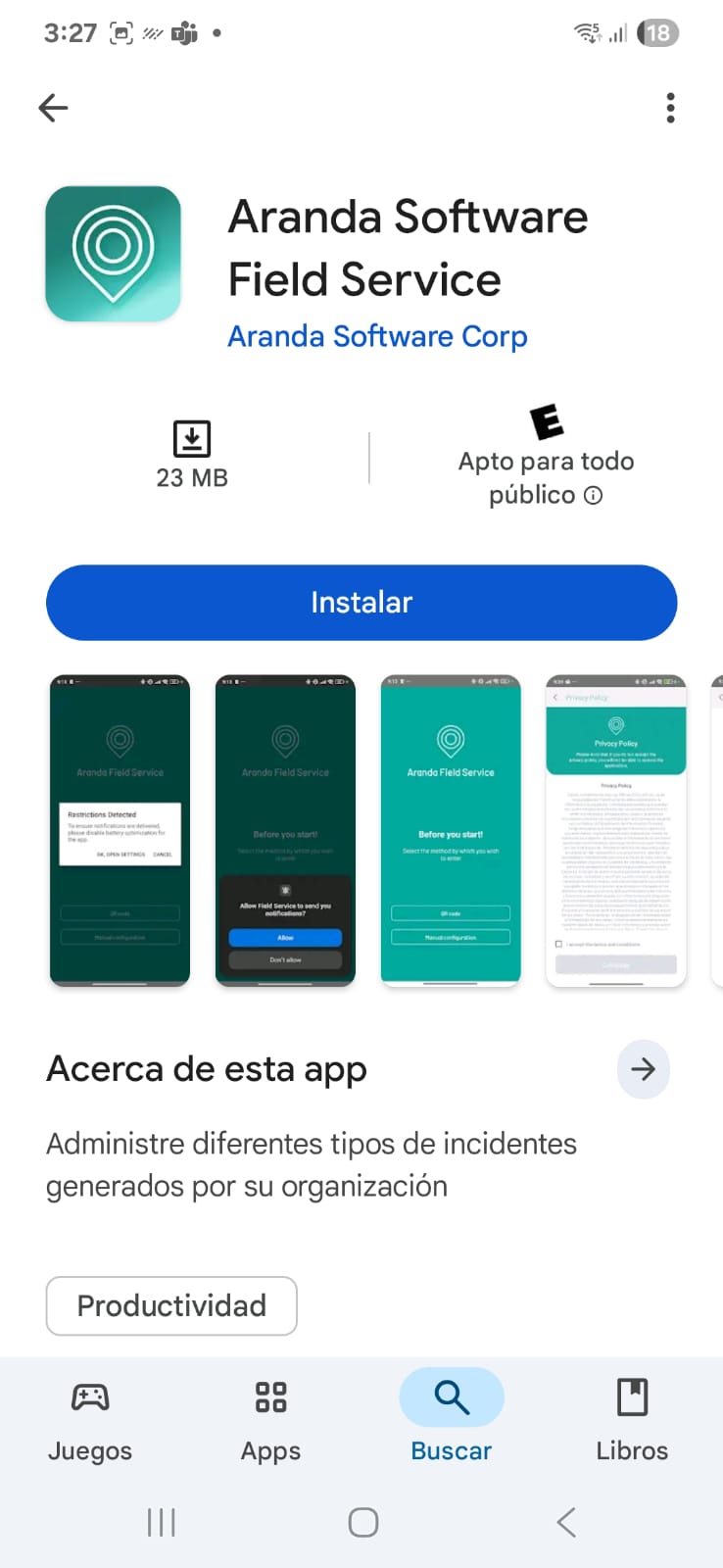
2. Double-click on the installer file and you will see the welcome screen. Confirm the installation by clicking the Install.
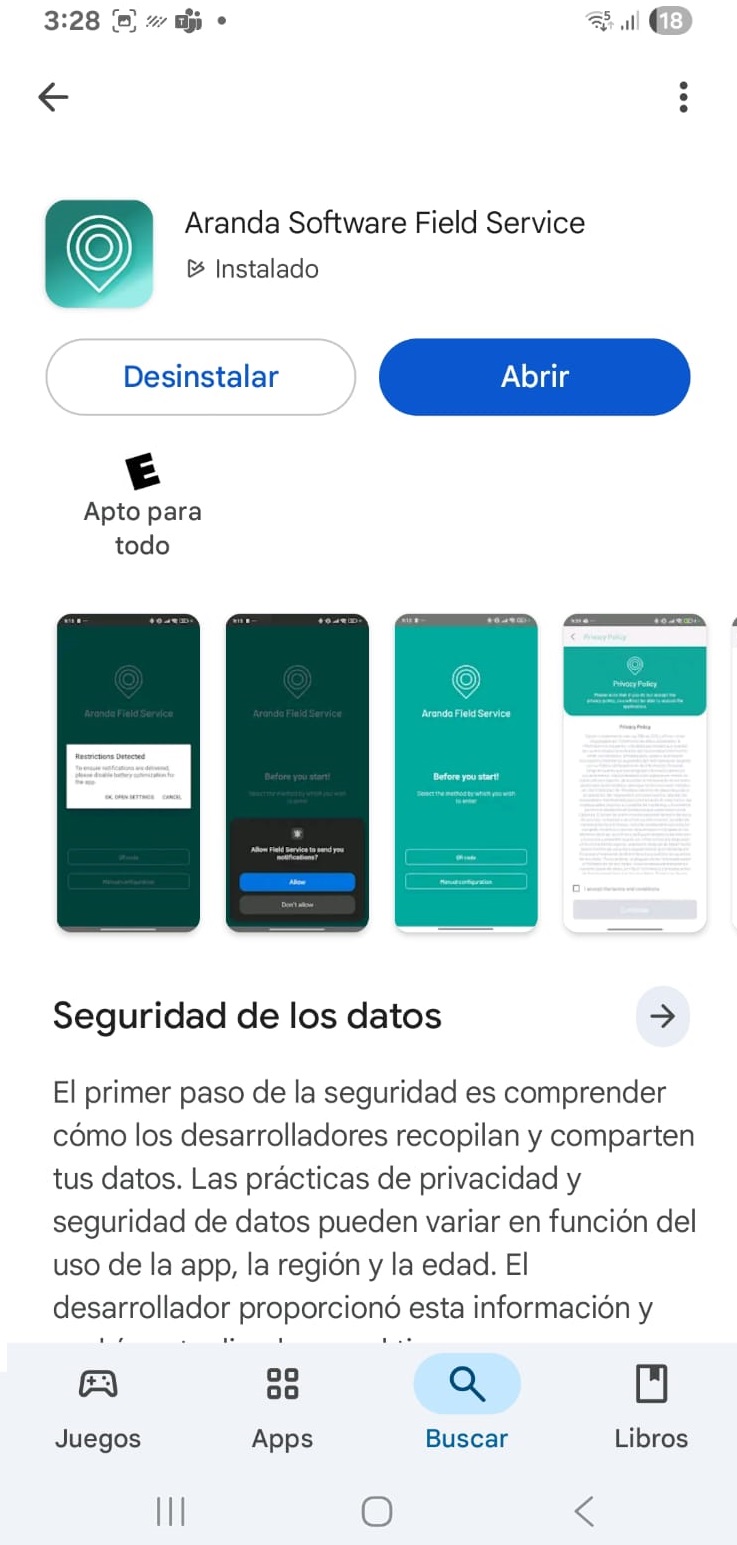
3. Click the Open
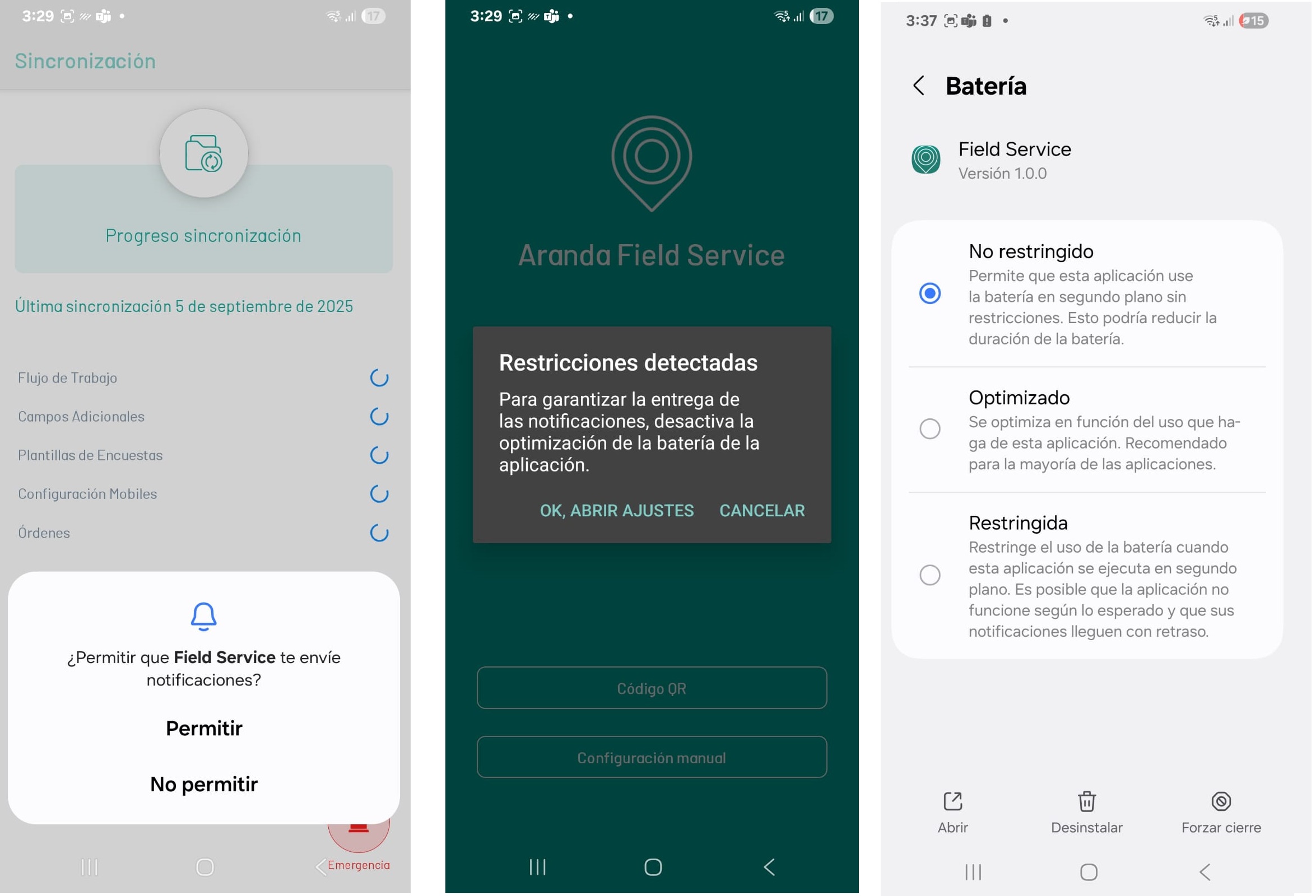
⚠ Important: For the AFLS mobile application to function properly, it is necessary to assign all the permissions requested by the application.
4. To continue the installation you must allow Notifications to be sent and disable battery optimization on the mobile device.