


After the dispatcher creates the work order and schedules the service, the field specialist must validate from the mobile device the work orders that have been assigned to him and the status of their evolution.
Login
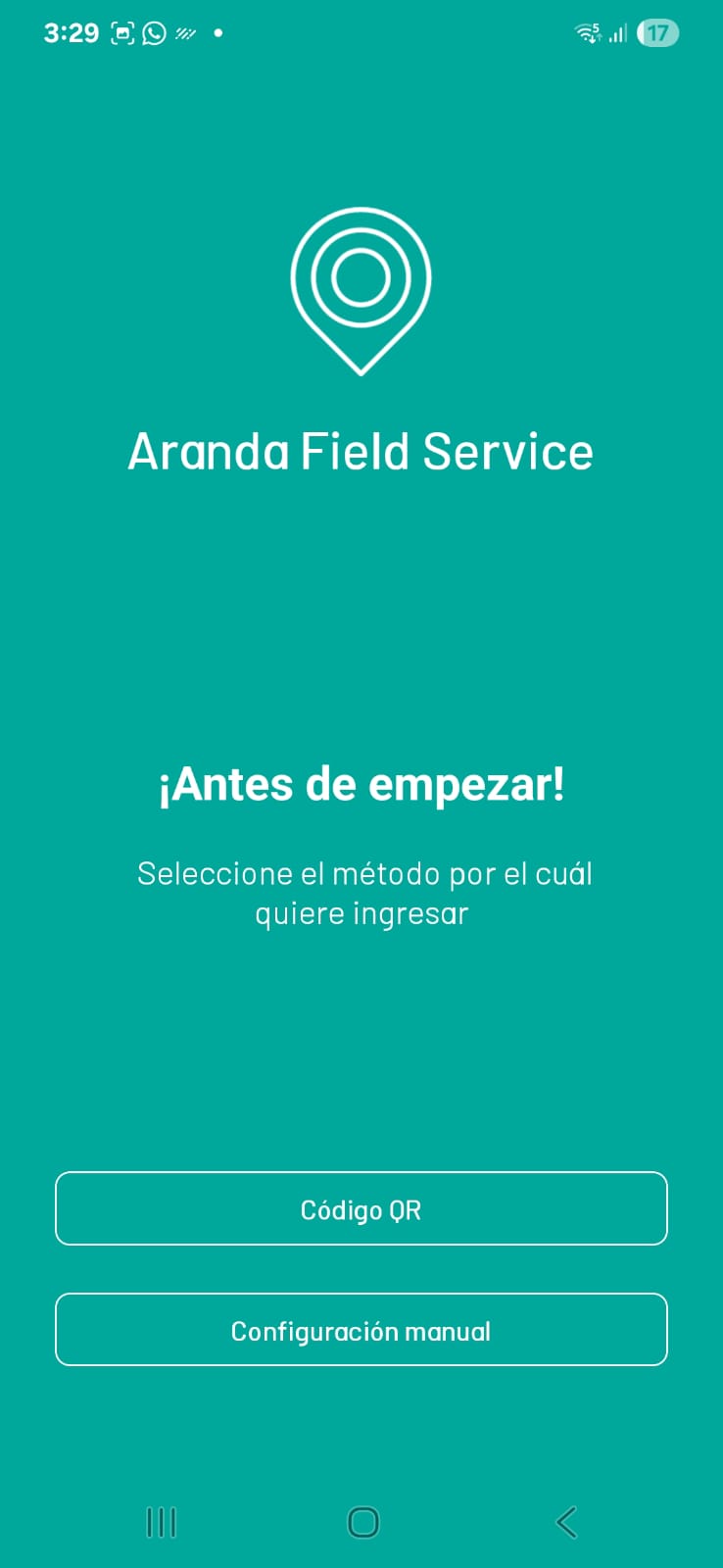
1. To enter the mobile console, the specialist must open the Aranda Field Service Mobile application by selecting the corresponding icon  . The authentication process to the AFLS web console will be executed by the field specialist to develop the different tasks of managing, configuring and solving work orders. The three authentication instances are:
- QR Code Authentication: The specialist will be able to log in to AFLS using the QR code.
- Manual Configuration: The specialist will be able to log in by confirming the URL of the connection to the server.
- Frequent Authentication: The specialist will be able to log in on a recurring basis without prior considerations.
Logging Out
1. When a user is in an active session within the mobile console and needs to end the session and exit the application, in the floating menu of the console that is displayed, select the option in log off.
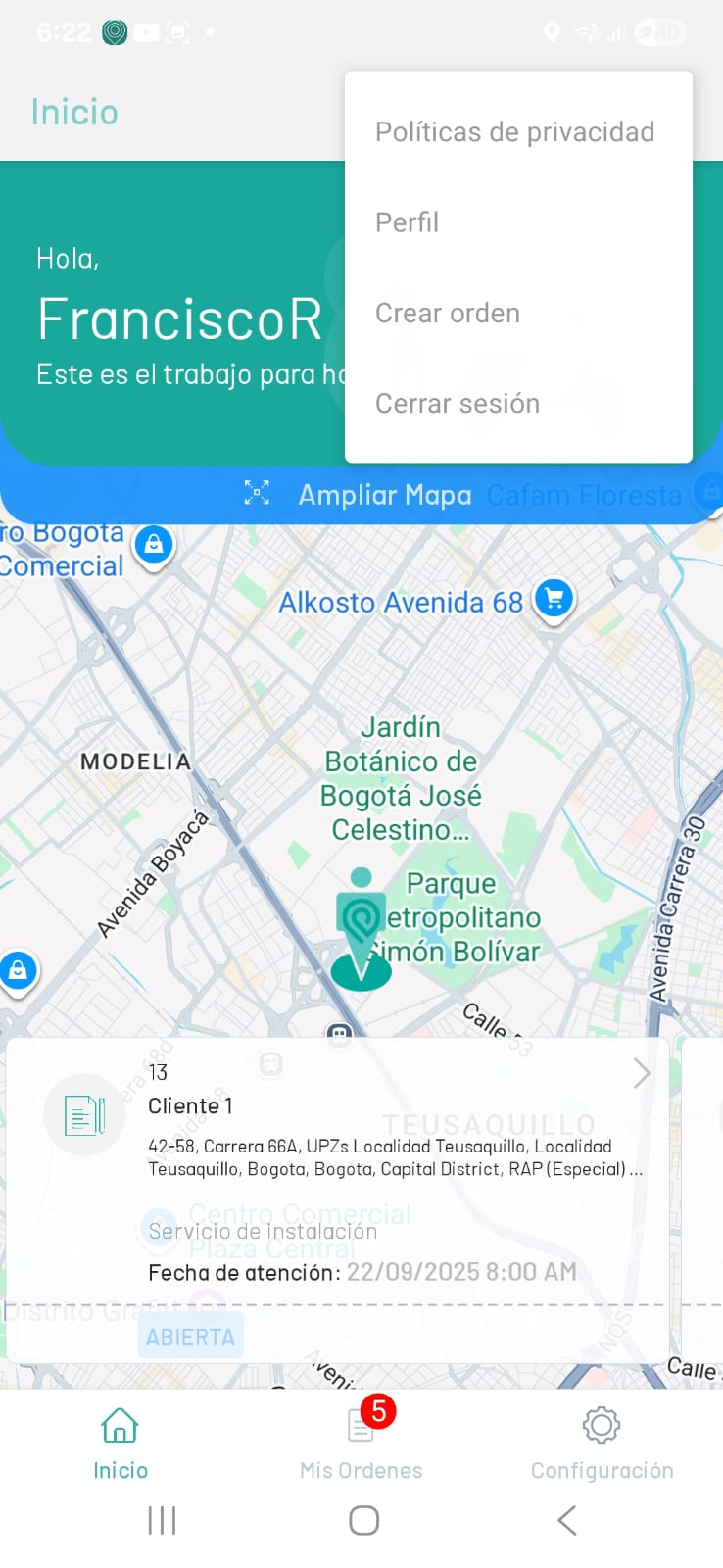
2. Once the session is closed, the user returns to the home screen and the user can enter the console again.
Logging out deletes all data saved by the app on your phone, including work orders that failed to sync.