


1. In the AFLS Mobile Console, in the Home workspace, select the Configuration on the Taskbar.
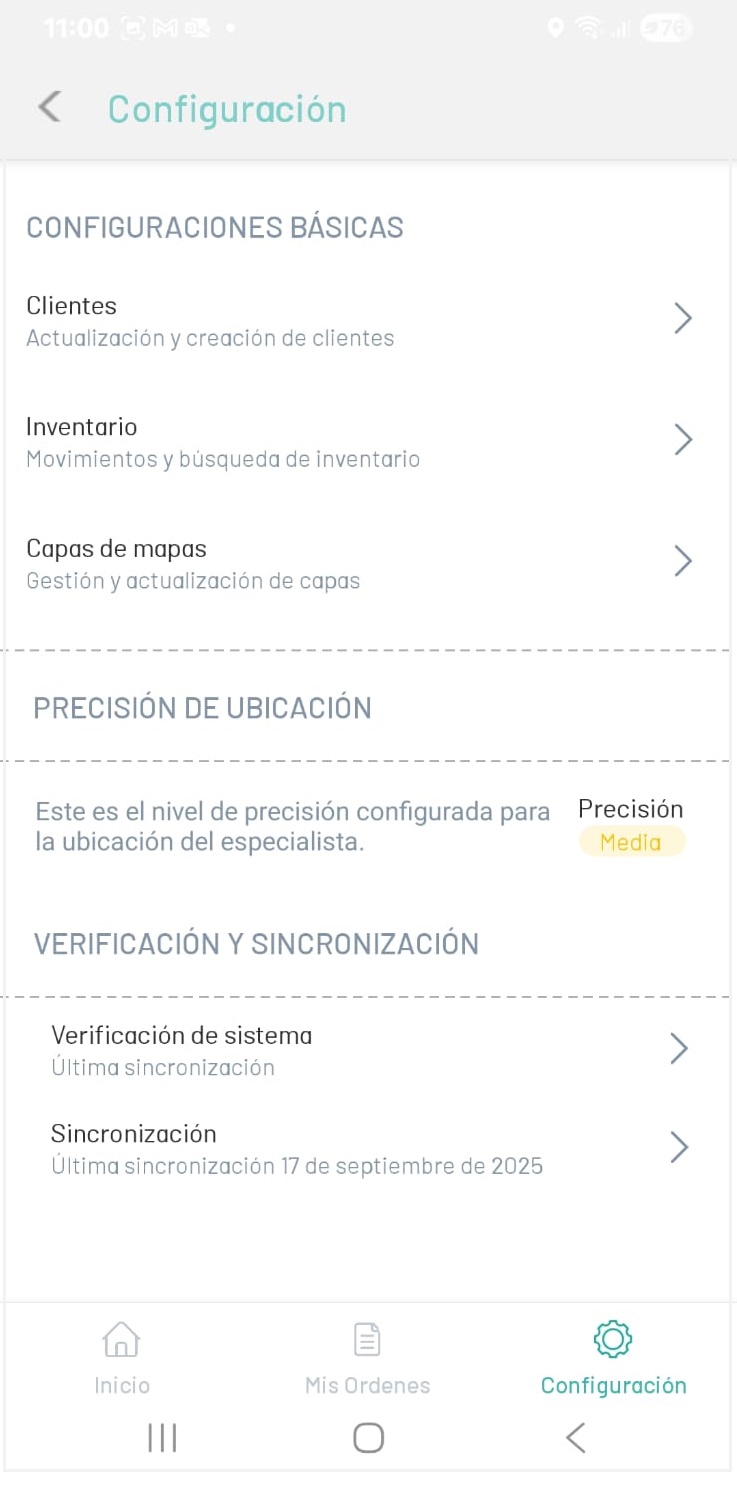
1. In the window that is enabled, you can consult or configure the following items:
-
BASIC CONFIGURATIONS: In this option, the specialist will be able to configure the following concepts:
- Clients: Updating and Creating Clients.
- Inventory: Inventory movements and searches.
- Map Layers: Layer management and updating.
- LOCATION ACCURACY: In this option, the specialist will be able to see the level of accuracy configured for the specialist’s location.
-
VERIFICATION AND SYNCHRONIZATION: Allows you to perform sync checks in the app.
- Verification and Synchronization