


The AFLS Mobile Console facilitates the attention of a service at the scheduled time and place, complying with the established schedule and the tasks assigned in the work order. The field specialist from his mobile device will be responsible for the attention of a service, he will be able to view and manage the assigned work orders, know the detail of the order to be executed, identify the location of the service and update the status of the order in real time, in a simple and effective way.
An AFLS mobile console user must consider four essential stages for the management and attention of assigned work orders:
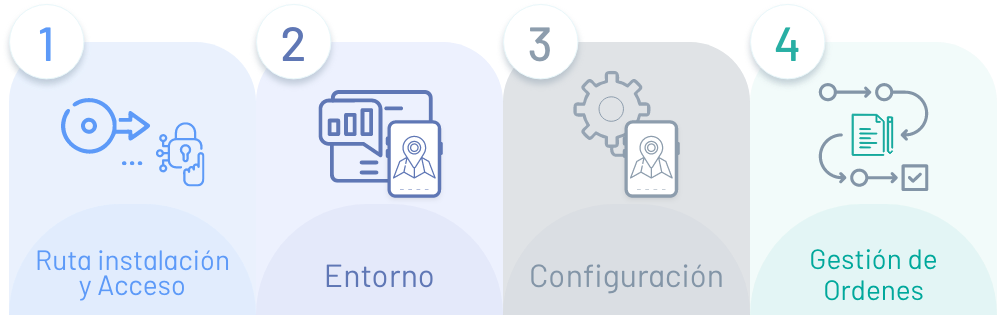
1. Installation and Access
Learn how to log in to the client console and identify application usage requirements.
2. Environment
Identify the AFLS Mobile Council interface with which you will interact in the different work order configuration and management processes.
3. Configuration
Make the basic settings of the Mobile app and sync the app with the system data.
4. Order Management
Carry out the process of consultation, creation, management and monitoring of assigned work orders.
Who is this guide for?
This guide is designed to familiarize the user with the elements required to manage work orders from the AFLS mobile console.
What is our documentation?
- AFLS Mobile User Manual (You are HERE)
- Aranda Field Service Getting Started Guide
- User Manual Aranda Field Service
- Manual AssistMe AFLS