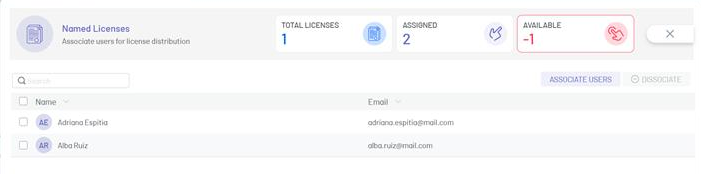
1. In the license information view, select a record from the license list and click the ELIMINATE to clear the associated information.
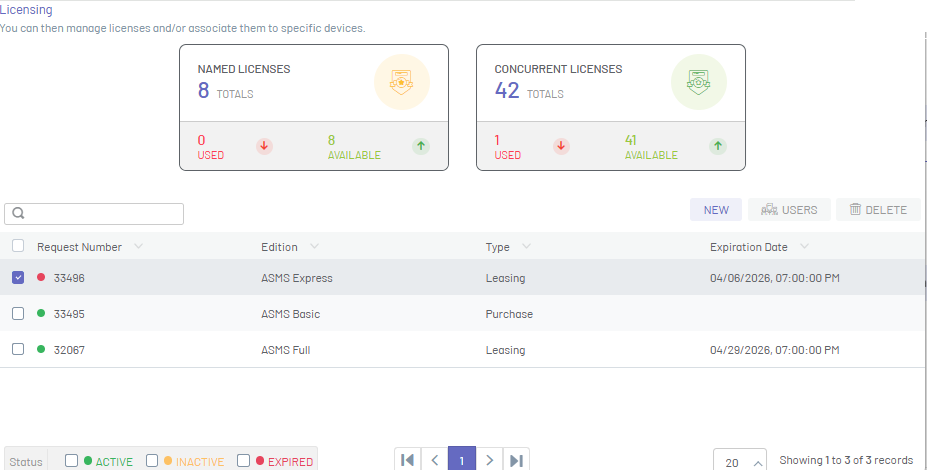
2. To delete a created license, in the license information view, select the request number, and in the license detail view, select the ELIMINATE.
3. You will be able to display a confirmation message to validate the deletion action.
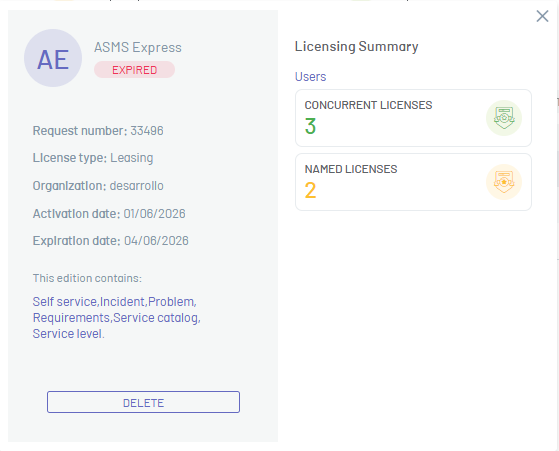
4. If a license is deleted or the expiration date is met, the assignments remain active and you will be able to see a negative value in the total available licenses.