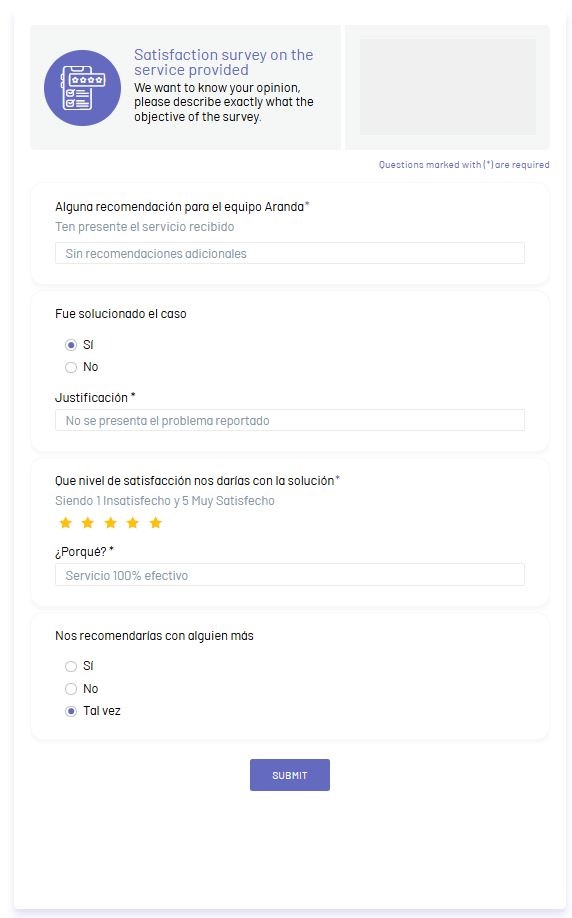
⚠ Important: To view the survey form, you must have one or more surveys set to active status from the survey administration. Surveys must not have answers from the customer and if they do, the form will not be able to be viewed.
Defining the Type of Questions
1. The types of questions that can be displayed in the survey form are as follows:
| Question type | Description |
|---|---|
| Open | It is the question where the customer can send a text expressing their opinion to the question asked |
| False/True | It is the question where the customer can select an answer between Yes or No |
| Ranking | It is the question where the customer can submit a rating level. In the survey administration, the maximum rating range is configured. |
| Multiple choice with single answer | It is the question where the customer can select a single option from the different configured options. In the administration of the survey, the number of options to be sent in the question is configured. |
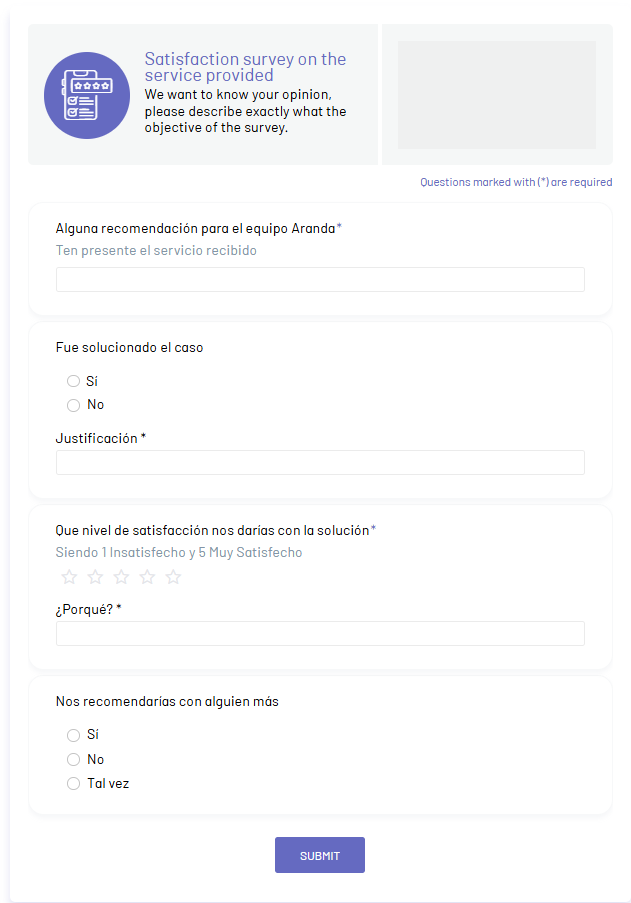
2. The customer will be able to view the survey according to the configuration made from the product administration.
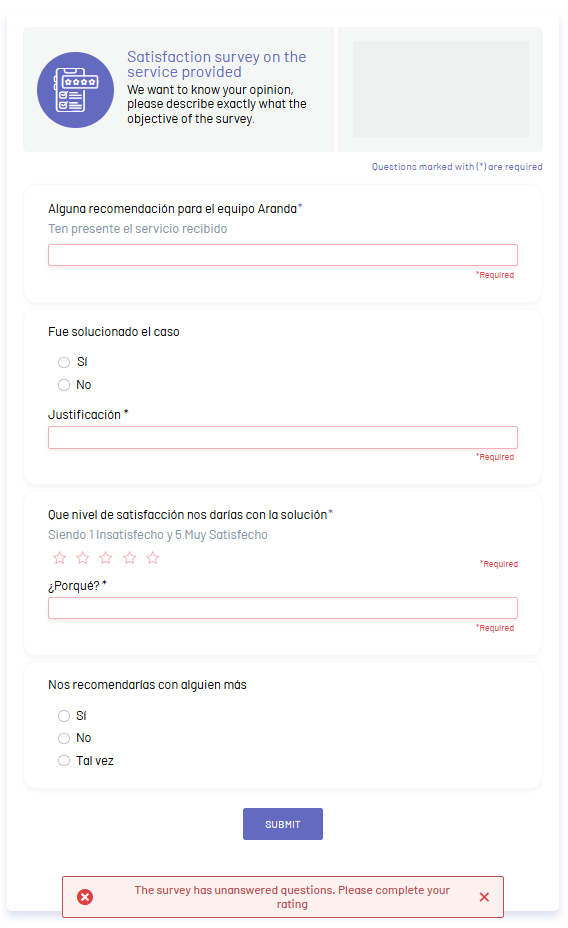
3. If the customer does not answer the questions marked as mandatory and clicks the Send Survey The form will highlight the pending fields to be answered and you will be able to display an error message with the text The survey has unanswered questions. Please finish your rating.
4. If the customer fills out all the questions in the survey and clicks the Send Survey, you will be able to display the message: Survey Satisfactorily Solved