


Play EMM API (Android for Work) Android for Work
Android For Work is an integrated infrastructure and platform for Android device management, created by Google.
AFW offers application-level device management capabilities, restrictions, and settings that allow AEMM to have greater control over devices on the Android platform.
To use AFW in AEMM, the following steps must be followed:
Enter the AEMM Home console, in the heading menu select the option Configuration. In the Preferences from the main menu and select the Mobile and Android.
Description
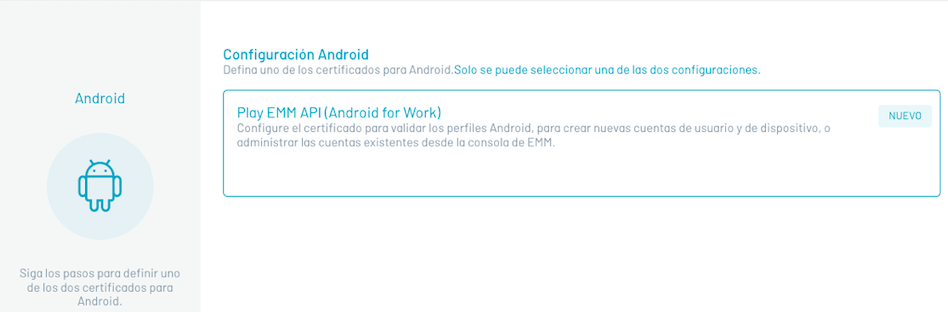
Turn on the Android for Work setting as shown below.
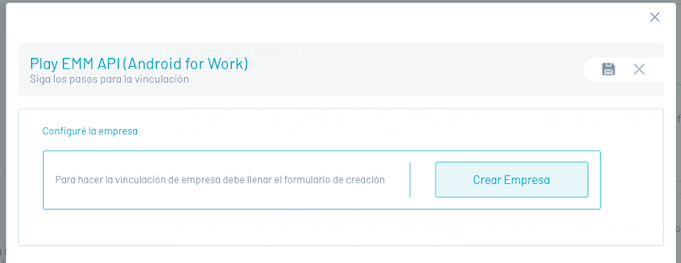
Follow the google activation guide.

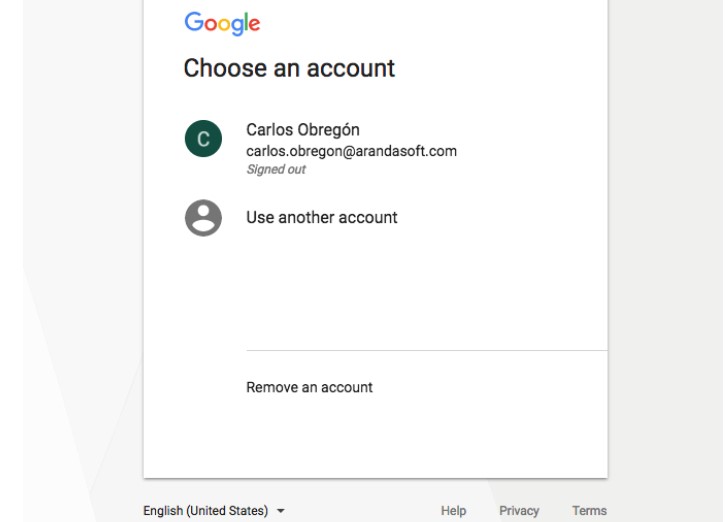
Within this activation, an administrator account of the organization.
With this you must log in to register with Android For Work.
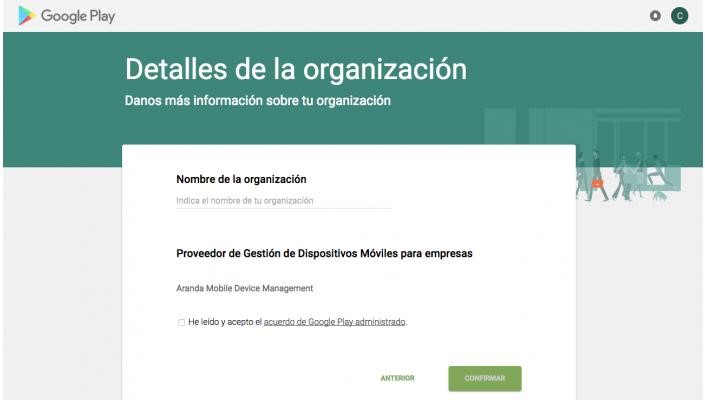
Then fill out the registration form requested by google and confirm the registration
If the process is successful, the EMM console should look like this:
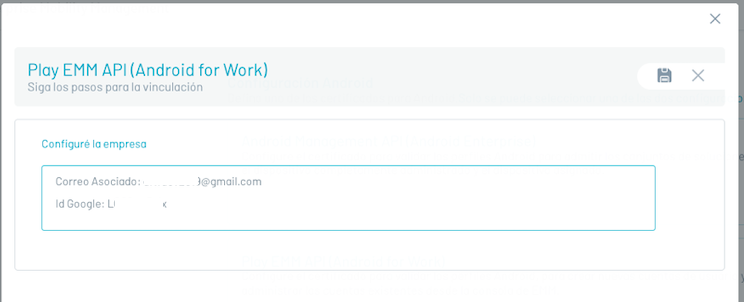
Click on the save icon, the system displays the related mail and the Id assigned to the console by google:
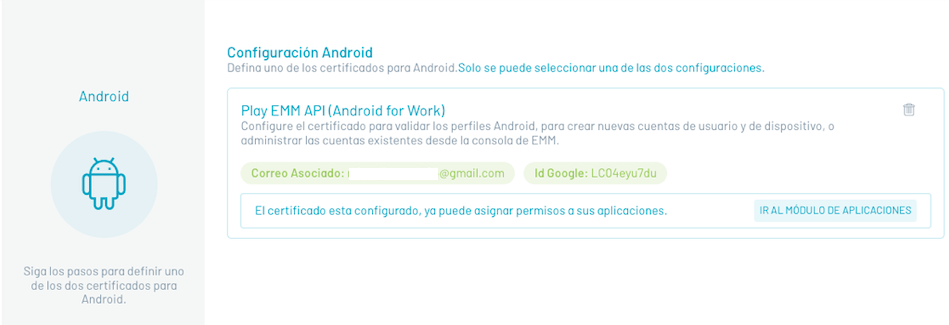
Once your console is registered with Android for Work, the following options are presented:
- Go to the Applications module: Navigate to the Applications section where you can Initiate application management operations against Android for Work.