


Android System Apps
In this section, the administrator can manage the applications that are installed on the device but are not displayed; that is, on some occasions when the user is linked, it detects that the camera is not visible (example). The following is a step-by-step description of how to perform this action:
1. In this case, the name of the required package is identified (by means of the hidden packages command-device module). 2. This bundle id must be entered in the Android System Applications option.
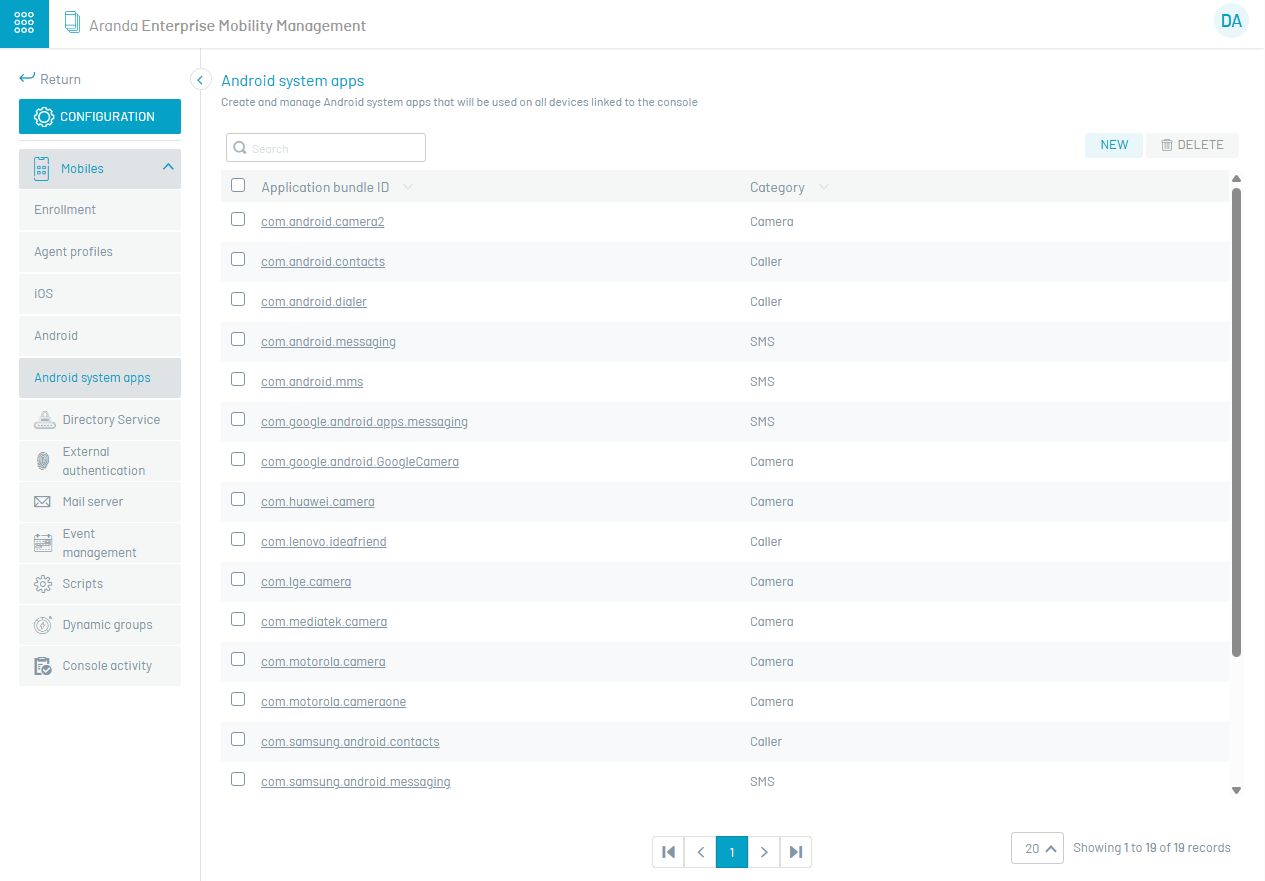
To configure a new package, click on New and then fill in the application Bundle ID and Category data, to persist the information click on Save.
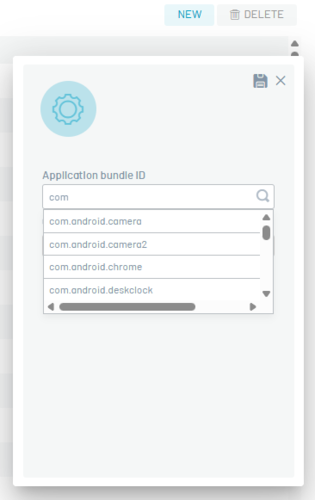
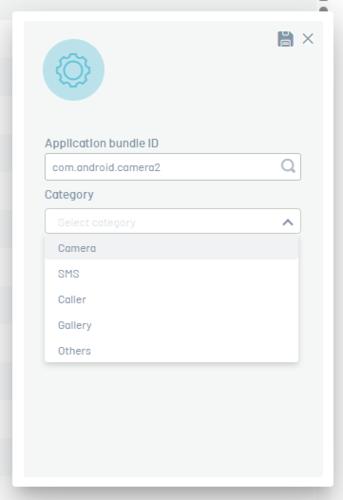
To edit an existing package, place it in the package list and update its data, then click Save.
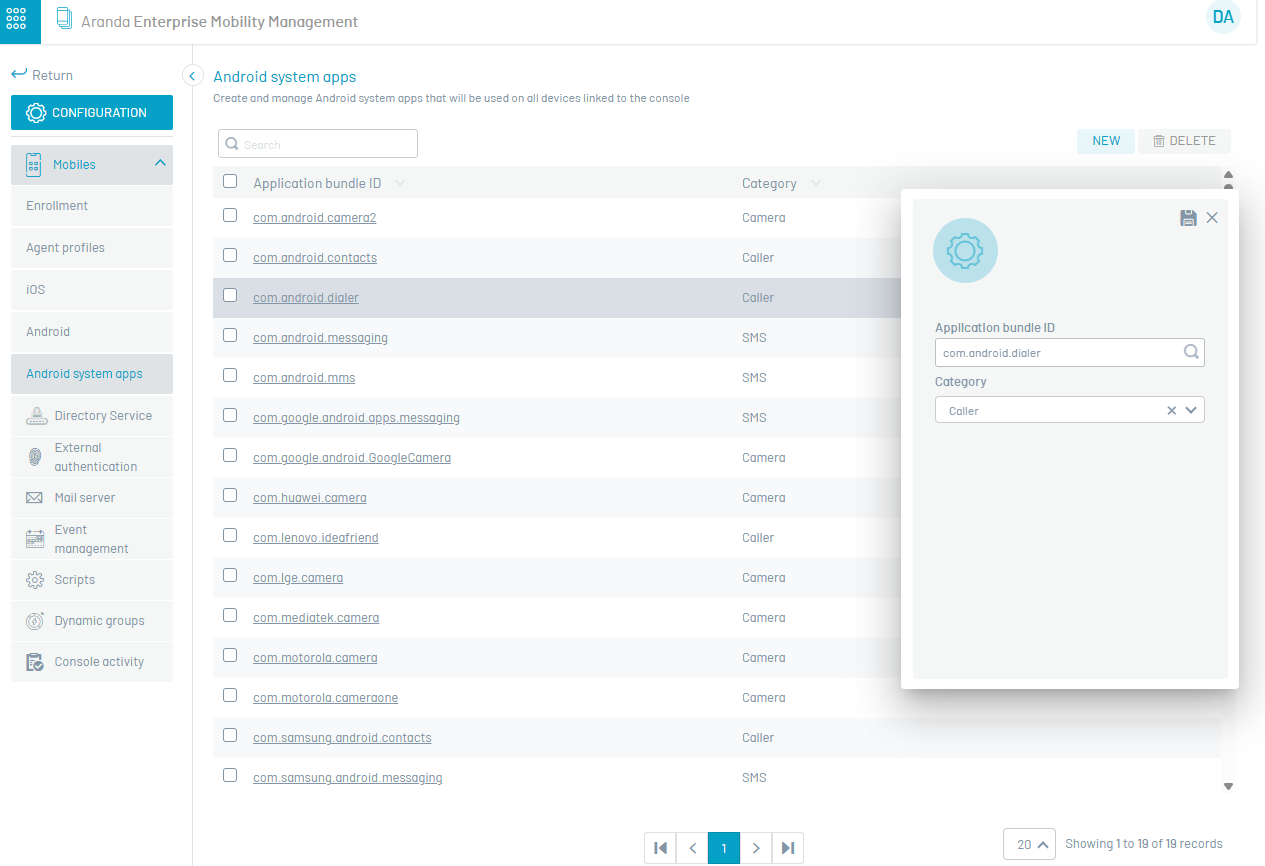
To delete a package, click the delete icon in the package registry.
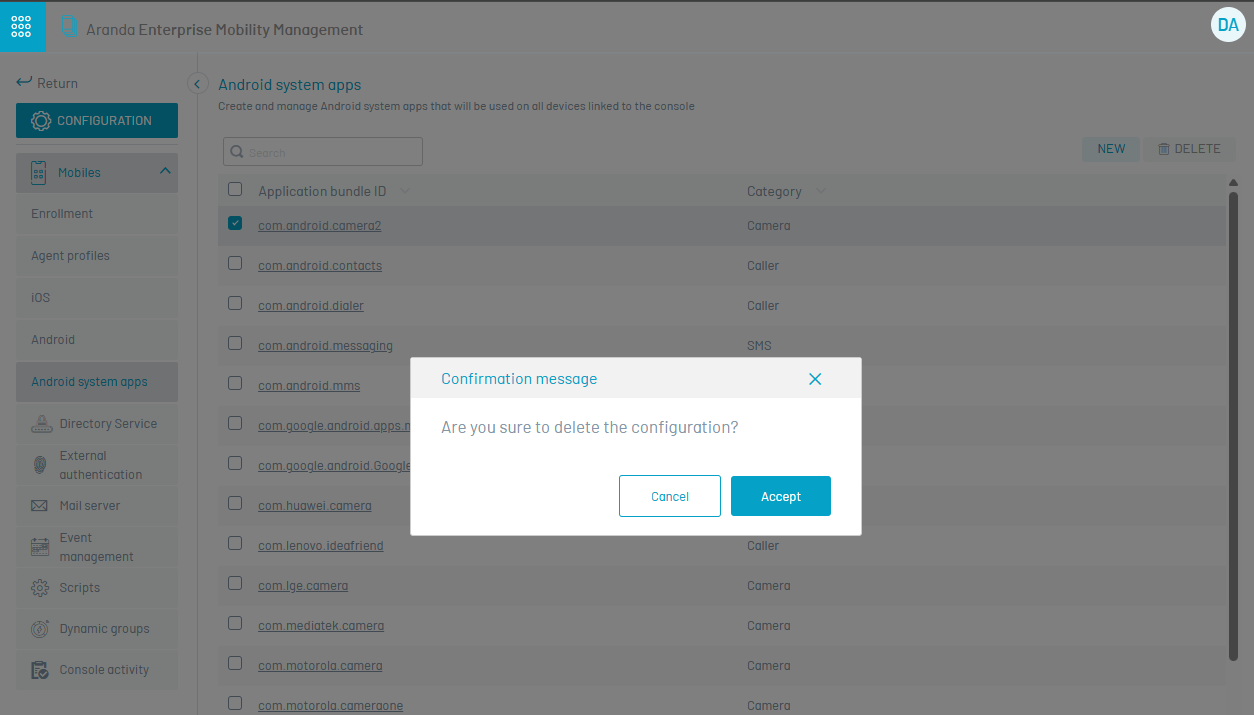
3. After entering the package name in the console (bundle id), a politics by activating the System Applications category in the Applications section or/and in the Kiosk section of the Policy module. The added packets will be sent to the devices as part of the policy that includes the items already named.
The device will “uncover” the applications corresponding to the package names configured here and the user will be able to see the application that is hidden.
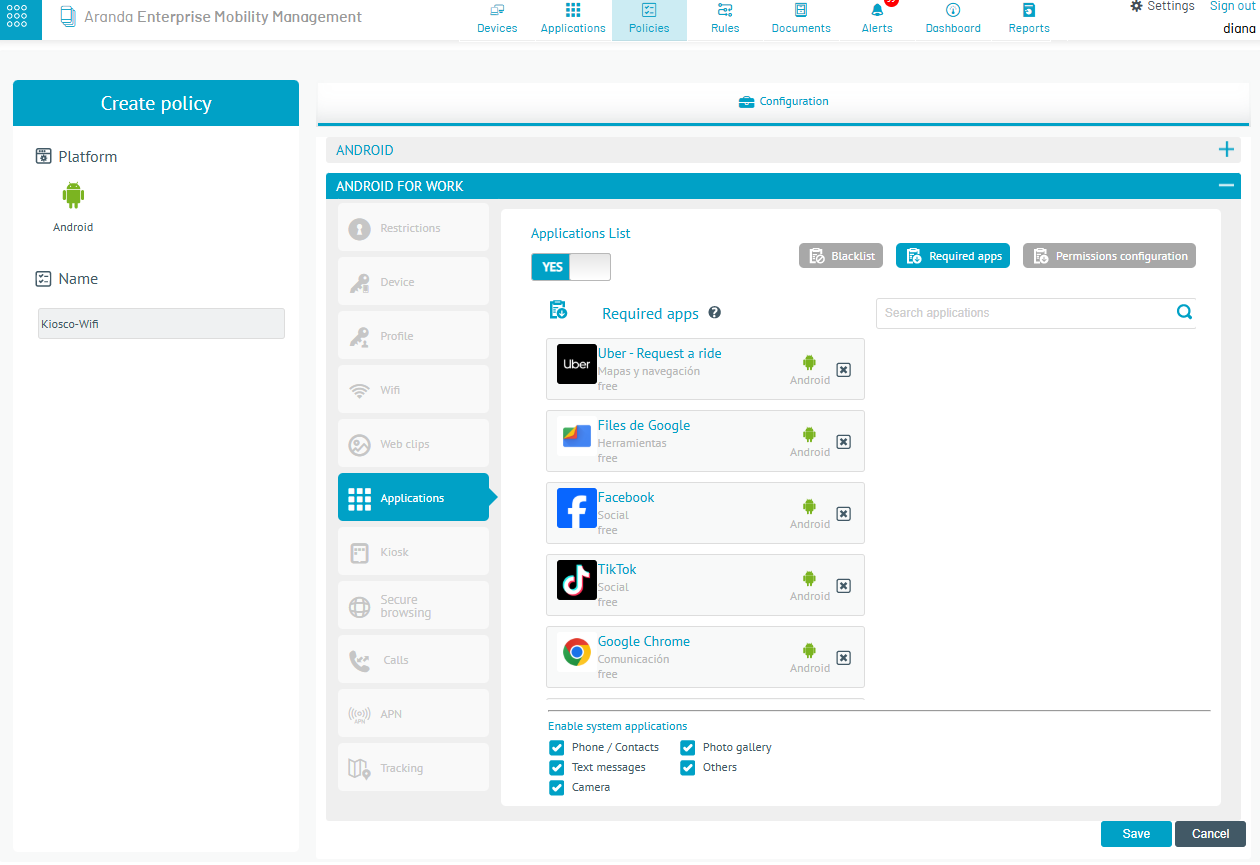
⚐ Note: - For android system apps:
- You should note that this option is only handled in AFW Device Owner (DO) pairing mode