Deploy Agent
1. To deploy the agent, go to the Configuration view of the ADM Management Console; in the ADM section, select the Agent deployment In the information view, you can view the steps to deploy the agent to the devices.
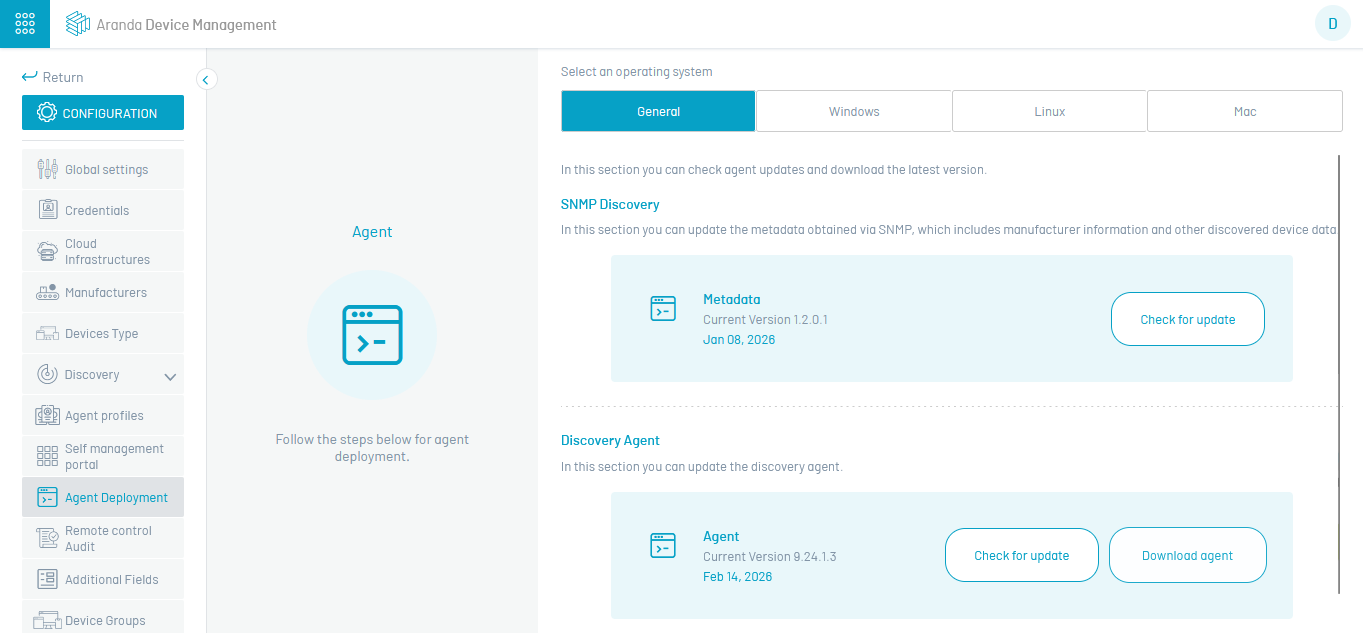
2. In the agent deployment information view, select an operating system (Windows, Linux, Mac). When you select the General you can manage metadata, the Conserver, or the Discovery Agent.
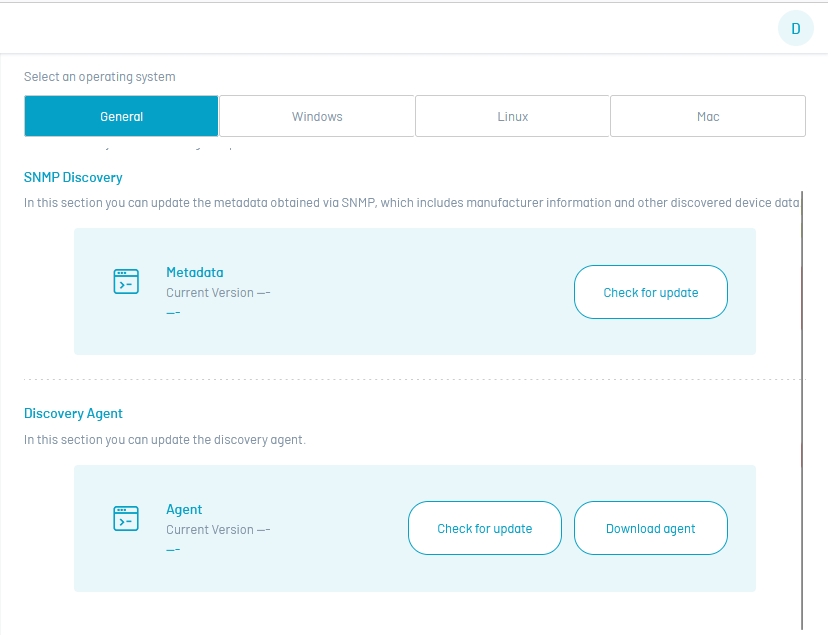
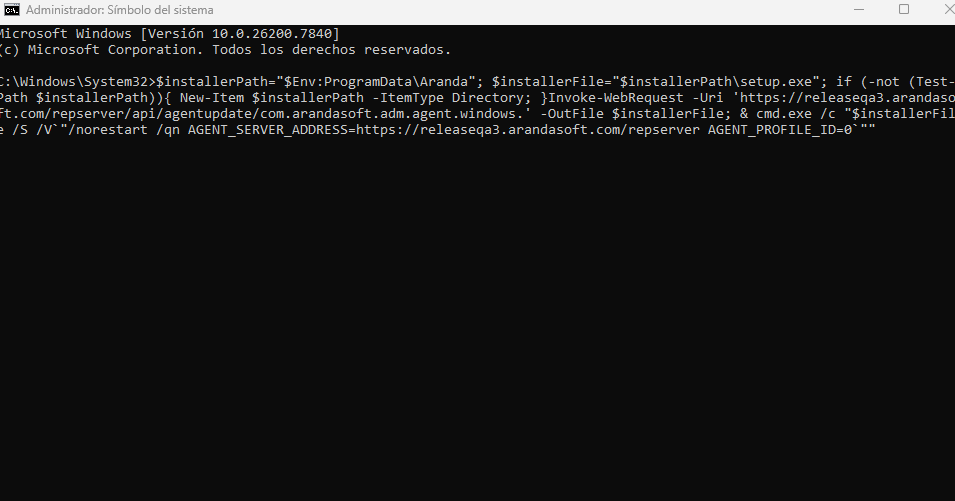
3. When selecting the operating system, the script is enabled to install and enroll the corresponding agent, for windows you can choose Powershell or CMD. Click on the Copy command; This information will be saved to the clipboard. You can also download the command by clicking the Download button.
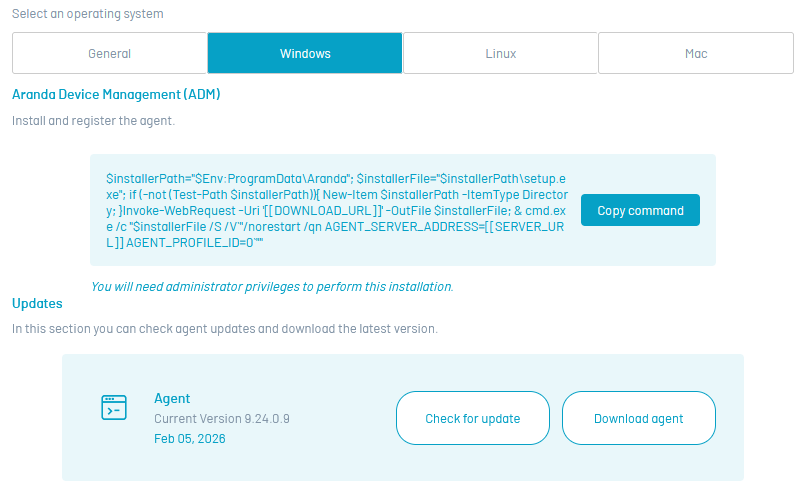
4. Copy the execution command and continue the process of distributing and installing the agent.
Agent Update
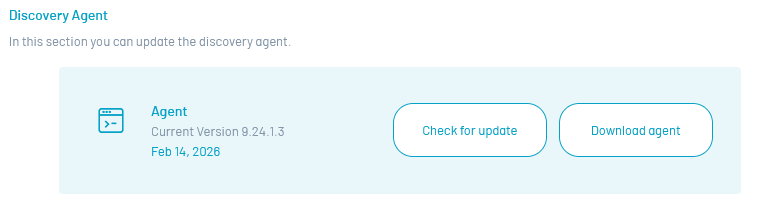
5. In the agent deployment information view, you will be able to update and/or download the latest version of each agent according to its operating system (Windows, Linux, Mac).

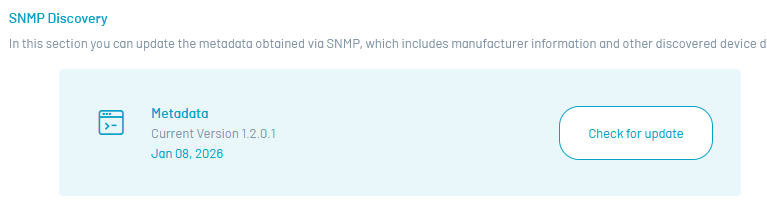
6. On the General in the Agent view you will be able to check for the latest metadata update and update and/or download the latest version of the Discovery Agent.