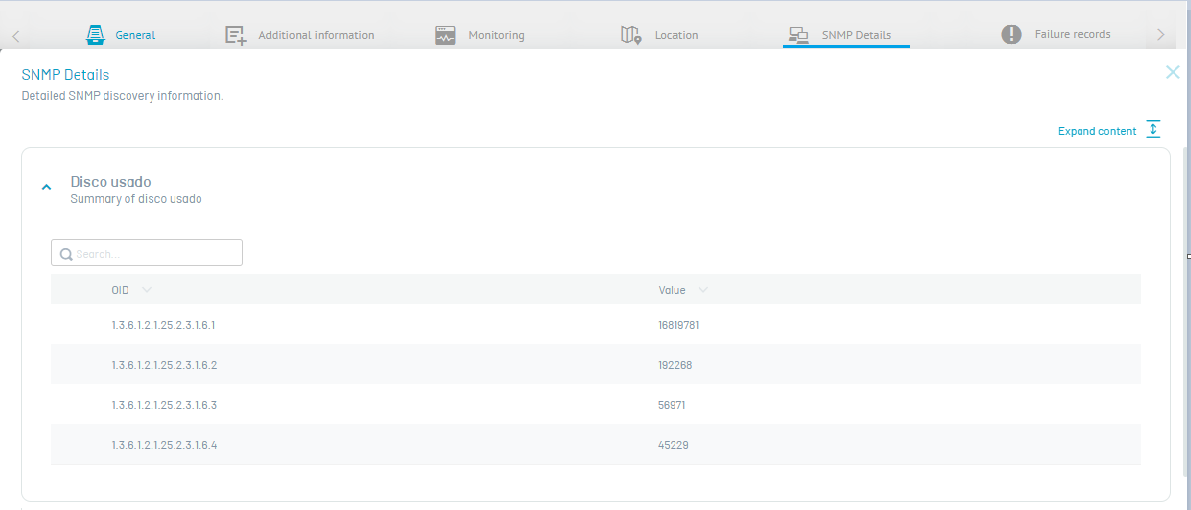
1. In the Inventory Device Detail View, select the SNMP, to view detailed information about SNMP discovery custom OIDs. For each custom OID, the value obtained by Walk, if the OID corresponds to a branch or table of the MIB tree, or by Single Get, if it corresponds to a specific item. Discovery performs both queries automatically. To configure custom OIDs, go to Configuration > ADM > Discovery > SNMP Rules and consult Create custom OIDs.
⚐ Note: In the related information you will be able to view the details of the devices that have the rule configured by the SNMP V1, V2 or V3 protocol, defined during the Device Configuration and Discovery.