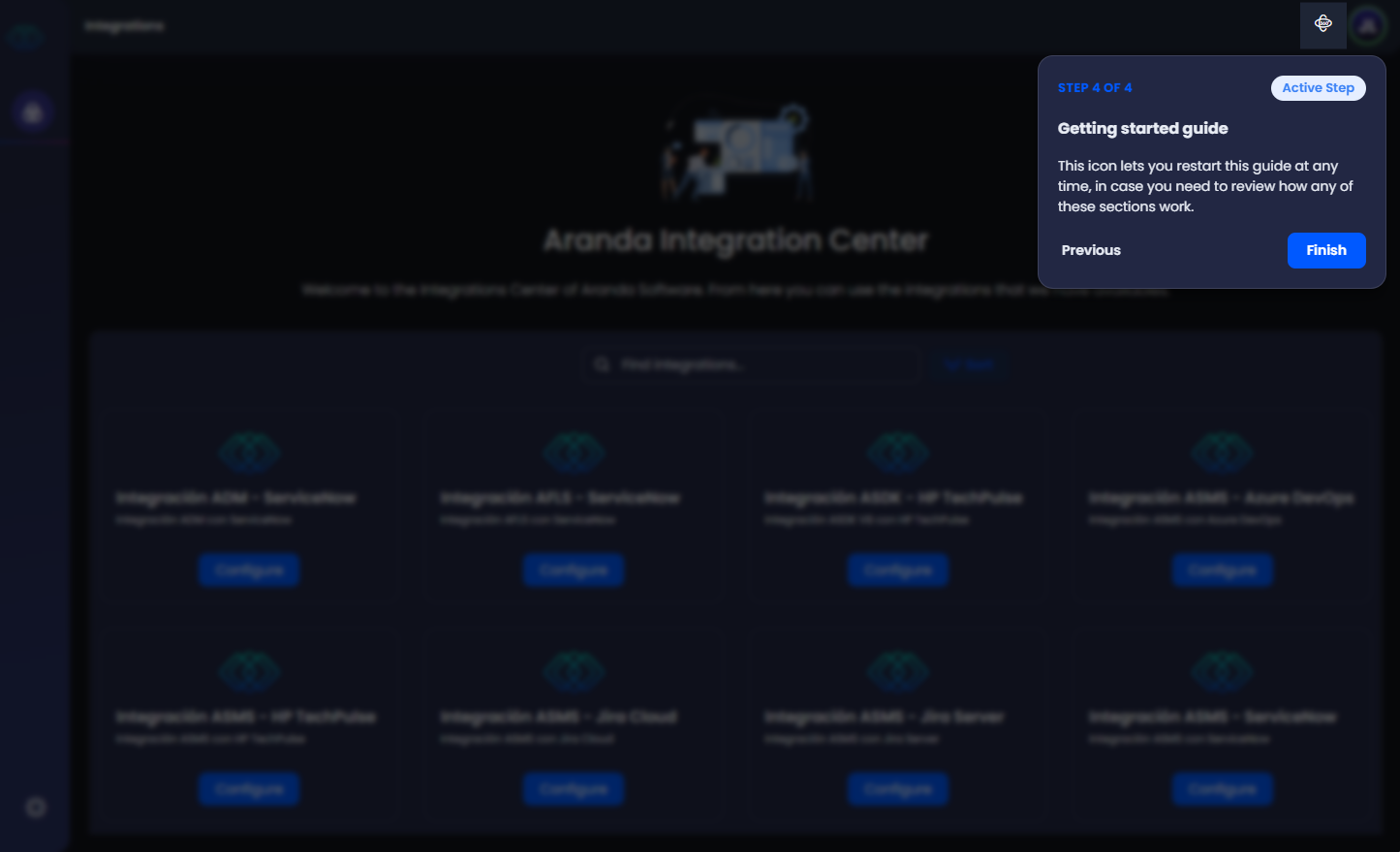
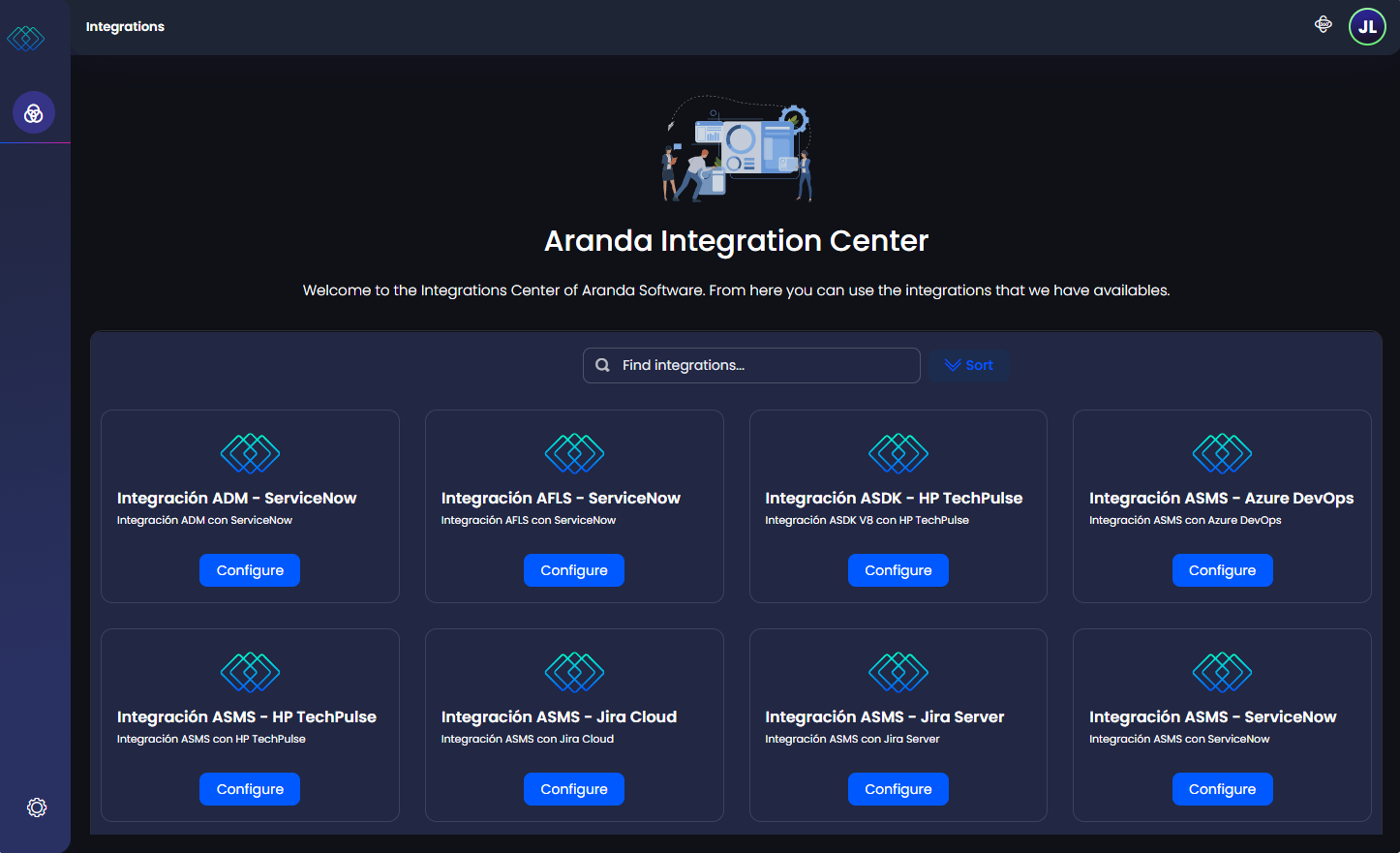
In the constant search for evolution in our platform, Aranda’s interface is renewed, offering a modern, simple and easy-to-use visual experience. Beyond an aesthetic change, it is a proposal designed for a closer interaction with the user.
The graphic and organizational elements to highlight in this update are:
1. Change Display Mode
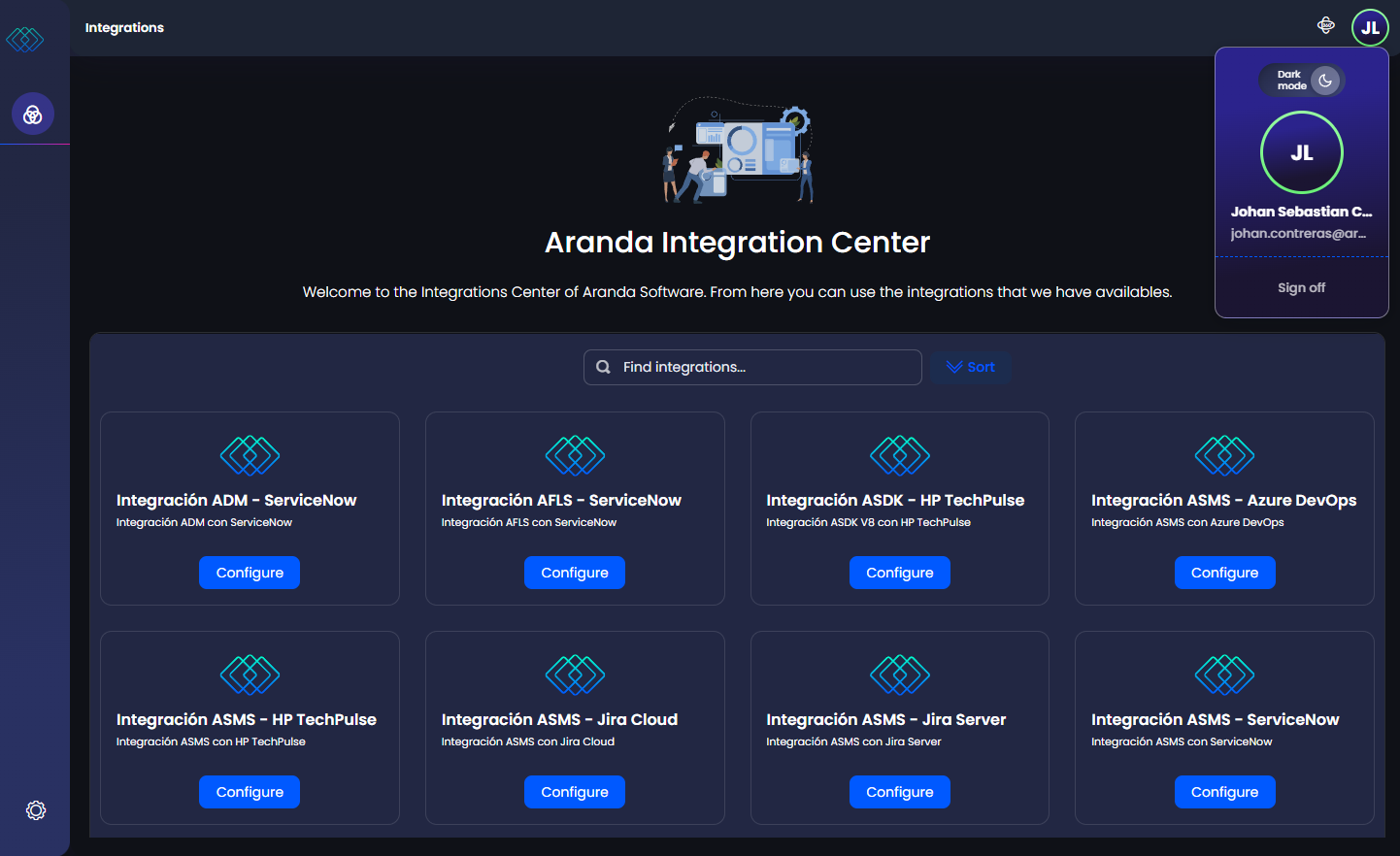
The Interface Header Menu is a section where you can view the user’s profile, logout, and display mode (Dark/Light).
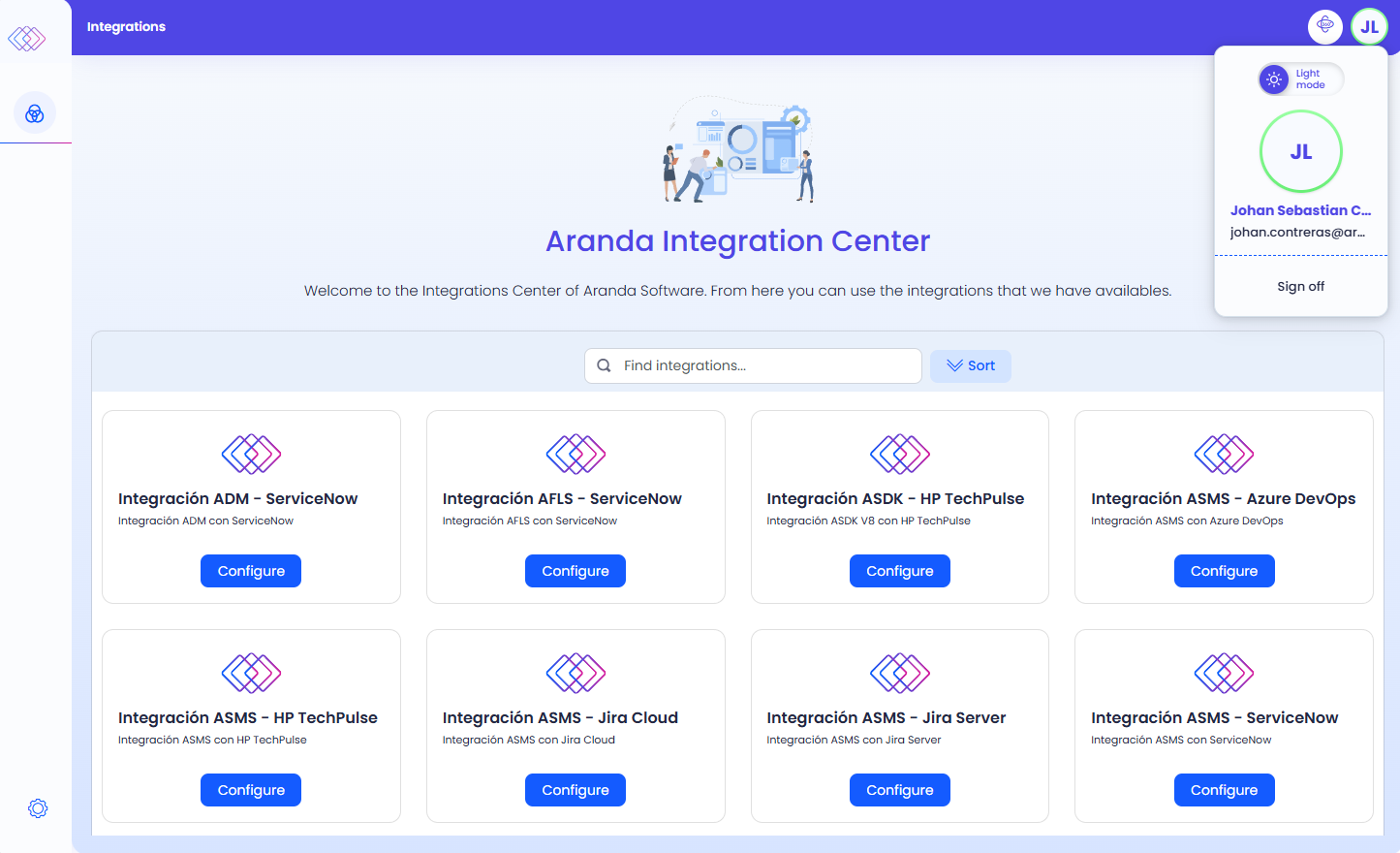
⚐ Note: The display mode adapts the appearance of the application according to your preference and keeps the management of the product’s own functionalities the same.
2. Deployment of concepts
The Main Menu of the interface groups the information into 3 levels that can be deployed or collapsed as required:
| Levels | Description |
|---|---|
| CONFIGURATION | At this level, the general configuration instances of the product are deployed. |
| ADMINISTRATION | This tier deploys the product’s frequently configured instances. |
| GENERAL | At this level, traversal configuration instances such as users, user groups, mail server, licensing, external authentication, directory services, and integration tokens are deployed. |
⚐ Note: - The main menu is collapsed to maximize workspace; When you place the cursor in the menu, it expands to temporarily show each section.
- To pin the expanded menu select the

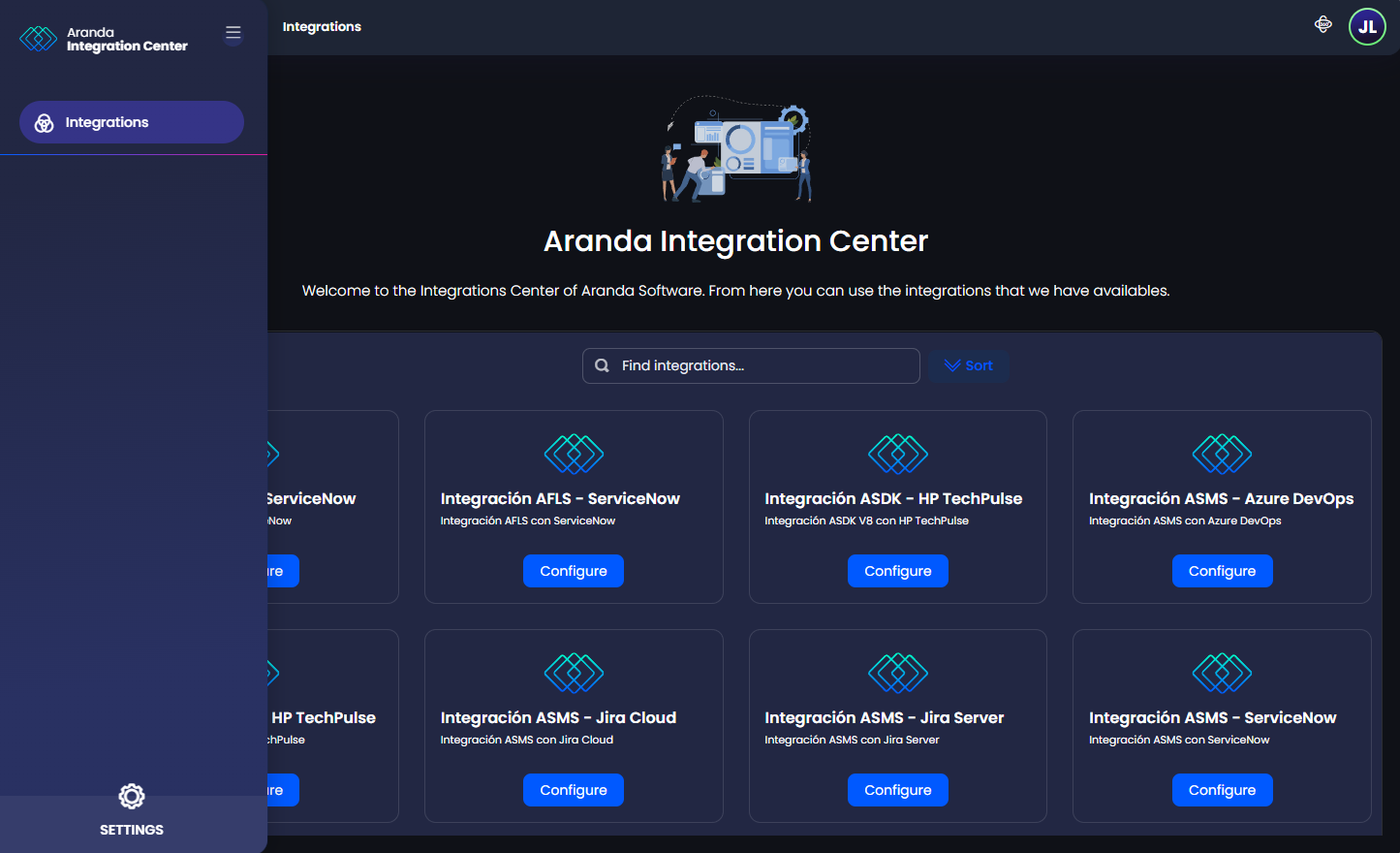
⚐ Note: In this update, the product interface will have only one display mode (Dark/Light) and there will be no color distinction by product type.
3. Welcome guide
This section is designed to provide the logged-in user with a guided tour of the interface to learn about the product’s web environment and describe its components.
The steps in the guide are:
- Main Menu
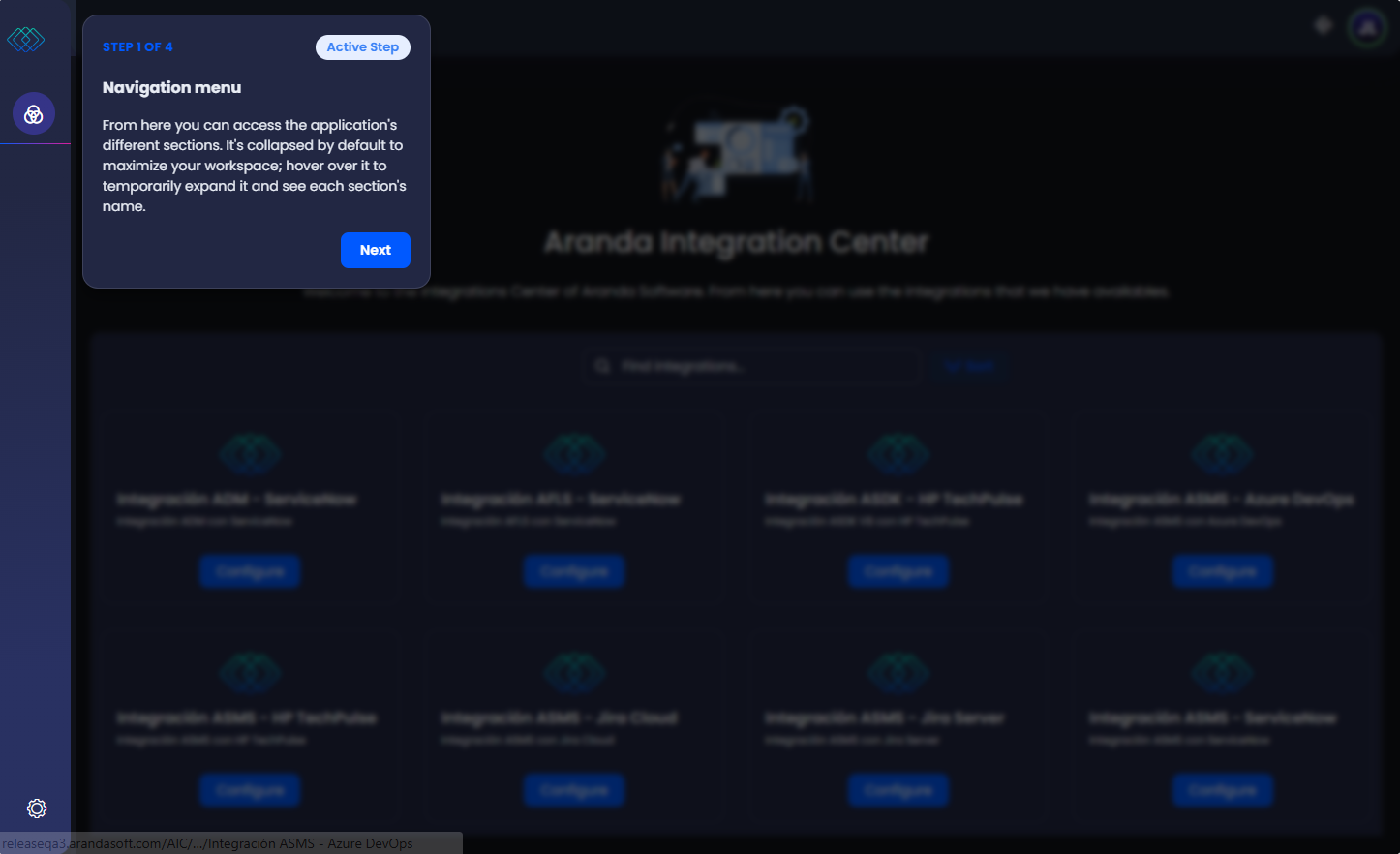
- Header Menu
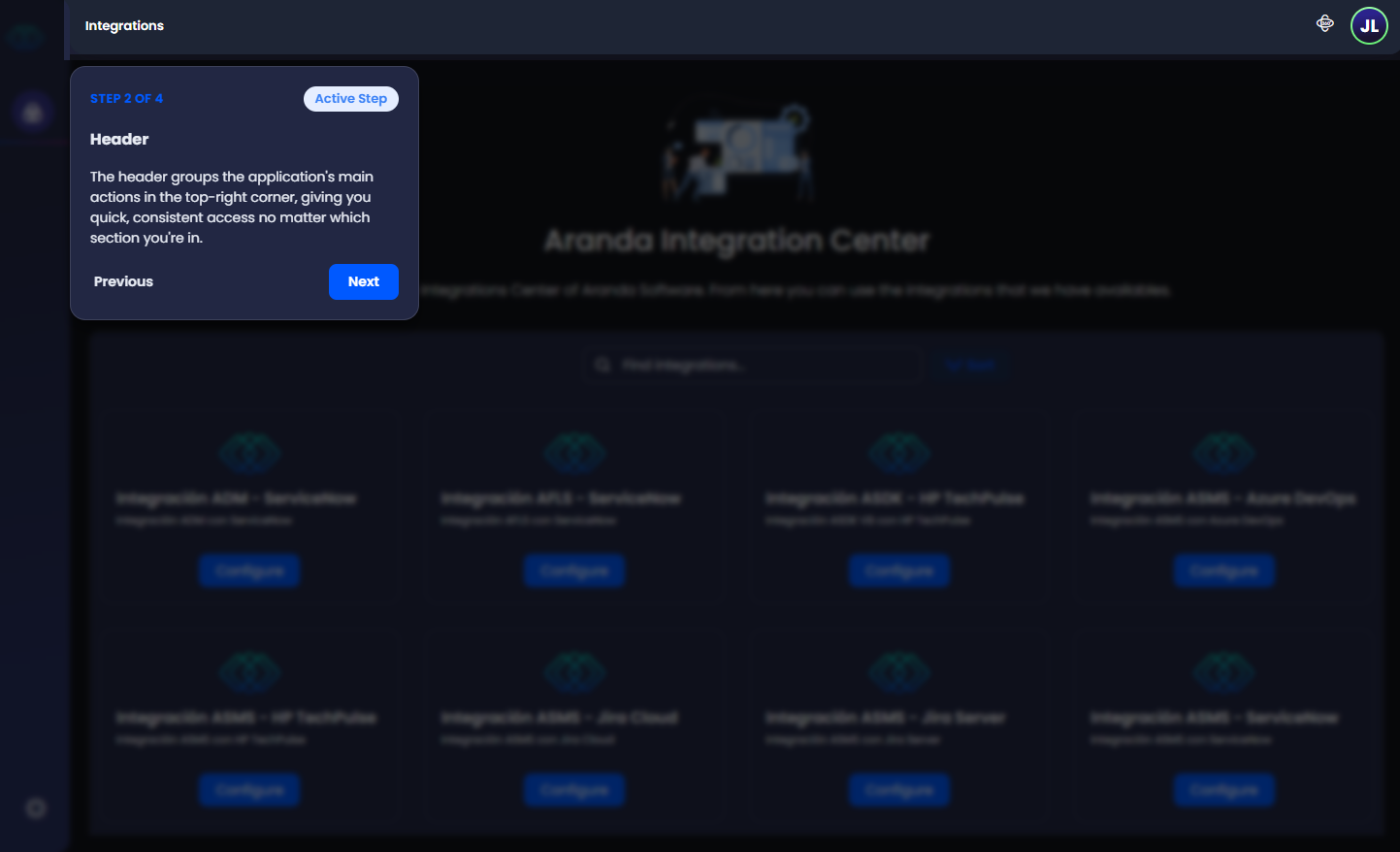
- Display Mode
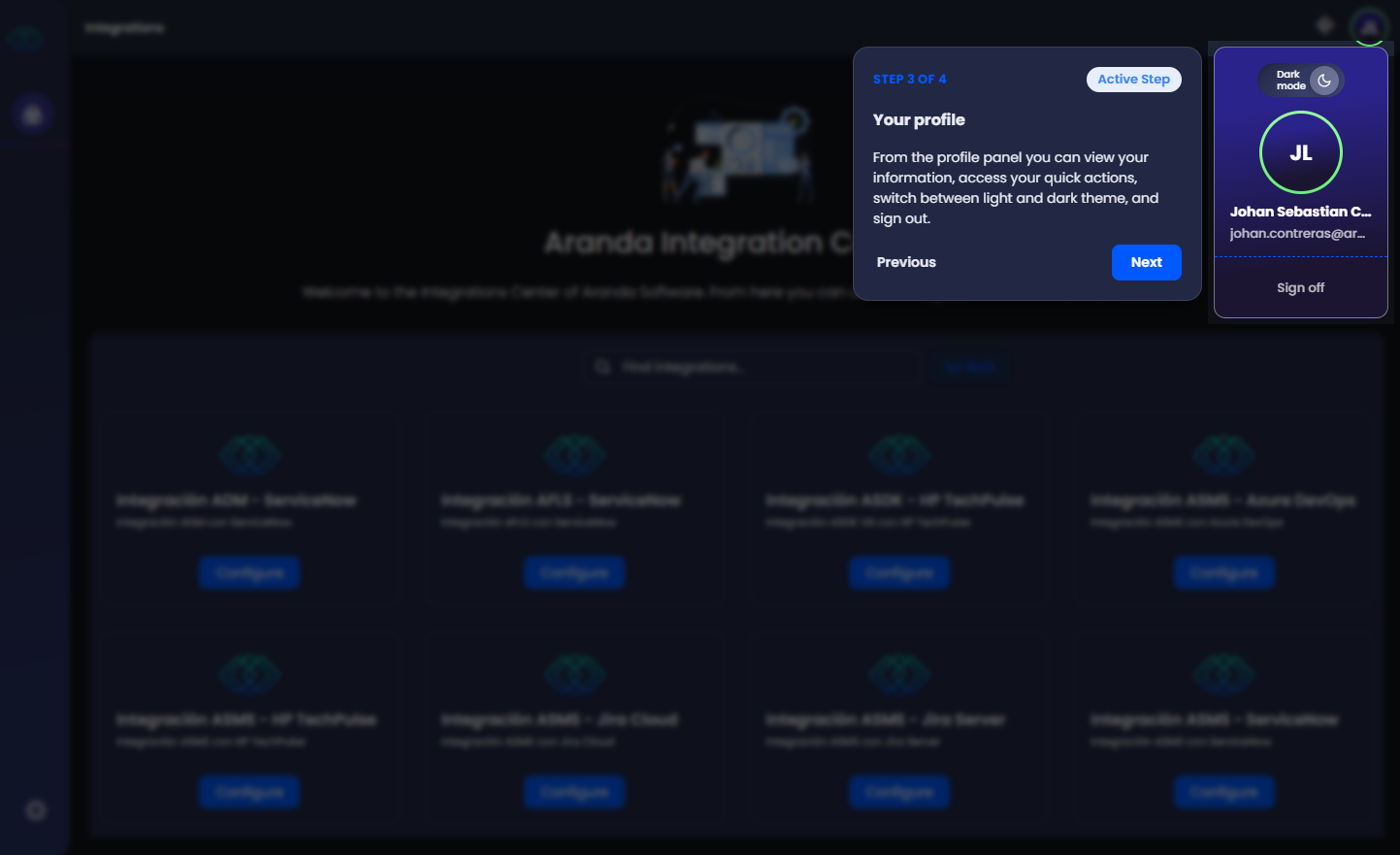
- Quick Guide