AFLS Credentials
AFLS APIs require a Authentication token, to obtain the token follow the steps below:
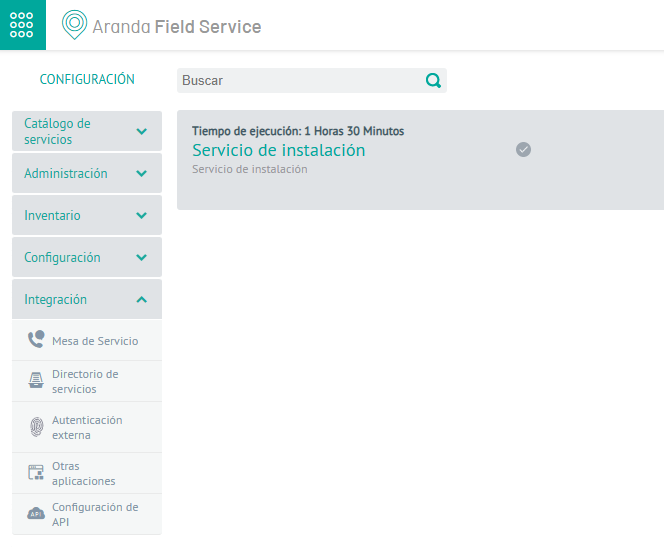
- 1. Enter the Aranda Field Service Configuration platform and press the API Integration/Configuration
- 2. In the new menu window that pops up, select the Integration Tokens

- 3. Select the option New
- 4. Fill in the information required to create the authentication token, copy and save, it is necessary to register it with the Aranda Integration Center (AIC).
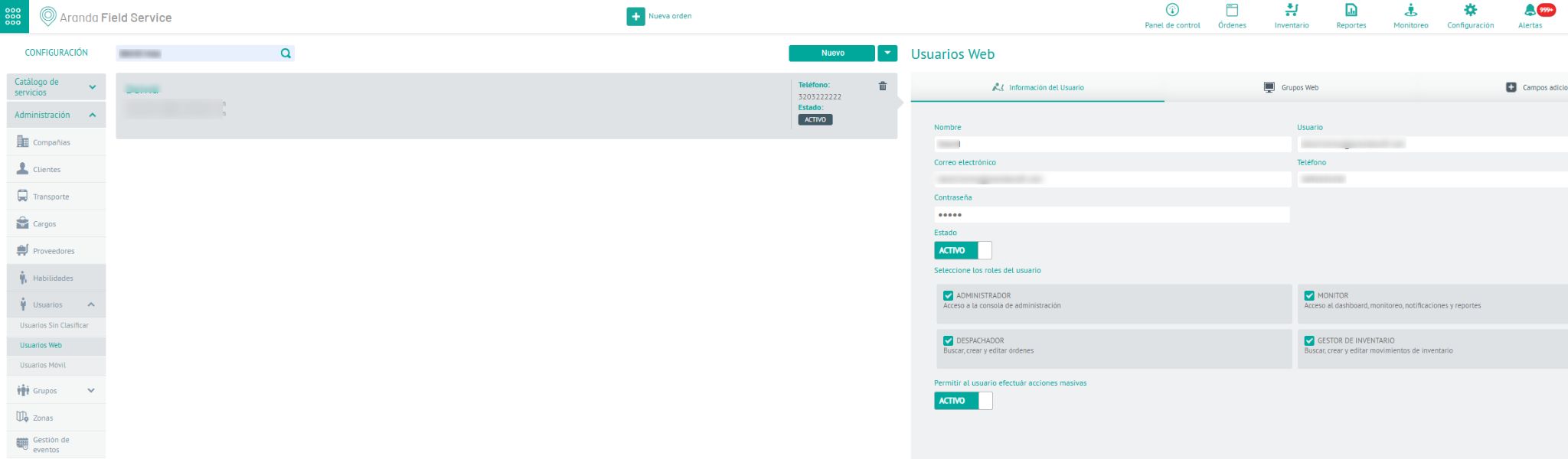
Note: The User with whom the integration tokens will be created must have all permissions and roles
- Administrator
- Monitor
- Dispatcher
- Inventory Manager
ServiceNow credentials
The first step to integrating with ServiceNow is to have an active account on the platform.
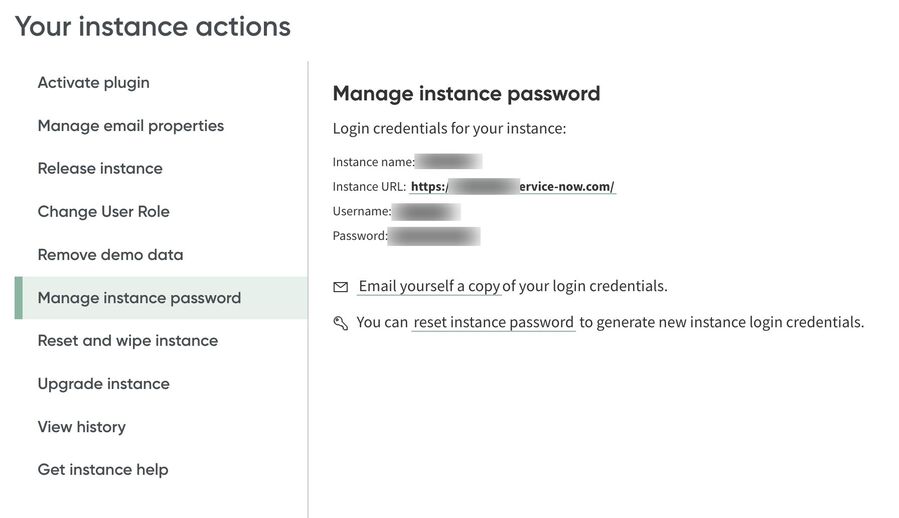
ServiceNow APIs require authorization under the Basic; It is authenticated using the password and username.
User information can be obtained from the following option in your serviceNow instance
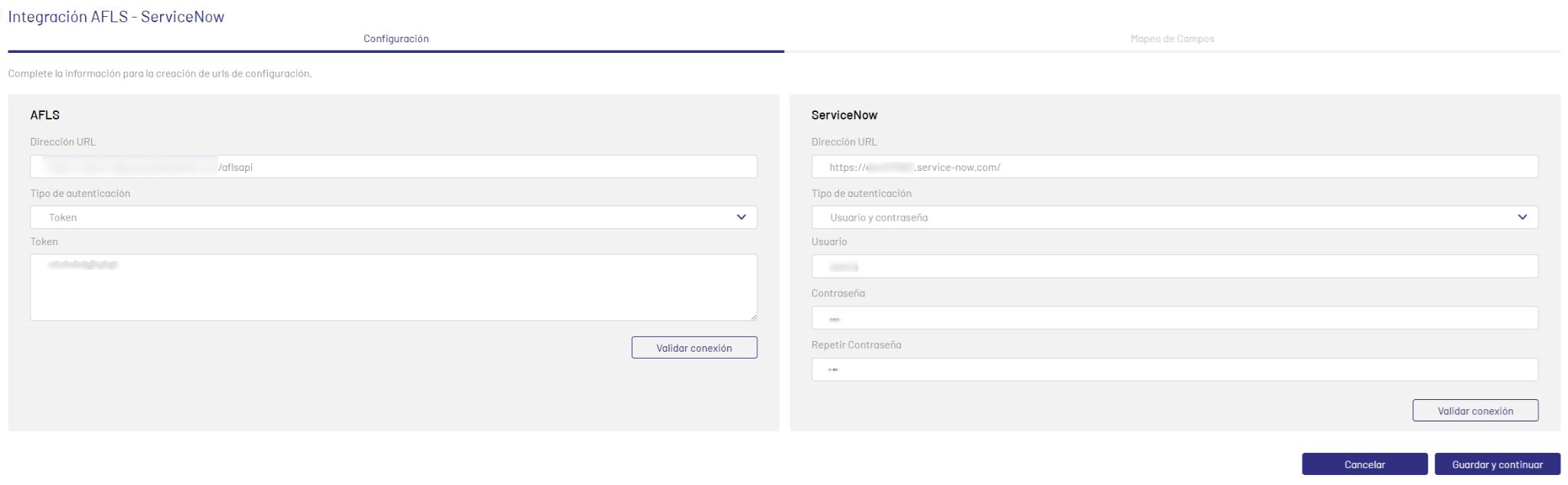
Register the credentials in the Aranda Integration Center (AIC):
AFLS Registration
| Integration Center | AFLS |
|---|---|
| Dirección URL | API AFLS |
| Type authentication | Token |
| Token | Assigned Token for AFLS APIs |
SeviceNow Registration
| Integration Center | SeviceNow |
|---|---|
| Dirección URL | API SeviceNow |
| Type authentication | Username and password |
| User | Nick User |
| Password | User password |
Example of credential configuration in AIC: