


Below you will find a step-by-step to get the necessary Lansweeper and CMDB information from Postman.
Prerequisites to complete the step-by-step:
- Postman installed.
- CMDB token.
- Valid OAuth Lansweeper credentials.
- Lansweeper collection and environment downloaded.
Downloads:
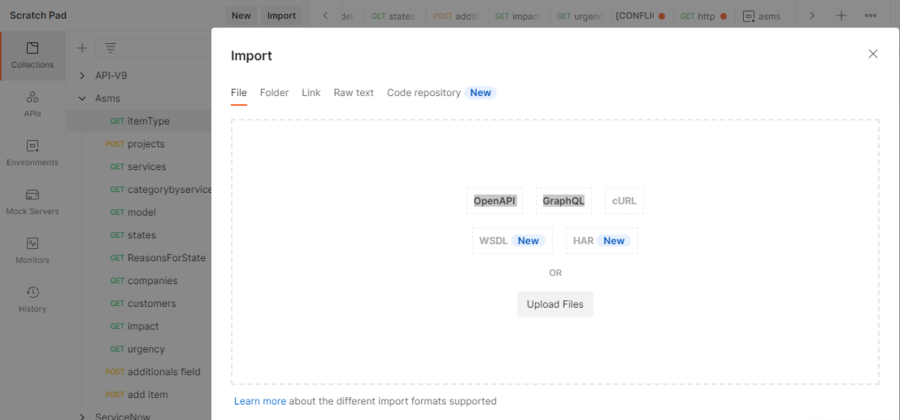
- Import the previously downloaded collection and environment into Postman.
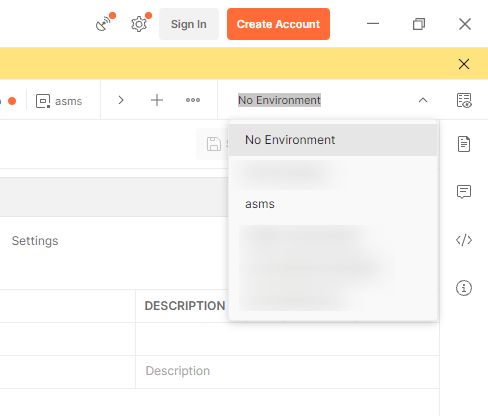
- At the top right, select the Lansweeper environment (avoid working with No Environment).
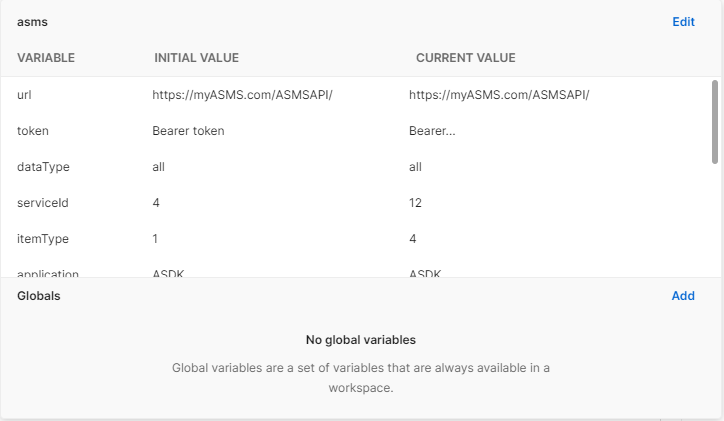
- On the
 , edit the environment variables, and configure at least:
- BASE_URL = https://api.lansweeper.com/api/v2/graphql
- LANSWEEPER_TOKEN = Lansweeper OAuth access token
- Execute the request Get Sites and take the ID of the site to be registered in project.siteId of the configuration JSON.
- Execute the requests Get Assets pagination, Get Assets Full Info and additionalfields info To obtain:
- Asset keys for category
- base data for CI mapping
- Metadata of additional fields (name, type, key and props)
- To complete projectId, category.id, state.id and additionalFields.id, use the CMDB/ASMS collection defined by your team, and record those values in the integration JSON file.