


This module allows you to configure risks for the types models Case Studies: Changes and Releases.
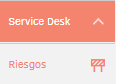
To create a new risk parameter, go to the side menu left and click Service Management > Risks.
Select the type of management module for which you want to create and Configure risk.
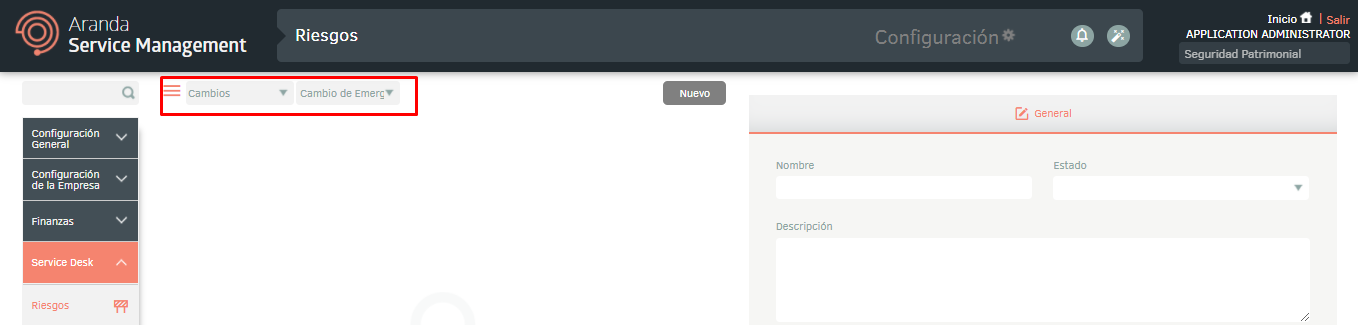
Click the New and complete the required data in the section Generallike this:
- Name: Enter the name of the risk.
- State: Select the state in which the risk assessment.
- Low risk < (less than): The risk will be classified as low if the calculated score is less than this limit.
- High risk > (greater than): The risk will be classified as high if the final count is greater than this limit.
- State: Allows you to enable or disable the request for the risk assessment.
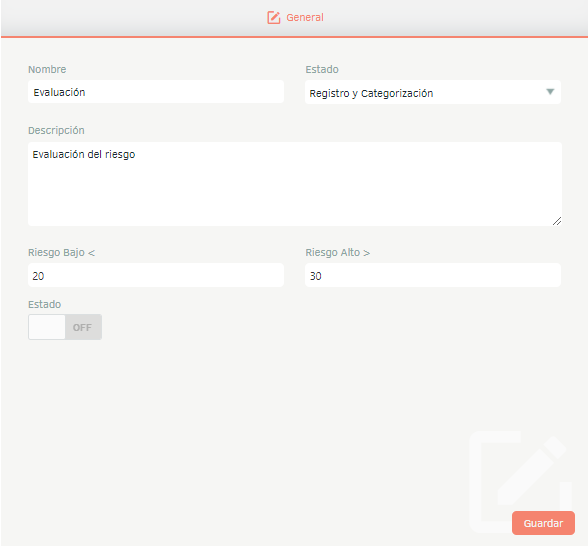
By clicking Save, the Question. There You can create questions and assign values to the answers (positive or negative) to calculate the risk and, according to the result, determine whether the risk is high, medium, or low.
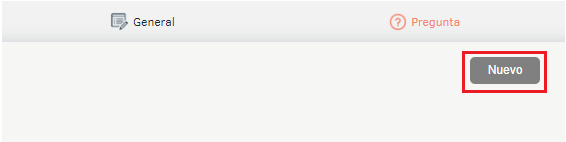
To create a question, click the New.
A details form will be enabled; There, fill out the question and Assign a value to the responses (negative or positive). Then, click in Save.
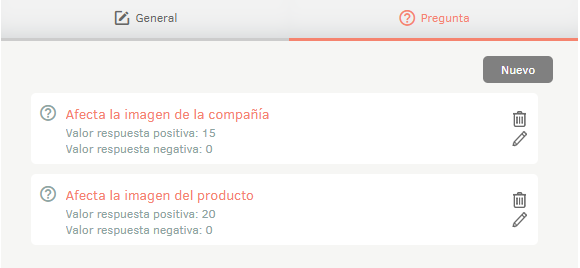
Once the questions have been created, in the General, turn on the Settings and click Save.