In this module of Aranda FIELD SERVICE AFLS, the event management for associated processes is managed.
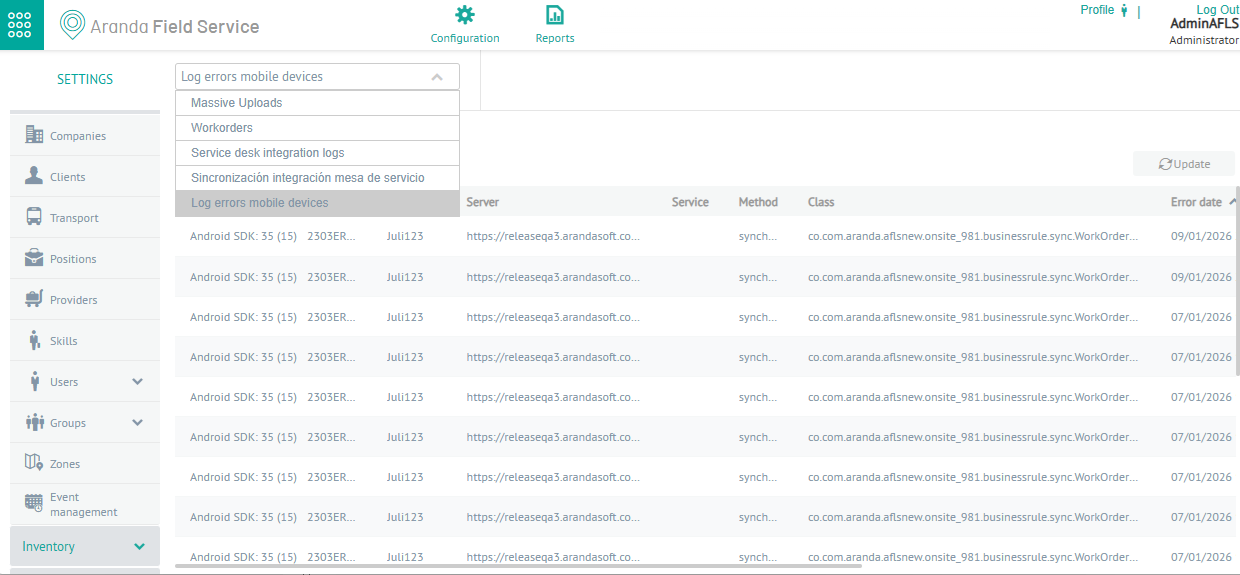
1. To filter and sort the information to be consulted for the events, enter the AFLS configuration console, in the section Administration from the main menu, select the Event Management. In the information view, select the option Mobile Device Error Log
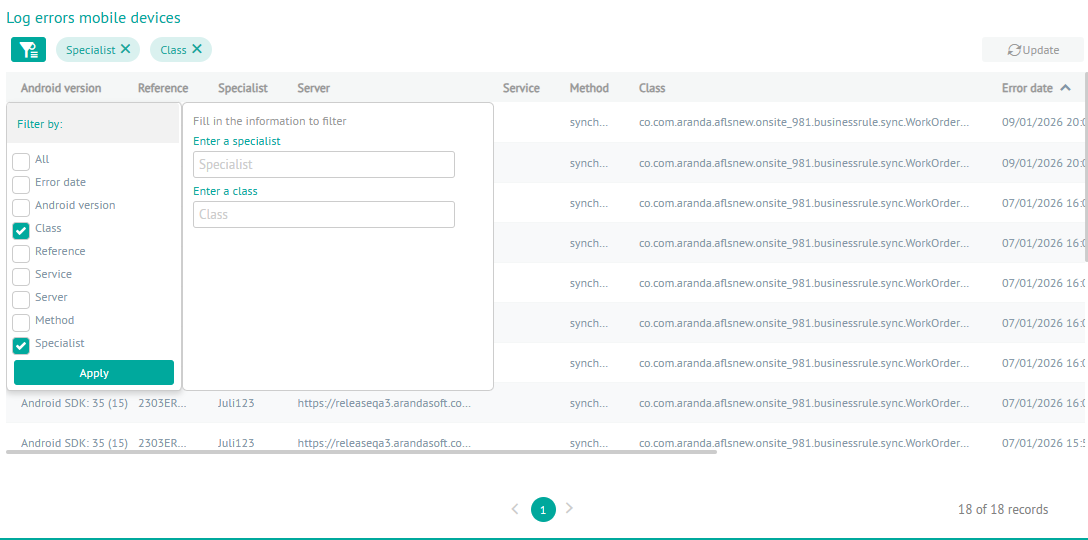
2. In the information view, you can consult the list of errors reported by the devices when making requests to the web server and sort the information with data such as Android Version, Reference, Specialist, Server, Service, Method, Class, Error Date and Error.
2. In the error log information view, you will have queries enabled and you can apply different filters and sort the information with data by the type of events Filters by Event Type.