


1. To modify work orders, with the Dispatcher role enter the AFLS web console, select the option Orders from the main menu.
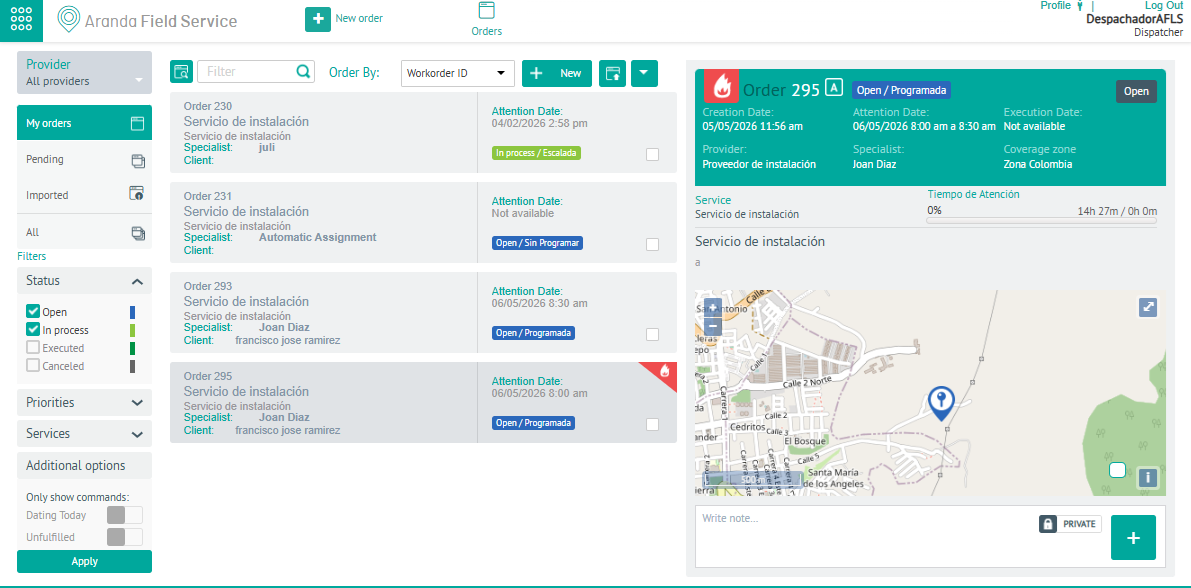
2. In the Order Information view, select a record from a generated order, and in the Detail view, click the Open
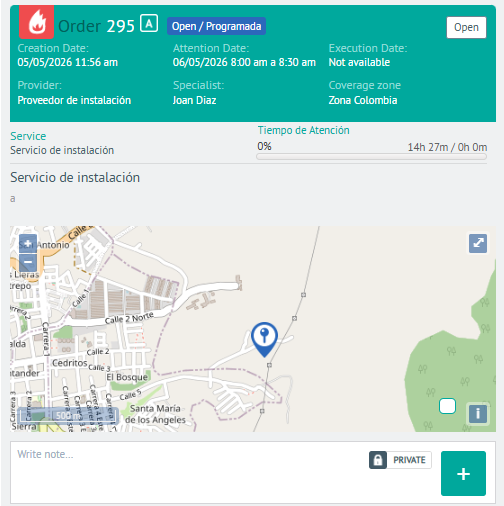
3. In the detail view of the work order, you can consult the information generated and modify some data of the work order depending on the instance and status of the order
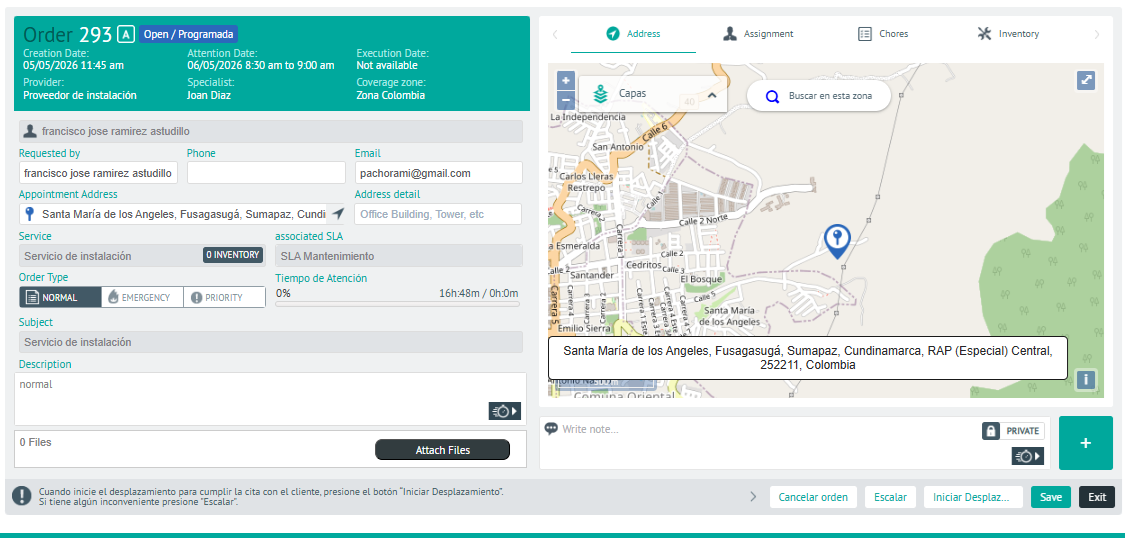
If the order is already assigned, when editing the address of the work order, the message “The order has changed address for that reason it must be reassigned”
⚐ Notes:
- If the order is open, and depending on the permissions of your role, you will be able to modify some customer contact information, add new items, update the specialist or date of care and change the status.
- If the order is already in the process of being fulfilled, you will be able to make comments, but some fields such as geographic location will not be available.