


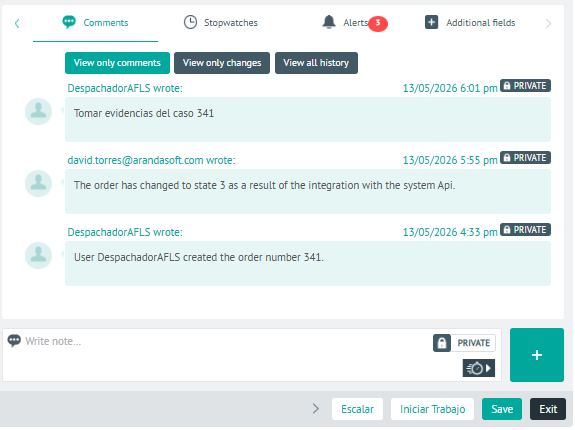
1. In the Detail View of the created work order, select the Feedback, where notes, comments, and changes made by the dispatcher, monitor, or specialist during the creation or editing of a work order are recorded, as well as messages that the end user enters as public notes from the AssistMe app, which will also be visible to the assigned field specialist.
Both the dispatcher and the specialist will be able to add relevant information for the attention of the order, such as changes to the registration request, inventory confirmation, follow-up to the field specialist, recommendations and suggestions.
Changes
Changes to the work order can be made by the dispatcher, monitor, or specialist and are recorded as follows:
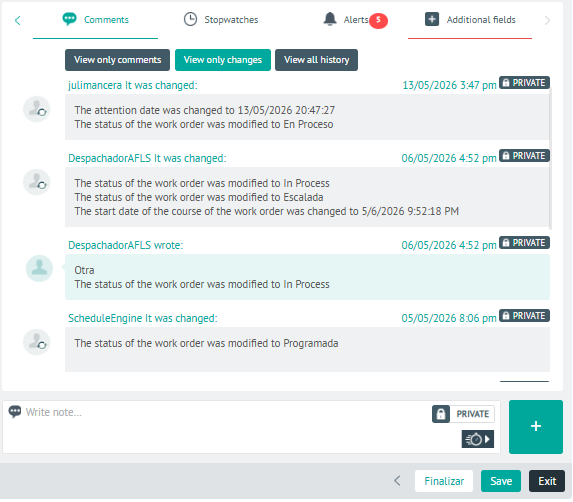
2 In the comment detail view, you will have the field for add Private or Public Notes.
3. When you finish setting up the order comments, click Save, to confirm the changes made.