


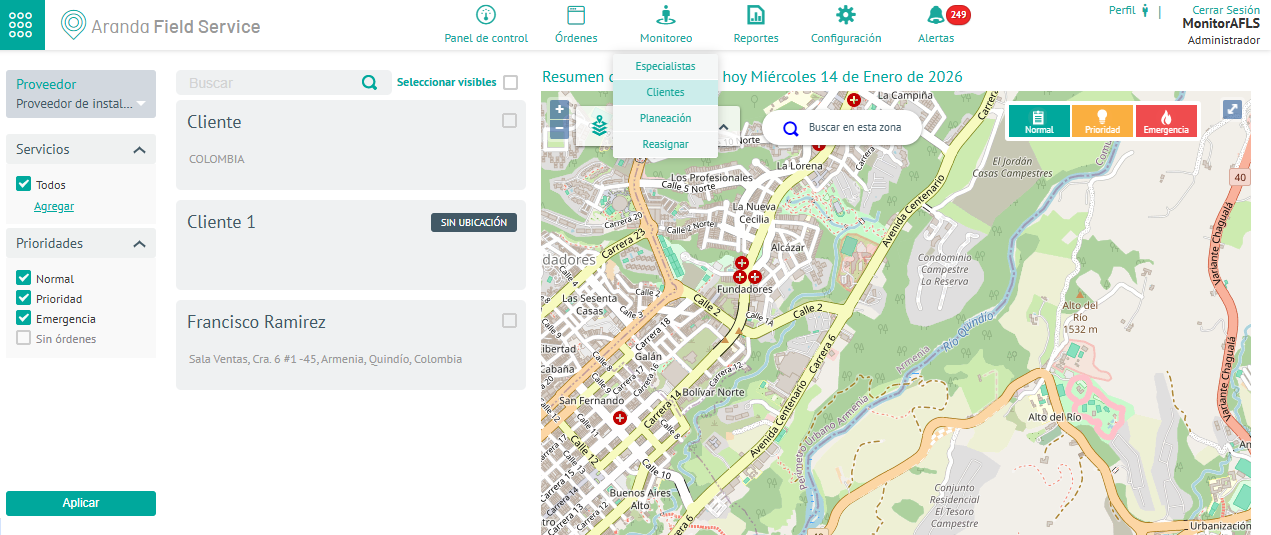
1. To get an overview of the service delivery to customers and the number of orders assigned to each of them, with the Monitor role go to the AFLS web console, in the section of Monitoring from the main menu, select the Clients.
2. In the information view, you can view customer records or, through the Search field, make basic or detailed queries about the customer data associated with the order.
Filters
3. In the information view of customer monitoring, you can use the filters by provider, services and properties. Click the Apply. You can filter the query information under the following criteria:
| Criterion | Description |
|---|---|
| Supplier | The monitor will only be able to view the suppliers assigned to it, so it will be able to filter customers only by those suppliers from the selector. |
| Services | This criterion filters customers based on the service they receive. |
| Priorities | This criterion filters customers by the priority of the assigned work orders. |
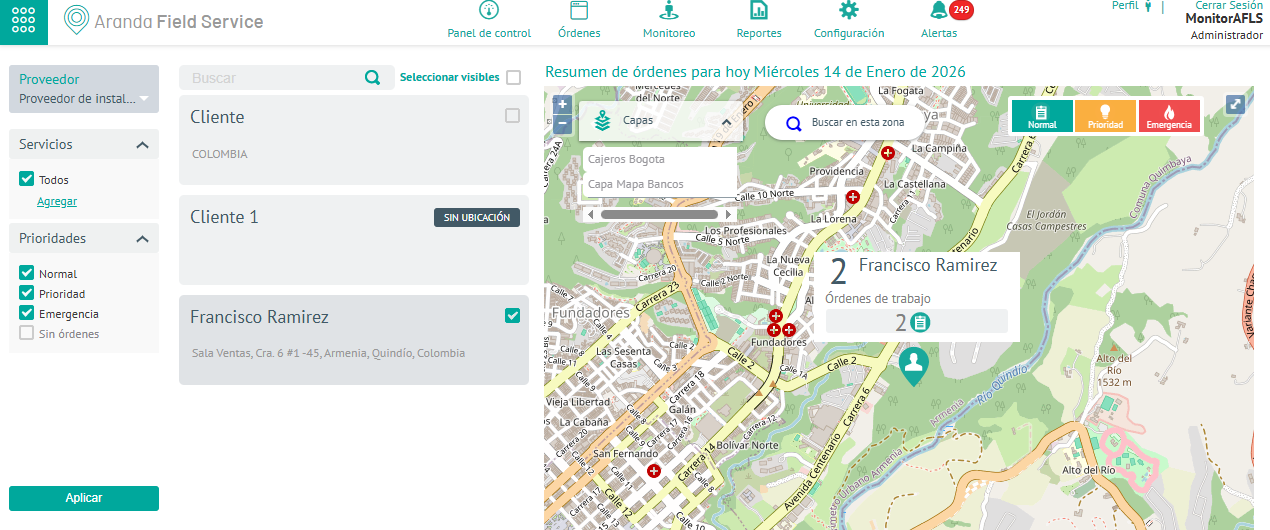
3. When you select one of the clients returned by the query, the monitor performs tracking tasks in the map detail view
| Task | Description | Convention |
|---|---|---|
| Map | The monitor will be able to view the customer’s real-time location on a map and track orders that are automatically updated. | |
| Orders | The monitor will be able to identify the total number of work orders associated with the customer. |  |
| Priorities | The monitor will be able to view the priority of pending orders, making it easier to identify those that are most urgent. |  |
| Enlargement | The monitor will be able to enlarge the map for a better view. |  |