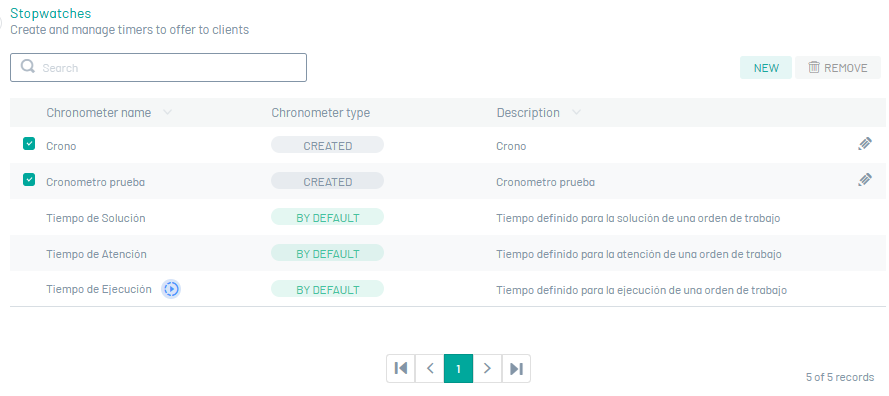
In the administrator role, you can define the time concepts that are required to be measured using stopwatches. Each timer will start for each service order independent of customer agreements.
A stopwatch can detect the time spent by a specialist in executing an order and determine the level of care.
Timers are set up in the service order workflows, in order statuses. Timers can only count time in units of an activity, so the workflow must be configured based on the organization’s process information.
Create Stopwatches
1. To define a Stopwatch type, go to the AFLS Configuration Console, in the Service Catalog from the main menu, select the Timers. In the information view, select the New.
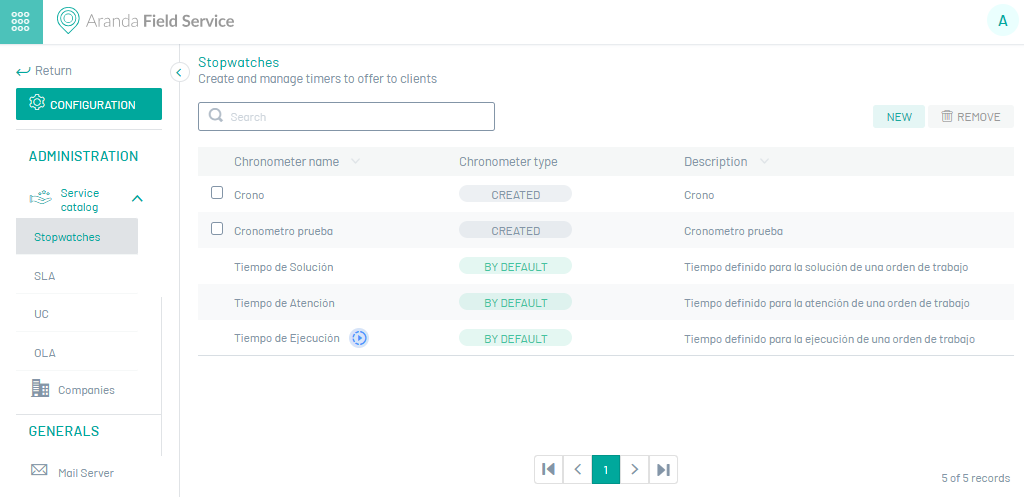
To facilitate the use of stopwatches, Aranda FIELD SERVICE enables three types of stopwatches, by default or default:
| Default Timers | Description |
|---|---|
| Attention Time | This timer measures the total time from when an order is registered until a specialist arrives at the customer’s location. |
| Runtime | This timer starts counting once the field specialist has contact with the client and starts his work, indicating whether or not the established appointment has been met. |
| Solution Time | This timer measures the total time from when an order is recorded until it is finished executing. |
⚐ Note: Default timers cannot be modified or deleted.
2. En la Vista detalle del cronómetro, podrá asignar nombre que identifique el cronómetro que será asociado a un flujo de trabajo y una descripción con información adicional sobre el cronómetro.
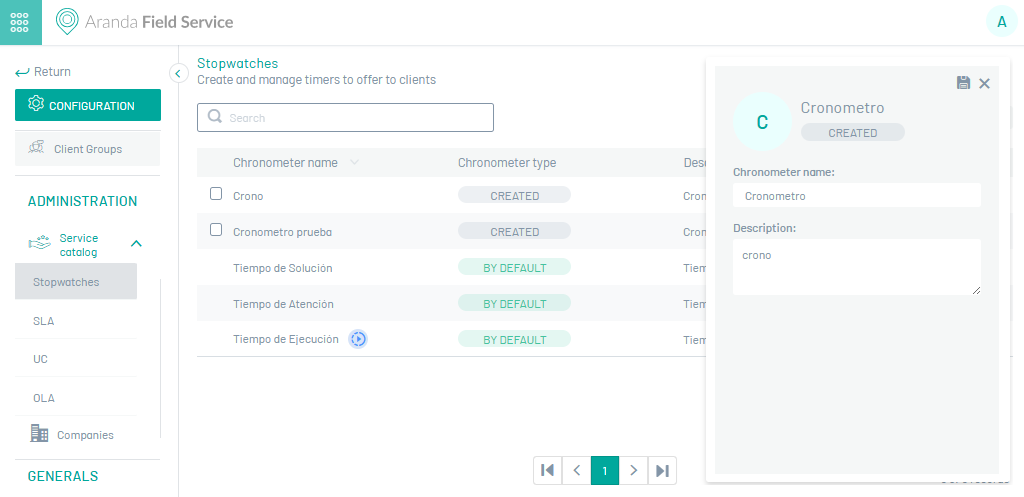
3. When you finish setting the stopwatch, click Save  to confirm the changes made.
Edit Stopwatches
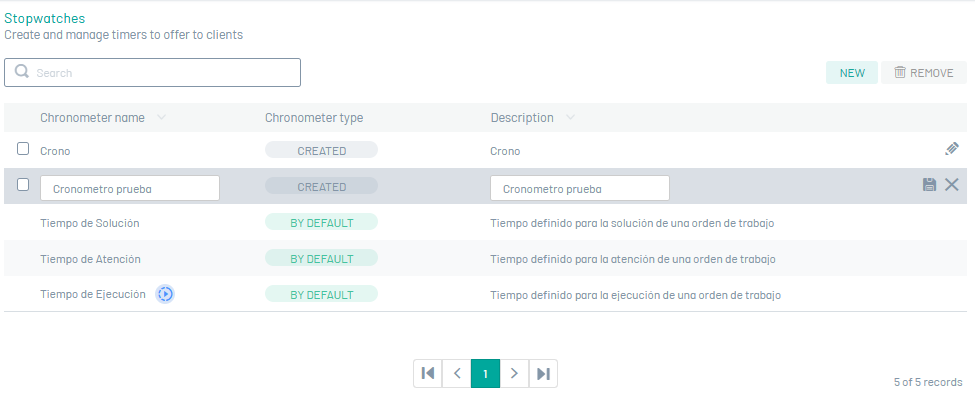
4. To edit a stopwatch, in the information view of the AFLS website, select a record from the list of existing stopwatches and use the edit button  , you will be able to modify the required information.
Delete Stopwatches
5. To delete a stopwatch, in the information view, select one or more records from the list of existing stopwatches, and select the Eliminate to clear the associated information.