


1. To configure an Aranda FIELD SERVICE profile, with the Monitor role, go to the AFLS Web Console and select the option Profile from the header menu.
2. From the main menu select the Profile and in the detail view you can fill in information such as Name, Email and Phone. The fields must meet acceptance criteria, for example, the phone must contain numeric characters and the email must have a nombre@dominio.com structure.
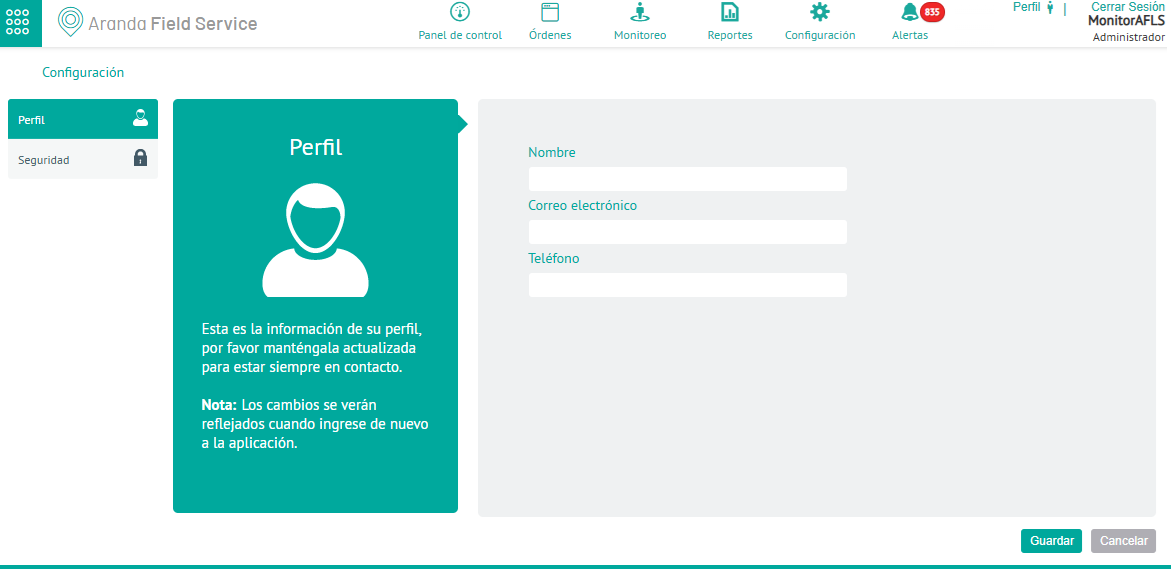
3. When completing the profile, click Save