In case you are unable to import a customer or a company, there is a log for each one that allows you to identify which fields you require or which have invalid information that did not allow the import of them.
1. To check the events generated during synchronization, go to the AFLS configuration console, in the section Administration from the main menu, select the Event Management. In the information view, select the option Service Desk Integration Synchronization
2. In the information view, you can view the history of synchronizations for customers, companies, and ASDK integration specialists.
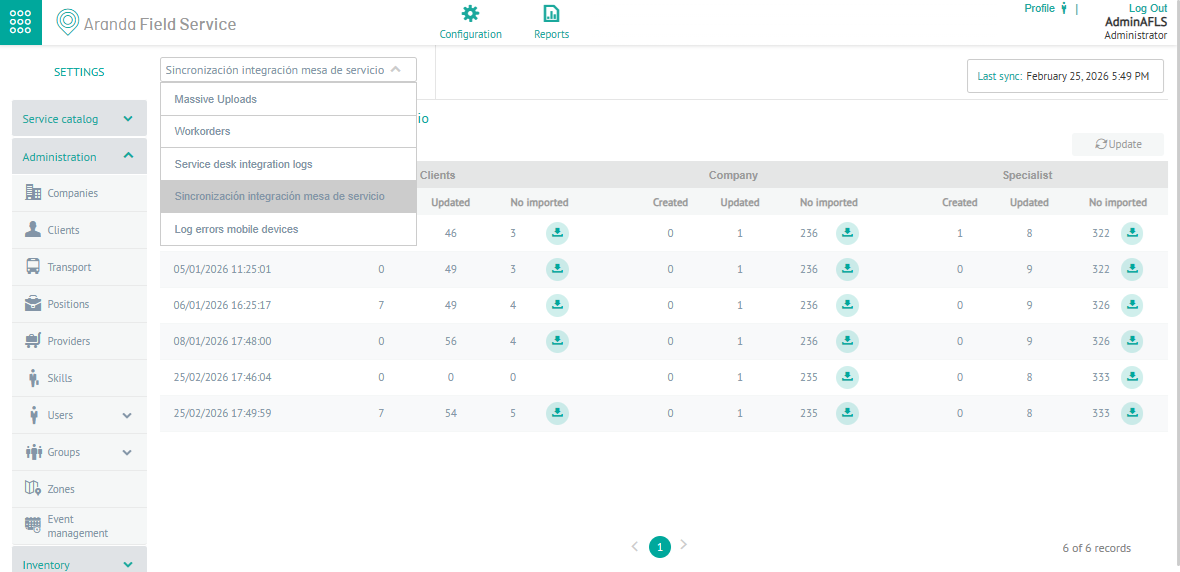
3. In the Service Desk Integration Synchronization Information view, you will have queries enabled and you can apply different filters and sort the information by different criteria.
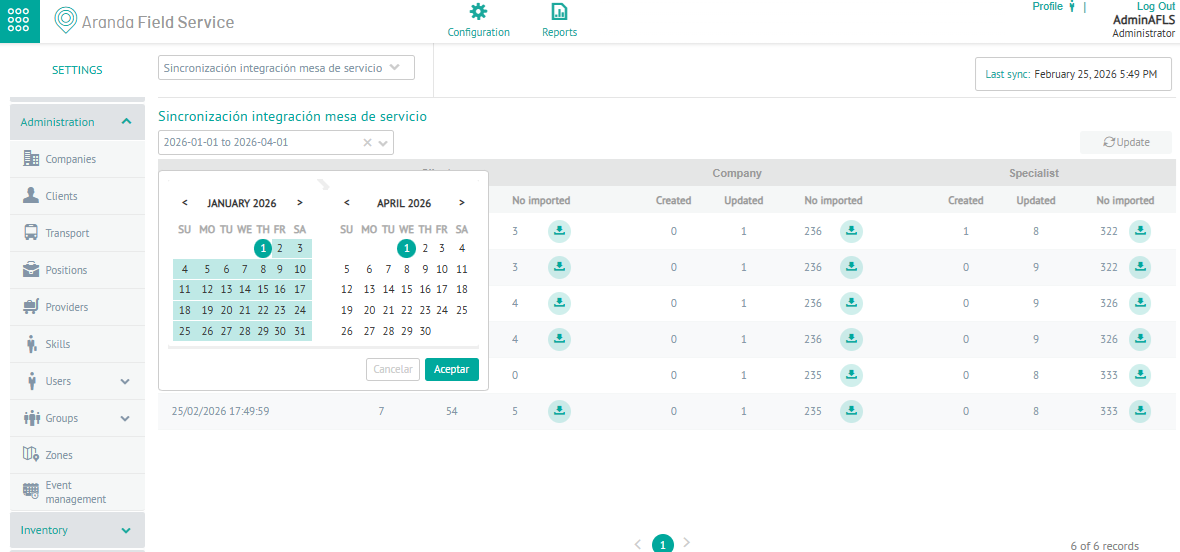
4. When you define the filter by date range, you query by the date of creation and display a detail of the synchronization for customers, companies and specialists from the Aranda Service Desk (ASDK) application.
When activating the download button  , the system generates a file with the selected log logs for customers, companies and specialists.