


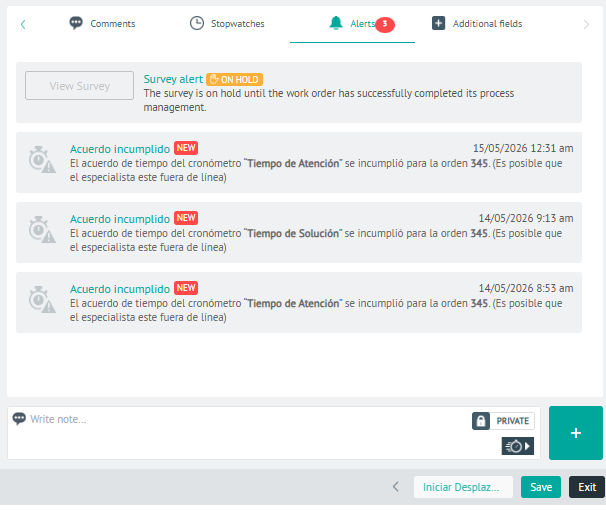
⚐ Notes: If the system finds any incompatibility in the automatic assignment of a work order, the alerts or notifications will be generated. The possible reasons that activate these alerts are:
- Failure to comply with established SLA, OLA and UC service times or agreements.
- Problems with the order’s inventory.
- Mismatches between the dates of care, the solution dates scheduled in the order, and the available times of the specialists in the field.
1. In the Detail View of the created work order, select the Alerts where you can analyze and assess the registered alerts and determine whether to continue with the process of generating the order or not.
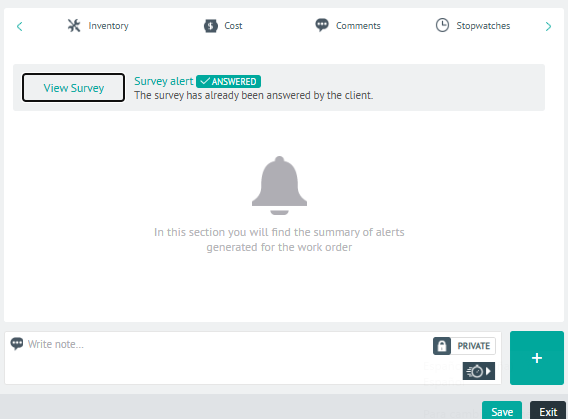
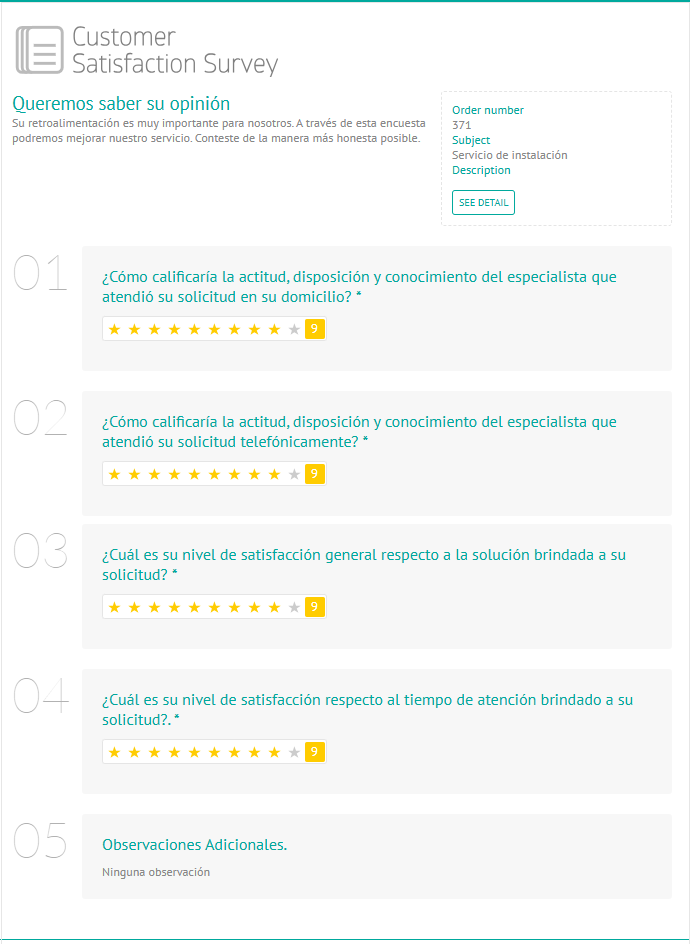
If the work order is in the Executed and in the Letters section the Survey Item has the status RESOLVED, the dispatcher will be able to view the results of the customer satisfaction survey by clicking on the View Survey.
2. In the alert detail view, you will have the field for add Private or Public Notes.