In this module of Aranda FIELD SERVICE AFLS, the event management for associated processes is managed.
1. To filter and sort the information to be consulted for the events, enter the AFLS configuration console, in the section Administration from the main menu, select the Event Management. In the information view, select the option Service Desk Integration Synchronization
2. In the information view you will be able to view the history of the synchronizations and each of their data created and updated for customers, companies and specialists in the integration with ASDK or ASMS. In the query, you can sort the information with data such as creation date, customers, companies, specialists, and last synchronization date.
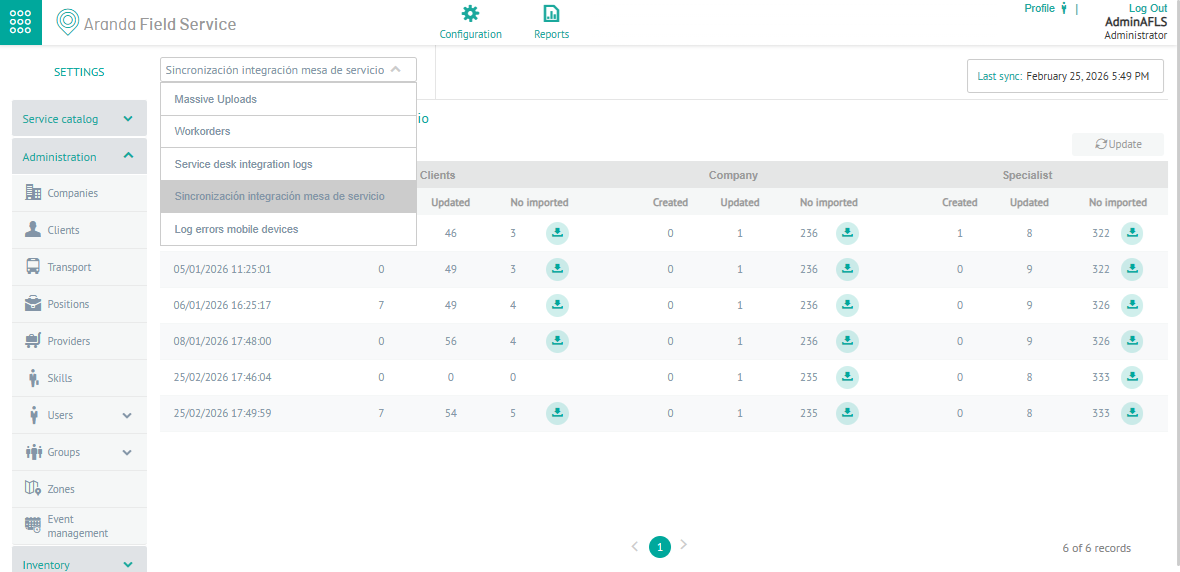
3. In the service desk integration synchronization information view, you will have queries enabled and you will be able to apply different filters and sort the information with data by the type of events Filters by Event Type.
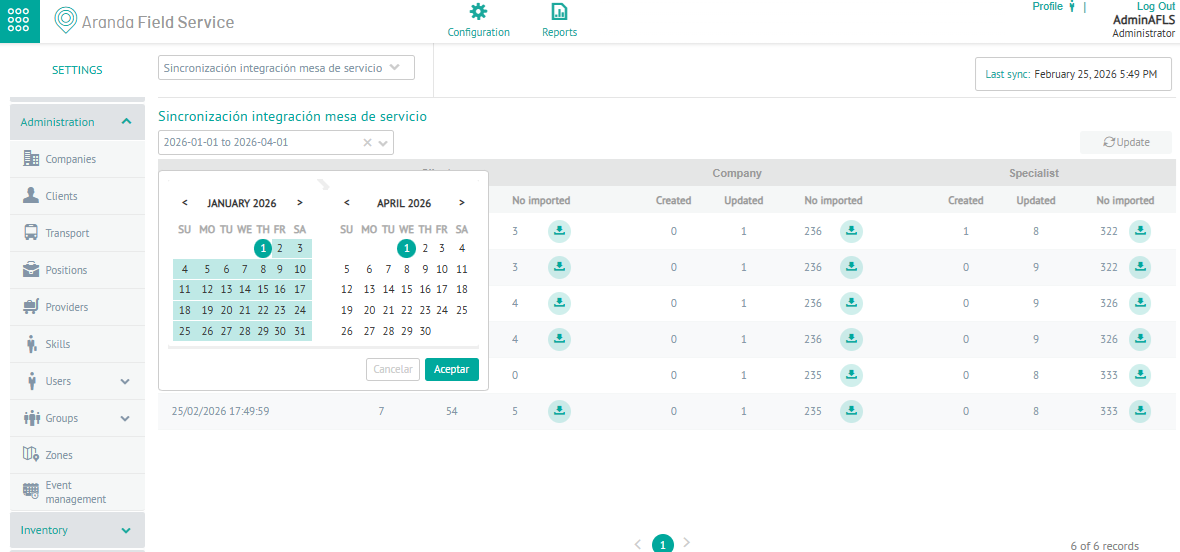
4. When you define the filter by date range, you can query by the date of creation and view a detail of the synchronization for customers, companies and specialists from the Aranda Service Desk (ASDK) or Aranda Service Management (ASMS) application
When activating the download button  , the system generates a file with the selected log logs for customers, companies and specialists.