


In this module of Aranda FIELD SERVICE AFLS, the event management for associated processes is managed. The Logs report the errors generated in the different processes of Aranda Field Service.
1. To manage different events, go to the AFLS Configuration Console in the Administration from the main menu, select the Event Management.
2. In the event information view, select a category to view from the drop-down menu:
- Application (This view does NOT apply to Multitenant environments)
- Bulk Uploads
- Work Orders
- Service Desk Integration Logs
- Service Desk Integration Synchronization
- Log Mobile Device Errors
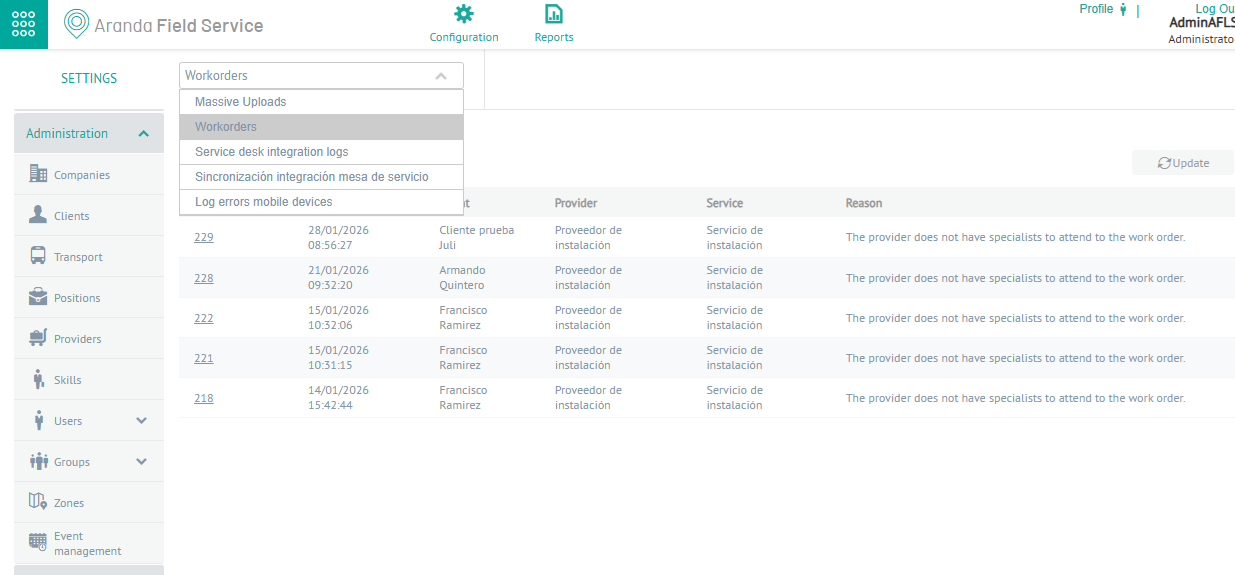
3. In the event information view, you can view the information associated with the selected category, filter or query the generated data, and take specific actions to download and import files.
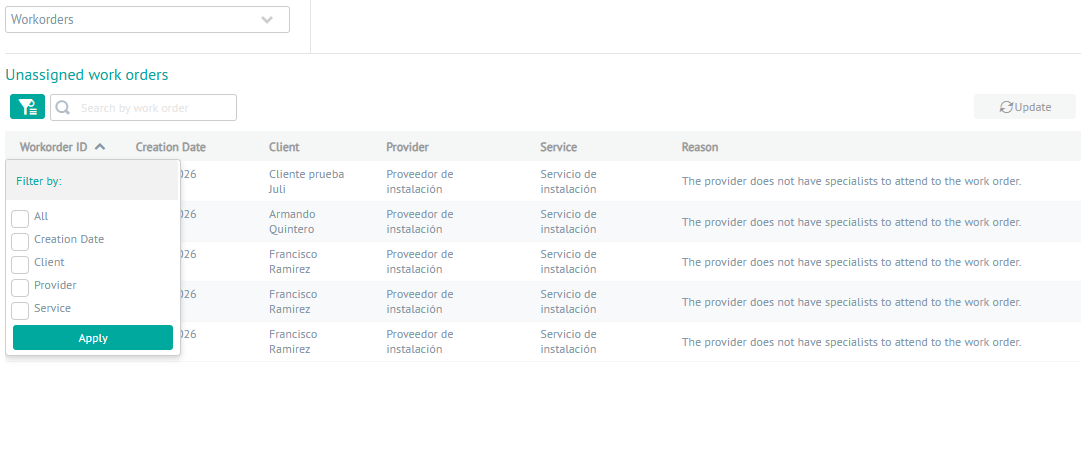
Filters by Event Type
4. In the event information view, you can view the information associated with the selected category, filter or query the generated data, and take specific actions to download and import files.
| Filters and Actions | Description | Events that use the Filter |
|---|---|---|
| Seeker | Allows you to search for the logs created according to the selected event type. You can search by the name of the fields defined by each associated concept.  |
- Application - Mass Downloads - Work Orders - ASDK Integration Logs - Service Desk Integration Synchronization |
| Import | This button defines the action to import a file type to the selected event.  |
- Mass Downloads |
| Update | This button defines the action to update a file type to the selected event.  |
- Application - Mass Downloads |
| Filter | It allows you to filter by criteria according to the selected event.  |
- Application - Work Orders - ASDK Integration Logs - Mobile Device Error Log |
| Date Range | Allows you to filter service desk synchronization events according to a date range. 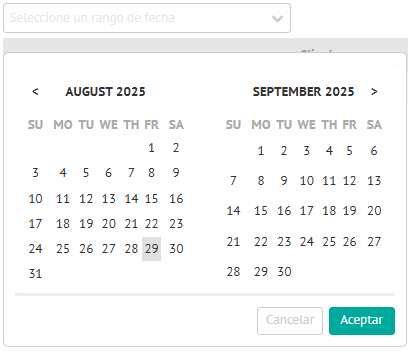 |
- Service Desk Integration Synchronization |
| Filter by status in Event Management | Allows you to filter the information in the bulk import historical table by taking into account the data in the Status field.  |
- Mass Downloads |