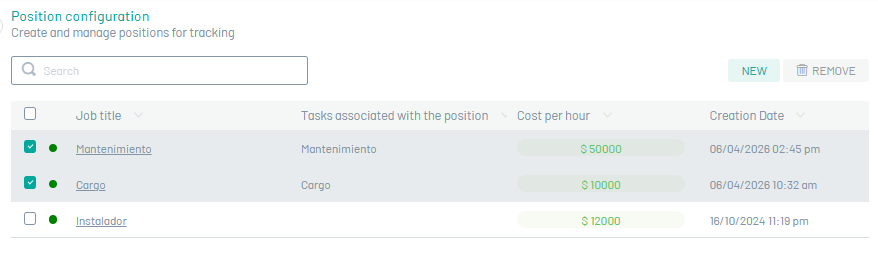
Field specialists must have basic competencies that determine their salary level and indicate their ability to provide the service.
Create Charges
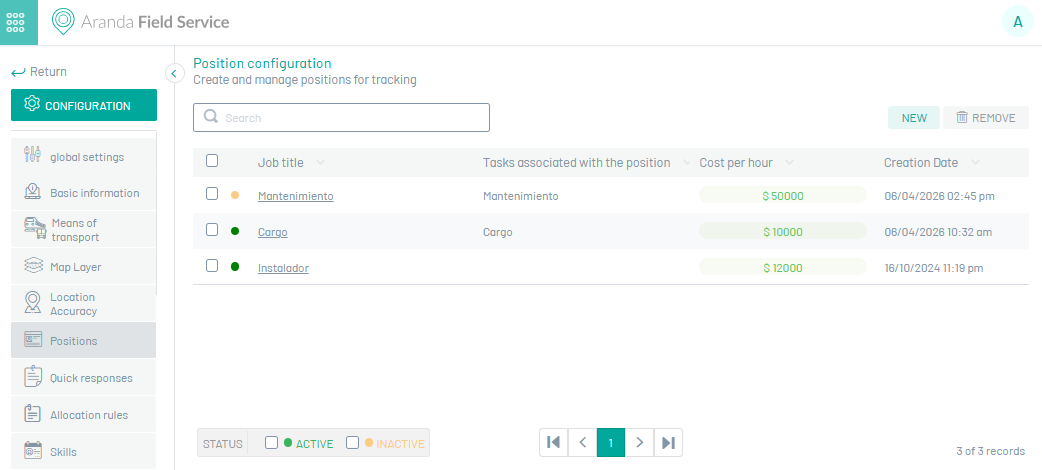
1. To create a Position, go to the AFLS configuration console, in the section Administration from the main menu, select the Charges. In the information view, select the New.
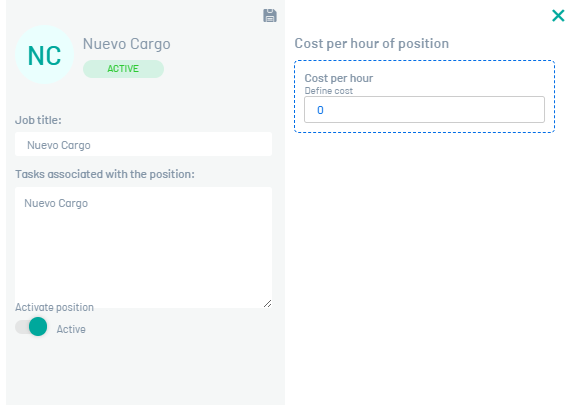
2. In the Charge Detail view, you can fill in the following fields: Job Name, Tasks Associated with the Job, Cost, and Status.
3. When you finish setting up the charge, click Save  to confirm the changes made.
Edit Charges
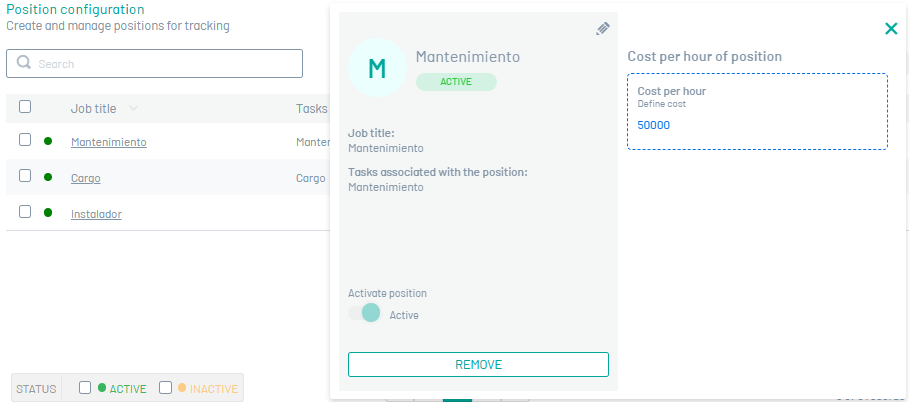
4. To edit a charge, in the charge configuration list, select the name of the record you want to edit, the detail view is enabled and when you select the edit button  You may modify the required information.
Eliminate Charges
5. To delete a charge in the charge configuration list, select the check of one or more records and select the button to delete the associated information or in the detail view it is also possible to select the delete button.