


This module allows you to view the preset product reports to facilitate data analysis. The information is presented at different levels: consolidated, lists, and details. You can use filters to narrow down the information you want to view and export to different formats, including PDF and Excel.
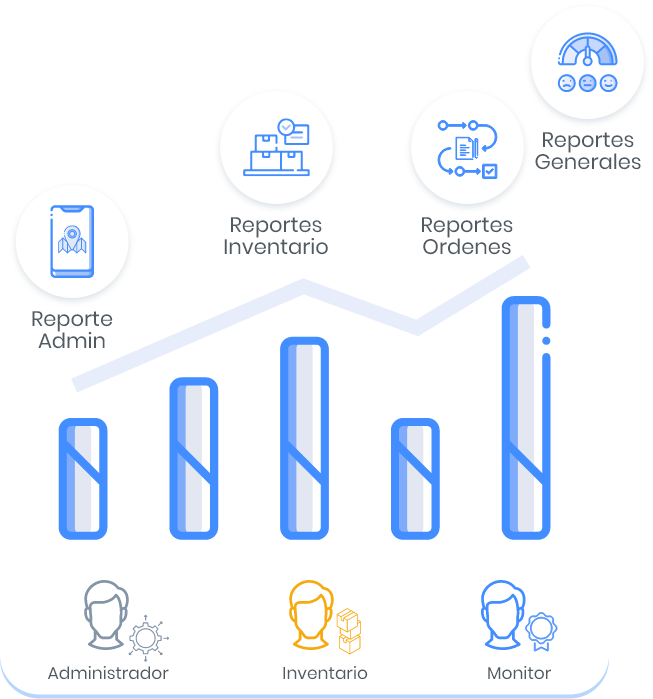
AFLS generates four types of reports and the roles responsible for viewing the reports:
Order Reports
These reports present information on the behavior of work orders, service trends, behavior of specialists with work orders, summary of the agreed times for service fulfillment and level of customer satisfaction and can be consulted by the AFLS Monitor Role.
For more information, see the Work Order Reports .
Inventory Reports
These reports present information on the movements and use of inventories by service, headquarters, specialist. As well as indicators by location, specialists and products, and can be consulted by the AFLS Inventory Role.
For more information, see the Inventory Reports .
General Reports
This report presents the indicators of service compliance and level of customer satisfaction with the attention of work orders and can be consulted by the AFLS Monitor Role.
For more information, see the General Reports .
Management Reports
This report presents the consumption of map provider services by functionality and can be viewed by the AFLS Administrator Role.
For more information, see the Management Reports .